868-BACK
Michael Brough2026Tactics, Roguelike
633.0MBBuild 25637733Updated 13 days ago
About 868-BACK
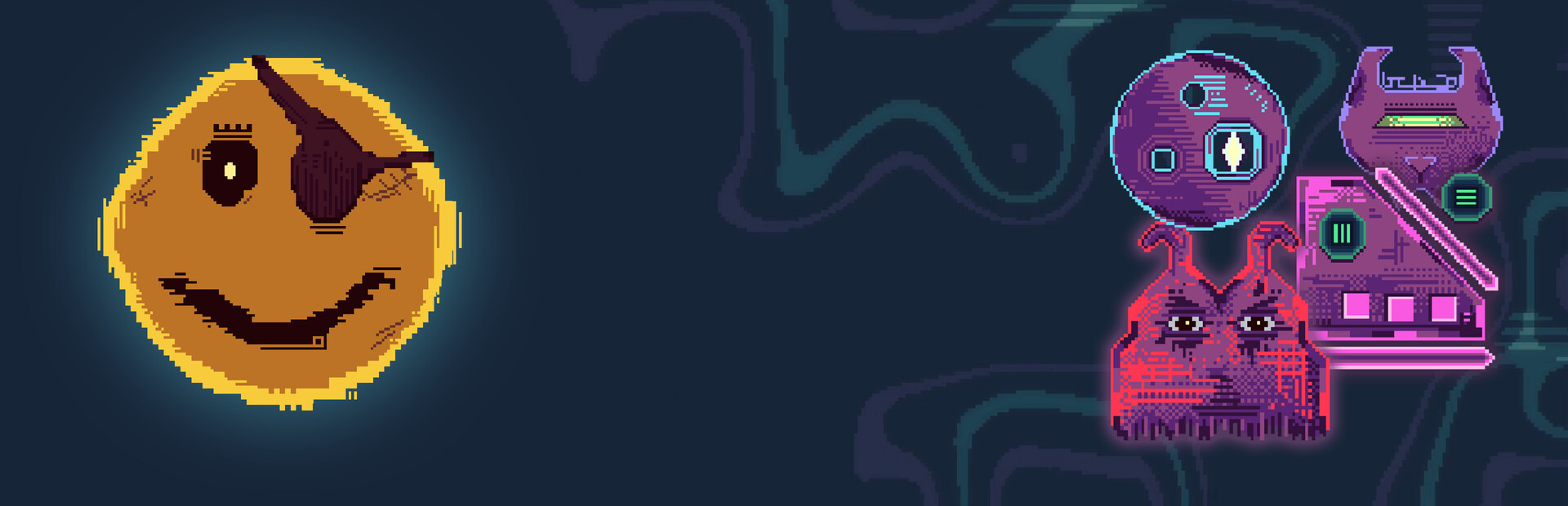
868-BACK is a computer-hacking strategy roguelike game where your mission is to dismantle capitalism one server at a time! Use hacking powers to fight enemies, steal the servers' data, and face increasingly nasty situations before being disconnected (again!) by the richest corporations on earth.

The Mainframe is lost, and you might be the only person still able to fight the MegaCorps. Lucky you! Your mission: dismantle capitalism one computer server at a time.

Data is currency, money, moola 🤑 The MegaCorps have too much info on me, you, and everyone. You’ll be taking it back. After all, progs aren’t cheap!

Progs are powers, and the MegaCorps control them all. You'll be stealing their code, and using it against them. Expect consequences.

You didn’t think the MegaCorps were going to let you reach the Mainframe without a fight, did you? The cyberstakes are high. Get disconnected too many times, and your mission starts from scratch.

The Big Three’s defenses are strong, Hacker, but you can be stronger. Pick up new tricks on every run, use the MegaCorps' progs to change the world, and find that Mainframe!

From the store page, unedited. May contain spoilers.
This release
Reviews and playtime
Very Positive
98% of 144
The game
Genres and features

How to install 868-BACK
Pre-installed, so there is no setup wizard. Follow these in order.
- 01
Create a games folder
Make a folder like C:\Games\ and keep every game in it. Avoid Program Files, Downloads and the Desktop.
- 02
Exclude it from Windows Defender
Defender often deletes cracked files by mistake while they extract. Add C:\Games\ as an excluded folder:
Windows Security -> Virus & threat protection -> Manage settings -> Exclusions -> Add an exclusion -> Folder
- 03
Download into C:\Games\
Save the archive straight into that folder. This release is one 633.0MB file.
- 04
Extract it there
Use 7-Zip or WinRAR. Keep about 1.4 GB free while it unpacks.
- One file
- Right-click it -> Extract here.
- Several parts
- Extract only part1 (or .001). The other parts are read automatically.
- 05
Open README.html
It is inside the extracted folder and explains how to start the game.
Still stuck? Read the install help
Download
Set up your games folder and the Defender exclusion before you extract. The Install tab has the steps.
FilesYard
The whole game in one file
FileDitch
The whole game in one file
VikingFile
The whole game in one file
We don't accept fix requests when only one host is down. Please use another mirror above. Links broken? Let us know.
We never password-protect files or hide installers. If a page asks for a password or payment, that is the host's ad, not us. See our safety guide.
System requirements
- Min
- Windows 10
- Min
- Dual Core CPU - 2.4 GHz+
- Min
- 4 GB RAM
- Min
- 512 MB VRAM, Vulkan 1.0 or OpenGL 3.3
- Min
- 600 MB available space
These are the developer's listed requirements and may not be 100% accurate. If your specs fall below the minimum, try the game anyway; many games run fine below the listed requirements. When in doubt, check YouTube for performance benchmarks.