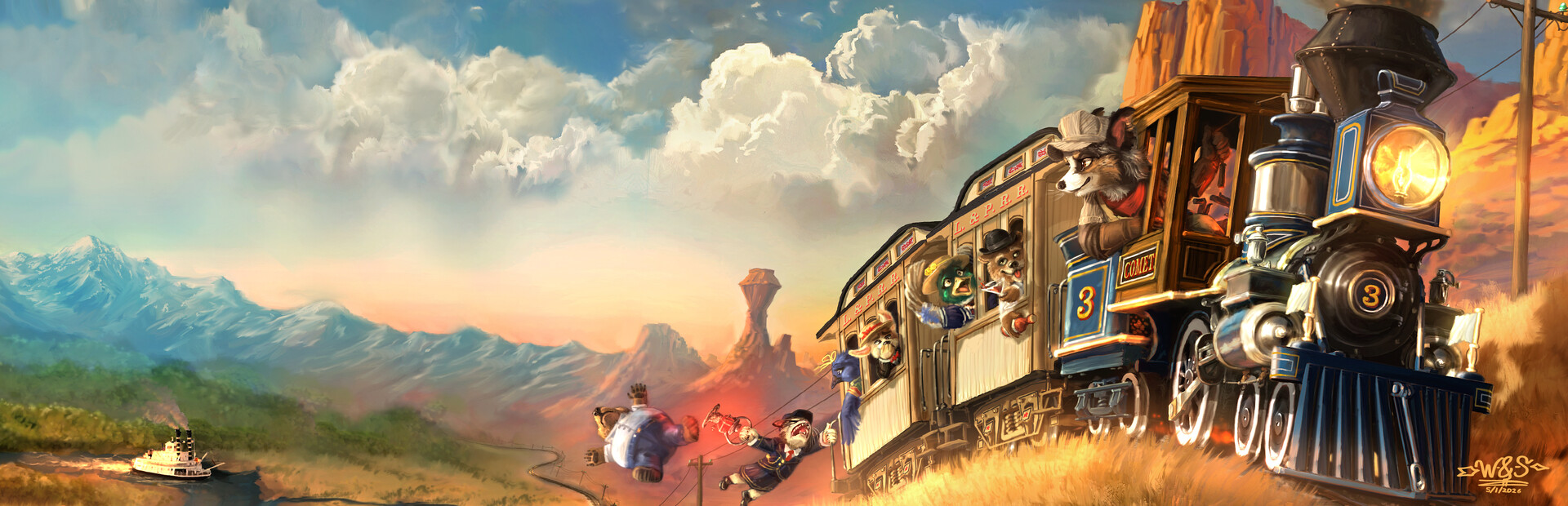
A Bumpy Ride
Cosmoporium Games2026Casual, Racing
1.6GBBuild 23119033Updated 77 days ago
About A Bumpy Ride
Take a jaunt into the world of A Bumpy Ride, a cozy train-driving and exploration game! Inspired by railroading of the 19th century with a whimsical spin, you'll adventure around the open frontier in your trusty little train, picking up passengers and freight.
All aboard for A Bumpy Ride!
In this cozy, arcade train-driving & exploration game, you'll be tasked with managing a small railroad all alone. Drive the train, hire your crew, and take passengers where they want to go! Explore and reveal new areas on your map, spurred on by passengers' requests to go to places you might not recognize.


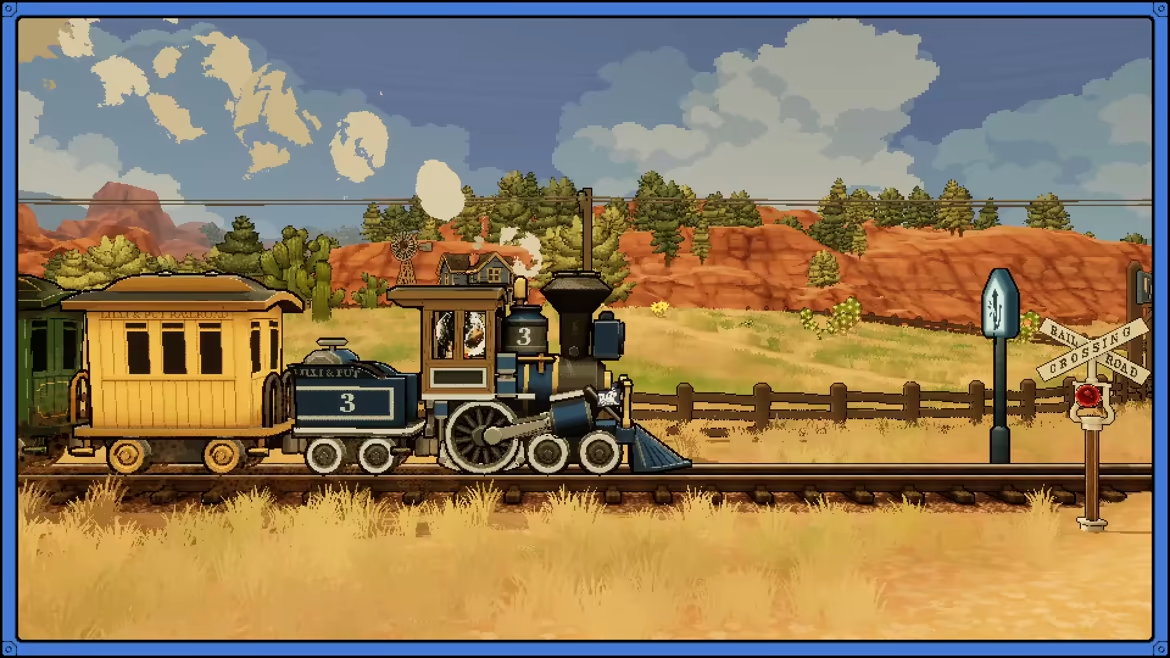 Inspired by game visuals of days past, this 19th century world is filled with pixelated whimsy!

 With 30 paint jobs, 12 upgrades, and 9 staff to unlock, there's plenty of options to choose from!


It's a busy railroad, and it won't stop for you! Keep your train safe!

A little locomotive with customizable paint job & flags
Unlockable new train cars, such as a first class car or a gondola car for freight
A level-up system tied to unlocking new upgrades, staff, and skins
An expansive world, with many classic American-inspired vistas ready to be explored!
Full day/night cycle & day-based progression
Full custom soundtrack by Cynnamin
Hop on for an fun-filled journey in A Bumpy Ride!
From the store page, unedited. May contain spoilers.
This release
Reviews and playtime
Overwhelmingly Positive
97% of 622
The game
Genres and features
How to install A Bumpy Ride
Pre-installed, so there is no setup wizard. Follow these in order.
- 01
Create a games folder
Make a folder like C:\Games\ and keep every game in it. Avoid Program Files, Downloads and the Desktop.
- 02
Exclude it from Windows Defender
Defender often deletes cracked files by mistake while they extract. Add C:\Games\ as an excluded folder:
Windows Security -> Virus & threat protection -> Manage settings -> Exclusions -> Add an exclusion -> Folder
- 03
Download into C:\Games\
Save the archive straight into that folder. This release is one 1.6GB file.
- 04
Extract it there
Use 7-Zip or WinRAR. Keep about 3.5 GB free while it unpacks.
- One file
- Right-click it -> Extract here.
- Several parts
- Extract only part1 (or .001). The other parts are read automatically.
- 05
Open README.html
It is inside the extracted folder and explains how to start the game.
Still stuck? Read the install help
Download
Set up your games folder and the Defender exclusion before you extract. The Install tab has the steps.
FileDitch
The whole game in one file
FileQ
The whole game in one file
Pixeldrain
The whole game in one file
Pixeldrain slows free downloads to a few MB/s. The Copy fast link button gives you a bypass link with no speed limit. Paste it into your download manager, or into your browser's address bar.
Gofile (legacy)
The whole game in one file
We don't accept fix requests when only one host is down. Please use another mirror above. Links broken? Let us know.
We never password-protect files or hide installers. If a page asks for a password or payment, that is the host's ad, not us. See our safety guide.
System requirements
- Min
- Windows 10 64-bit version 1909 revision .1350 or higher, or versions 2004 and 20H2 revision .789 or higher.
- Rec
- Windows 11 64-bit version (Fits minimum requirements)
- Min
- Quad-core Intel or AMD, 2.5 GHz or faster
- Rec
- AMD Ryzen 5 5600X 6-Core Processor (Equivalent or Better)
- Min
- Dedicated Graphics Card Capable of running DirectX12, Intel Integrated Graphics cards not supported.
- Rec
- NVIDIA GeForce RTX 3060 Dedicated Graphics Card (Equivalent or Better)
8 GB RAM
Version 12
2 GB available space
These are the developer's listed requirements and may not be 100% accurate. If your specs fall below the minimum, try the game anyway; many games run fine below the listed requirements. When in doubt, check YouTube for performance benchmarks.