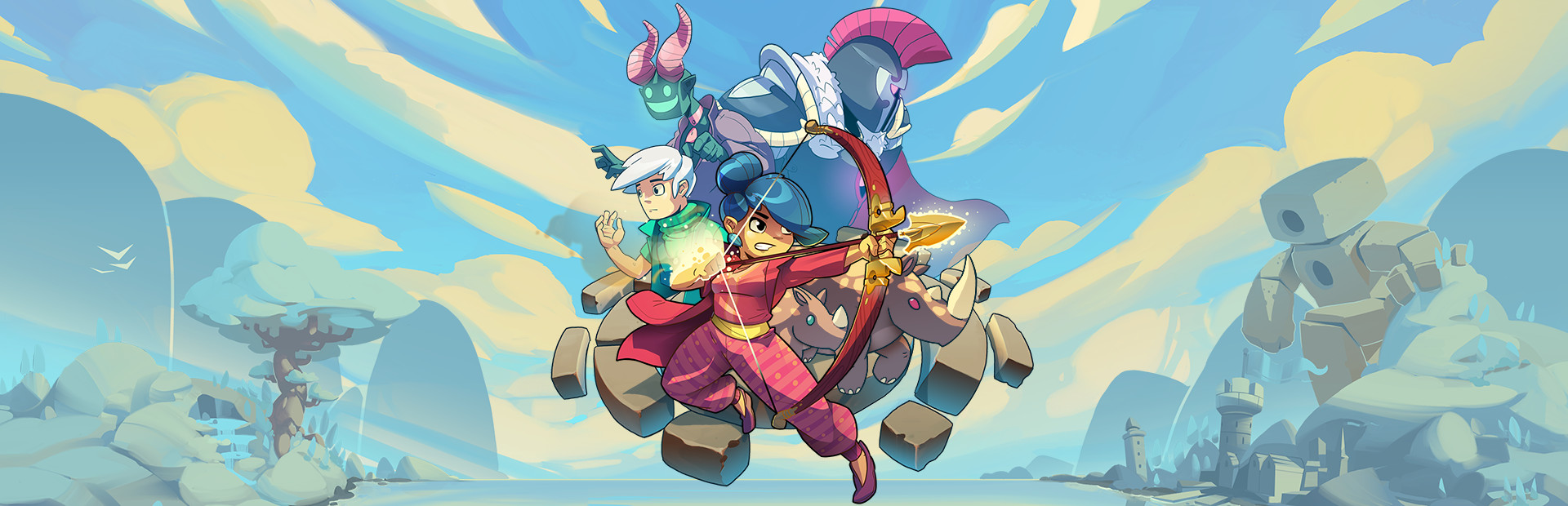
Ageless
One More Dream Studios2020Adventure, Indie
1.7GBBuild 20204830Updated 78 days ago
About Ageless
Ageless is a story driven puzzle platformer where you must alter the age of animals and plant life around you to progress. Play as Kiara, a young girl who braves through heartache and loss as she journeys across a mysterious world to discovers its secrets and herself.

Lost, confused and alone. What will Kiara do when she suddenly finds herself with the power to control the age of flora and fauna? An ability that was bestowed onto her by a magical obelisk.
Traverse a puzzle-platforming world unlike any other, full of myths and magic. Embark on an emotional journey where you will be faced with tough choices and must confront your inner demons.
Follow Kiara as she is thrown into a world of wonder and heart ache. Manipulate the age of animals and plant-life as you find your way through intricate environmental puzzles and defeat the merciless bosses that stand in your way.

Become Ageless: Equipped with a mystical bow, master the art of becoming Ageless. Dash off animals and plant-life to navigate through interesting puzzles and intricate platforming challenges.

Unique Ageing Mechanic: Play with the laws of nature to control the age of animals and plants in order to progress through exciting levels.

Not your Average Fairy-tale: In a tragic story of loss and personal discovery, Kiara must decide if she will use her newfound powers to face her inner demons or run from them.
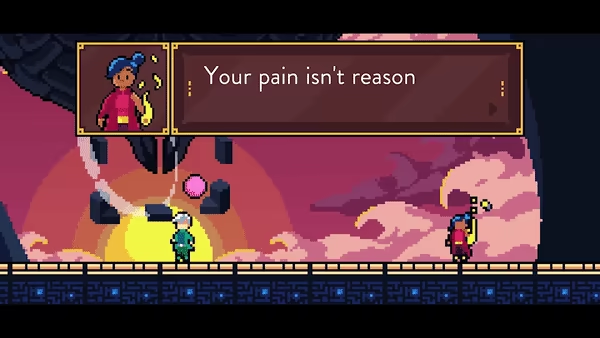
New Worlds to Discover: Explore new areas filled with unique plants and animals as you progress through the game. Each level is hand drawn to pixel perfection to create a beautiful world.

From the store page, unedited. May contain spoilers.
This release
Reviews and playtime
Mixed
70% of 56


How to install Ageless
Pre-installed, so there is no setup wizard. Follow these in order.
- 01
Create a games folder
Make a folder like C:\Games\ and keep every game in it. Avoid Program Files, Downloads and the Desktop.
- 02
Exclude it from Windows Defender
Defender often deletes cracked files by mistake while they extract. Add C:\Games\ as an excluded folder:
Windows Security -> Virus & threat protection -> Manage settings -> Exclusions -> Add an exclusion -> Folder
- 03
Download into C:\Games\
Save the archive straight into that folder. This release is one 1.7GB file.
- 04
Extract it there
Use 7-Zip or WinRAR. Keep about 3.7 GB free while it unpacks.
- One file
- Right-click it -> Extract here.
- Several parts
- Extract only part1 (or .001). The other parts are read automatically.
- 05
Open README.html
It is inside the extracted folder and explains how to start the game.
Still stuck? Read the install help
Download
Set up your games folder and the Defender exclusion before you extract. The Install tab has the steps.
FileDitch
The whole game in one file
FileQ
The whole game in one file
Pixeldrain
The whole game in one file
Pixeldrain slows free downloads to a few MB/s. The Copy fast link button gives you a bypass link with no speed limit. Paste it into your download manager, or into your browser's address bar.
Gofile (legacy)
The whole game in one file
We don't accept fix requests when only one host is down. Please use another mirror above. Links broken? Let us know.
We never password-protect files or hide installers. If a page asks for a password or payment, that is the host's ad, not us. See our safety guide.
System requirements
- Min
- Windows 7 64-bit
- Rec
- Windows 10 64-bit
- Min
- Intel i3-2100 @ 3GHz
- Rec
- Intel Core i5 2300
- Min
- 4 GB RAM
- Rec
- 4 MB RAM
- Min
- GTX650 1GB VRAM
- Rec
- GTX750ti 2GB VRAM
- Min
- 2 GB available space
- Rec
- 4 GB available space
Version 11
These are the developer's listed requirements and may not be 100% accurate. If your specs fall below the minimum, try the game anyway; many games run fine below the listed requirements. When in doubt, check YouTube for performance benchmarks.