
Storybird Games2018Adventure, Indie
287.0MBBuild 4166900Updated 22 hours ago
About Aggelos
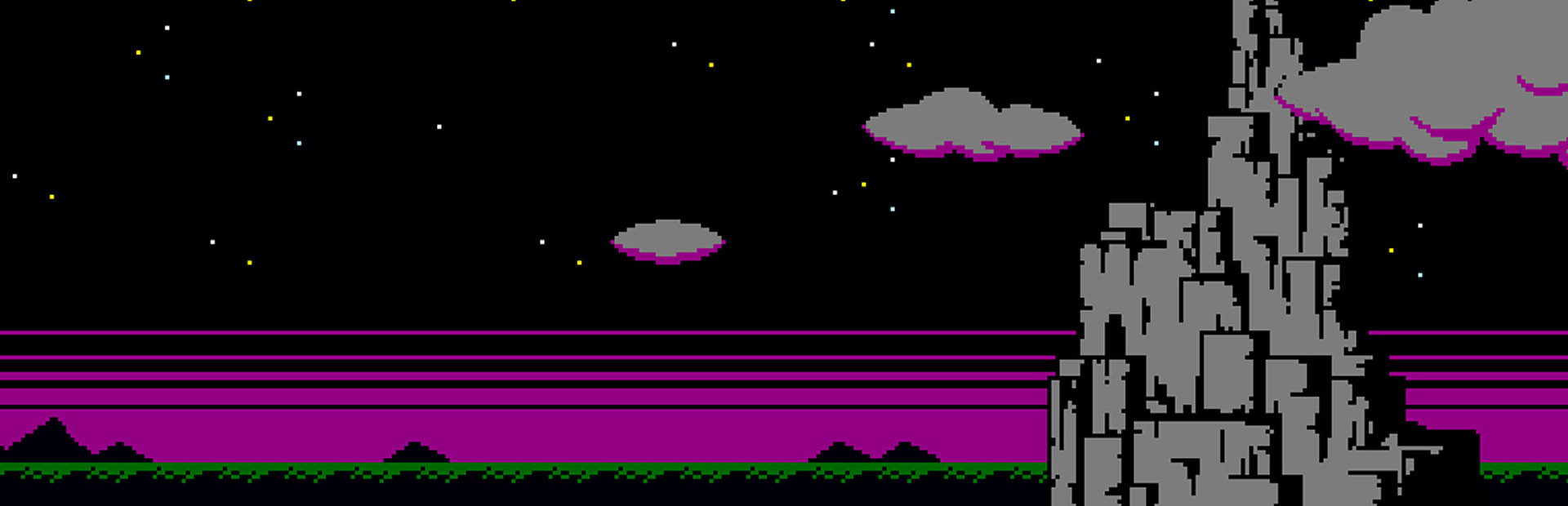
Critically-acclaimed action-RPG that takes the template laid down by classics like Wonder Boy, nails the 16-Bit aesthetics for nostalgia fans, but updates the mechanics to feel fresh and modern. Explore a beautiful open world and plunder dungeons, caves and forests to help take down epic bosses!
A vast kingdom to explore
Venture through forests, seas, cave systems and ancient temples as you seek to uncover the magical elements needed to save the world from total annihilation.A classical non-linear adventure
Explore a sprawling world that gradually reveals itself, Metroidvania-style, as you gain new abilities and equipment.Deadly encounters
Thwart towering bosses and their tricky minions as you take on perilous mainline quests and optional odd-jobs for the people of Lumen.Tactical depth
Unlock magical abilities and high-level attacks, expertly chaining these immense powers together to clear screens of enemies in seconds.Stunning sprite art
Forget out-of-place modern art: Aggelos boasts superlative character designs and animations while remaining proudly, and faithfully, 16-bit through and through.Memorable chiptunes
Lose yourself to a retro-inspired soundtrack that floods the Kingdom of Lumen with life.From the store page, unedited. May contain spoilers.
This release
Reviews and playtime
Mostly Positive
76% of 577
The game
Genres and features
How to install Aggelos
Pre-installed, so there is no setup wizard. Follow these in order.
- 01
Create a games folder
Make a folder like C:\Games\ and keep every game in it. Avoid Program Files, Downloads and the Desktop.
- 02
Exclude it from Windows Defender
Defender often deletes cracked files by mistake while they extract. Add C:\Games\ as an excluded folder:
Windows Security -> Virus & threat protection -> Manage settings -> Exclusions -> Add an exclusion -> Folder
- 03
Download into C:\Games\
Save the archive straight into that folder. This release is one 287.0MB file.
- 04
Extract it there
Use 7-Zip or WinRAR. Keep about 631.4 MB free while it unpacks.
- One file
- Right-click it -> Extract here.
- Several parts
- Extract only part1 (or .001). The other parts are read automatically.
- 05
Open README.html
It is inside the extracted folder and explains how to start the game.
Still stuck? Read the install help
Download
Set up your games folder and the Defender exclusion before you extract. The Install tab has the steps.
FilesYard
The whole game in one file
FileDitch
The whole game in one file
VikingFile
The whole game in one file
We don't accept fix requests when only one host is down. Please use another mirror above. Links broken? Let us know.
We never password-protect files or hide installers. If a page asks for a password or payment, that is the host's ad, not us. See our safety guide.
System requirements
- Min
- Windows XP
- Rec
- Windows 10
- Min
- Intel 1.60GHz
- Rec
- Intel Core 3.10GHz
- Min
- 2 GB RAM
- Rec
- 16 GB RAM
- Min
- Intel HD Graphics
- Rec
- NVIDIA GeForce GTX 970
- Min
- Version 9.0
- Rec
- Version 10
100 MB available space
These are the developer's listed requirements and may not be 100% accurate. If your specs fall below the minimum, try the game anyway; many games run fine below the listed requirements. When in doubt, check YouTube for performance benchmarks.