Agreeee
べすとまん2025Point & Click, Action
115.5MBBuild 23986964Updated 39 days ago
About Agreeee
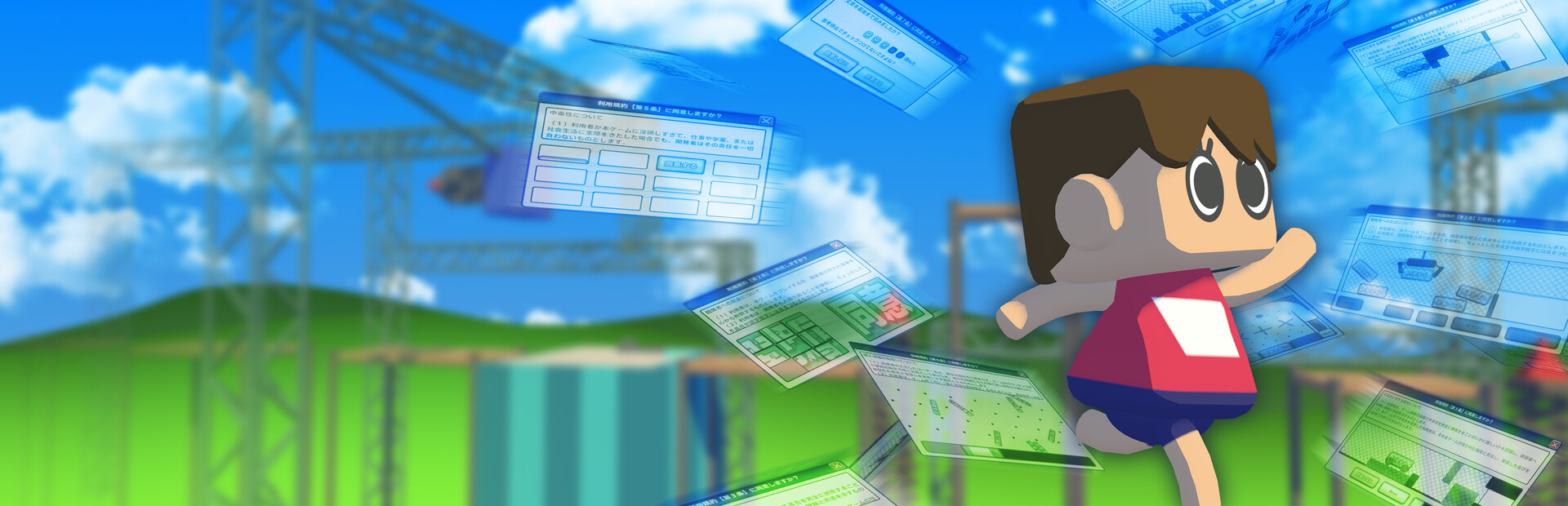
Can you 'play' this game!? To play the thrilling action game, you must agree to all 12 terms and conditions.
Can you “play” this game?!
To play this thrilling action game, you must agree to all 12 terms and conditions.
Before you start playing, be sure to review the terms and click Agree.

The agreement screens in this game are designed with various gimmicks to prevent automated computer inputs.
Some screens may have intentionally tricky controls before you can reach the Agree button — please be aware of this in advance.

Notice of Bug:
When opening the Terms of Service confirmation popup, there is a bug where the timer starts before agreeing to the Terms of Service. Since fixing this issue would be a hassle, we have decided to leave it as is. Please understand that the official rule will be to compete for the fastest time from when the Terms of Service agreement begins to when you clear the "Heart-Pounding Action Game."
Note:
The terms and conditions presented in this game are fictional and created solely for entertainment purposes. They hold no actual legal validity.
From the store page, unedited. May contain spoilers.
This release
Reviews and playtime
Mostly Positive
75% of 1,208
The game
Genres and features
How to install Agreeee
Pre-installed, so there is no setup wizard. Follow these in order.
- 01
Create a games folder
Make a folder like C:\Games\ and keep every game in it. Avoid Program Files, Downloads and the Desktop.
- 02
Exclude it from Windows Defender
Defender often deletes cracked files by mistake while they extract. Add C:\Games\ as an excluded folder:
Windows Security -> Virus & threat protection -> Manage settings -> Exclusions -> Add an exclusion -> Folder
- 03
Download into C:\Games\
Save the archive straight into that folder. This release is one 115.5MB file.
- 04
Extract it there
Use 7-Zip or WinRAR. Keep about 254.1 MB free while it unpacks.
- One file
- Right-click it -> Extract here.
- Several parts
- Extract only part1 (or .001). The other parts are read automatically.
- 05
Open README.html
It is inside the extracted folder and explains how to start the game.
Still stuck? Read the install help
Download
Set up your games folder and the Defender exclusion before you extract. The Install tab has the steps.
FilesYard
The whole game in one file
FileDitch
The whole game in one file
VikingFile
The whole game in one file
0807
The whole game in one file
We don't accept fix requests when only one host is down. Please use another mirror above. Links broken? Let us know.
We never password-protect files or hide installers. If a page asks for a password or payment, that is the host's ad, not us. See our safety guide.
System requirements
- Min
- Microsoft Windows® 8.1/10 (64bit)
- Rec
- -
- Min
- Intel i5+
- Rec
- -
- Min
- 2 GB RAM
- Rec
- -
- Min
- 500 MB available space
- Rec
- -
These are the developer's listed requirements and may not be 100% accurate. If your specs fall below the minimum, try the game anyway; many games run fine below the listed requirements. When in doubt, check YouTube for performance benchmarks.