Alpha Nomos
RibCage Games2026Action, Rhythm
746.5MBBuild 26214601Updated 14 days ago
About Alpha Nomos
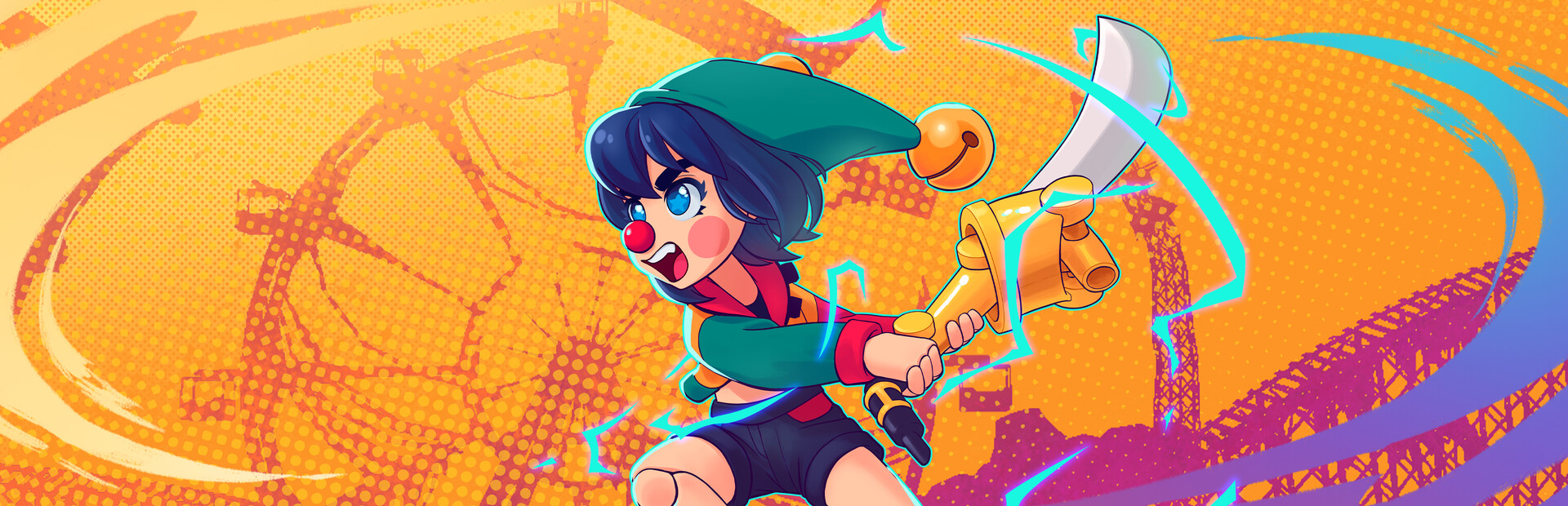
It's time to wield the beat! Play as Cello and slice through an army of rogue puppets in a vibrant, melody-twisted world. Combat pulses to the soundtrack - time your moves to the beat to unleash show-stopping combos and perfectly choreographed chaos!
Who knew saving the world could sound this good?
Join Cello and her friends as they explore their ruined world, fight murderous puppets, and uncover the mysteries of the powerful force known as music. What shattered this world? What is music? What is Alpha Nomos? The answers are waiting — if Cello can fight her way to them. Time your attacks to the beat and vanquish your foes! Rhythm meets action: you're rewarded for striking on the beat and crafting combos to the music — and for mixing it up. Don't just hit the downbeats; weave quick eighth notes and rests between strikes to unleash punishing combos.

 Gather musical powerups that change not just how you fight, but how you sound! Combine them differently each run to grow deadlier — and to cook up funky fresh tunes along the way. Every upgrade is inspired by a real-world musical effect, making each run a unique sonic experience!

 Explore a devastated world that reacts to the music you make! Breathe life back into your surroundings as you journey through new environments, uncover mysteries, and beat back the forces that broke your world - and took your friends!

From the store page, unedited. May contain spoilers.
This release
Reviews and playtime
Very Positive
94% of 52
The game
Genres and features
How to install Alpha Nomos
Pre-installed, so there is no setup wizard. Follow these in order.
- 01
Create a games folder
Make a folder like C:\Games\ and keep every game in it. Avoid Program Files, Downloads and the Desktop.
- 02
Exclude it from Windows Defender
Defender often deletes cracked files by mistake while they extract. Add C:\Games\ as an excluded folder:
Windows Security -> Virus & threat protection -> Manage settings -> Exclusions -> Add an exclusion -> Folder
- 03
Download into C:\Games\
Save the archive straight into that folder. This release is one 746.5MB file.
- 04
Extract it there
Use 7-Zip or WinRAR. Keep about 1.6 GB free while it unpacks.
- One file
- Right-click it -> Extract here.
- Several parts
- Extract only part1 (or .001). The other parts are read automatically.
- 05
Open README.html
It is inside the extracted folder and explains how to start the game.
Still stuck? Read the install help
Download
Set up your games folder and the Defender exclusion before you extract. The Install tab has the steps.
FilesYard
The whole game in one file
FileDitch
The whole game in one file
VikingFile
The whole game in one file
We don't accept fix requests when only one host is down. Please use another mirror above. Links broken? Let us know.
We never password-protect files or hide installers. If a page asks for a password or payment, that is the host's ad, not us. See our safety guide.
System requirements
- Min
- Intel Core i5-6500 or AMD Ryzen 3 1200
- Rec
- Intel Core i7-6700 or AMD Ryzen 5 1500X or better
- Min
- 8 GB RAM
- Rec
- 16 GB RAM
- Min
- NVIDIA GeForce GTX 1050 or AMD Radeon RX 560
- Rec
- NVIDIA GeForce RTX 2070 or AMD Radeon RX 6600 or better
Microsoft Windows 10 / 11 64-bit
Version 12
15 GB available space
These are the developer's listed requirements and may not be 100% accurate. If your specs fall below the minimum, try the game anyway; many games run fine below the listed requirements. When in doubt, check YouTube for performance benchmarks.