Darkphobia Games2025Horror, Adventure
6.5 GBBuild 17306708Updated 249 days ago
About Amenti
A photographer enters the Great Pyramids to photograph Pharaoh Rudamon’s remains, but is soon overwhelmed by a sinister curse, as the ancient tomb awakens dark forces that claw at his sanity.
Description
How were the pyramids really built? What was the connection between the ancient Egyptians and alien beings? Is the legend of Amenti real? To find the answers, you must enter the newly discovered tomb of Rudamon, a terrifying site buried 50 meters underground. No one has dared to explore its endless, dark corridors—until now. According to legend, entering this tomb disturbs the pharaoh’s spirit and his royal family, with disastrous consequences.
In Amenti, you play as a historian and photographer, willing to risk it all to uncover the truth about Amenti and the ancient Egyptians' supposed connection with extraterrestrials.
Gameplay
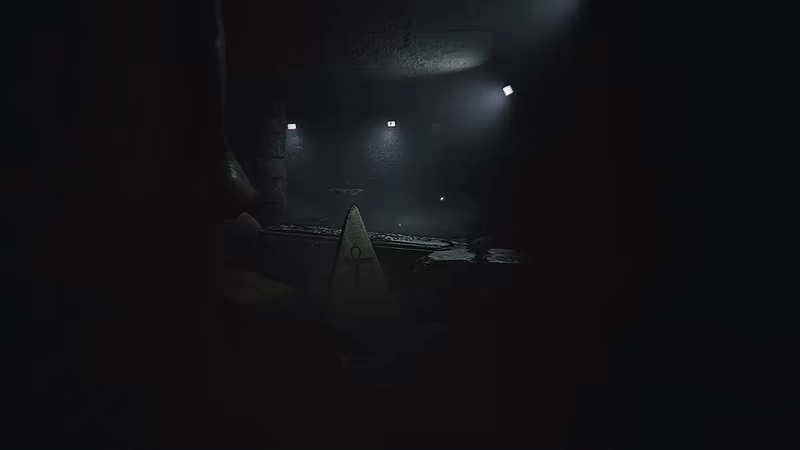
Amenti is a horror game that takes you deep into the dark secrets of ancient Egypt. You’ll explore your surroundings like a true historian, investigating mysterious artifacts and discovering hidden truths. The game features a photography mechanic, where you capture images of various subjects. At first, you might only notice frightening details in your photos, but as you progress, the horror will reveal itself in real time.
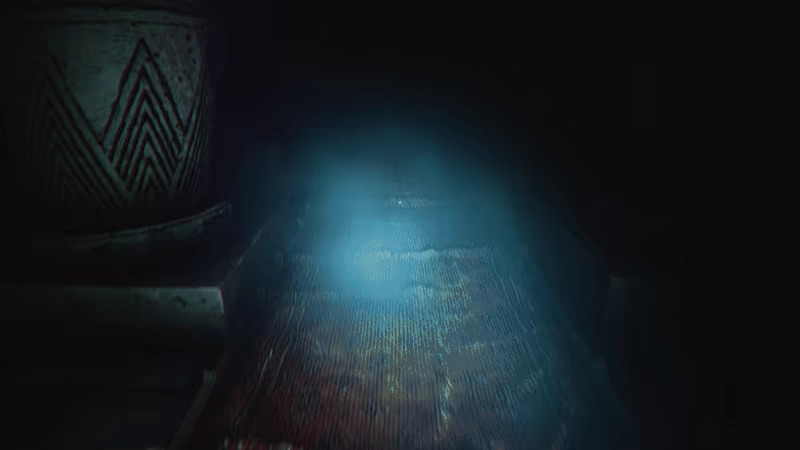
Realistic graphics and high-quality 3D sound fully immerse you in the eerie atmosphere of a 5,000-year-old mysterious structure.
From the store page, unedited. May contain spoilers.
This release
Reviews and playtime
Very Positive
80% of 2,277
The game
Genres and features
How to install Amenti
Pre-installed, so there is no setup wizard. Follow these in order.
- 01
Create a games folder
Make a folder like C:\Games\ and keep every game in it. Avoid Program Files, Downloads and the Desktop.
- 02
Exclude it from Windows Defender
Defender often deletes cracked files by mistake while they extract. Add C:\Games\ as an excluded folder:
Windows Security -> Virus & threat protection -> Manage settings -> Exclusions -> Add an exclusion -> Folder
- 03
Download into C:\Games\
Save the archive straight into that folder. This release is one 6.5 GB file.
- 04
Extract it there
Use 7-Zip or WinRAR. Keep about 14.3 GB free while it unpacks.
- One file
- Right-click it -> Extract here.
- Several parts
- Extract only part1 (or .001). The other parts are read automatically.
- 05
Open README.html
It is inside the extracted folder and explains how to start the game.
Still stuck? Read the install help
Download
Set up your games folder and the Defender exclusion before you extract. The Install tab has the steps.
VikingFile
The whole game in one file
FileQ
The whole game in one file
Pixeldrain
The whole game in one file
Pixeldrain slows free downloads to a few MB/s. The Copy fast link button gives you a bypass link with no speed limit. Paste it into your download manager, or into your browser's address bar.
Gofile (legacy)
The whole game in one file
Bowfile
The whole game in one file
Datavaults.co
The whole game in one file
Ranoz.gg
The whole game in one file
We don't accept fix requests when only one host is down. Please use another mirror above. Links broken? Let us know.
We never password-protect files or hide installers. If a page asks for a password or payment, that is the host's ad, not us. See our safety guide.