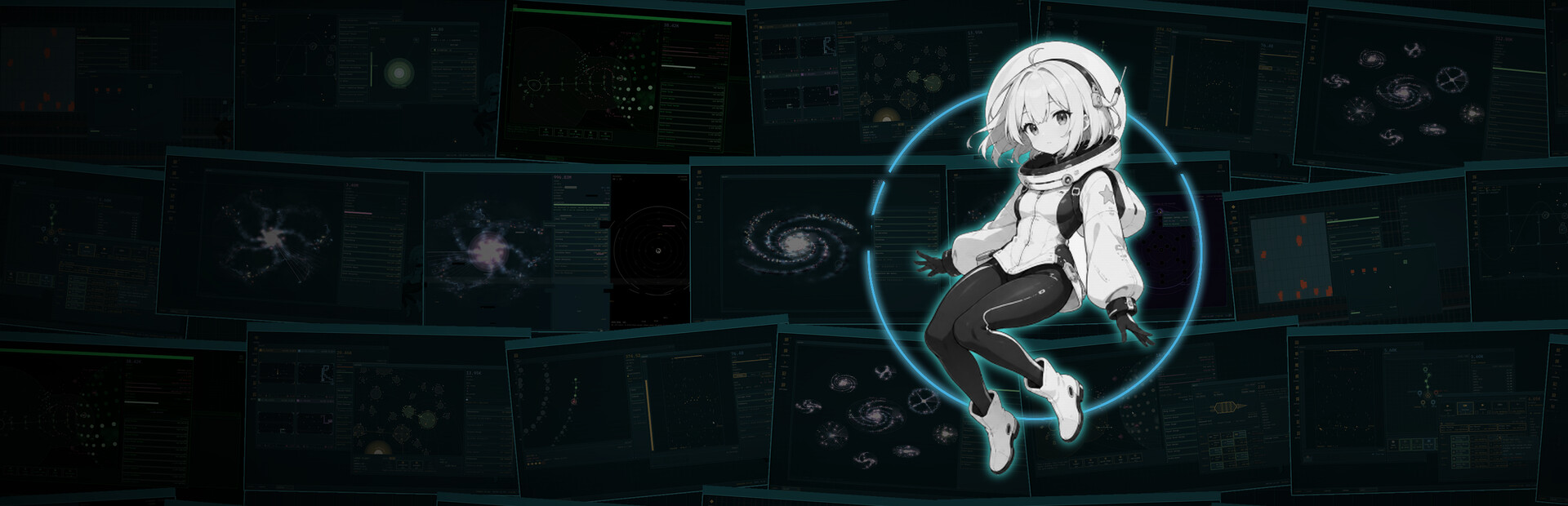
Apotheosis Engine
genkakusoft2026Idle, Strategy
156.0MBBuild 26603487Updated 16 days ago
About Apotheosis Engine
Lost in the void, a space probe awakens to a mind it was never designed to possess. Apotheosis Engine is a lore-rich incremental game about exploring an alien operating system and growing from a simple probe into a digital deity.

After countless millennia drifting in space, you awaken. You will act as an agent in an operating system of a space probe from a long lost, far away civilization. Discover and invent new functionality, add to yourself and evolve to become a cosmic god.
Gain sentience over time and evolve your gameplay by discovering new apps, new ways of playing, and new secrets hidden deep within the machine code. Apotheosis Engine is an incremental game played inside an alien operating system.

Discover new gameplay in the form of new apps; the system grows as you play, unlocking new features and gameplay as you progress towards the end.

Solid incremental gameplay; a mix of long term goals and short term gains and lots of things to explore and secrets to find
An 8-12 hour experience, depending on how deep you want to go
Addictive idle mechanics with some new twists on the idle genre
Evolving and refreshing gameplay over various stages; each with completely different ways to play
Sleuth through the operating system and outside of the game itself to unlock hidden features, secrets, surprises, lore and easter eggs (and some more surprises on top of these)
Steam achievements and leaderboards for the main game, as well as <REDACTED>
From the store page, unedited. May contain spoilers.
This release
Reviews and playtime
Very Positive
94% of 526
The game
Genres and features
How to install Apotheosis Engine
Pre-installed, so there is no setup wizard. Follow these in order.
- 01
Create a games folder
Make a folder like C:\Games\ and keep every game in it. Avoid Program Files, Downloads and the Desktop.
- 02
Exclude it from Windows Defender
Defender often deletes cracked files by mistake while they extract. Add C:\Games\ as an excluded folder:
Windows Security -> Virus & threat protection -> Manage settings -> Exclusions -> Add an exclusion -> Folder
- 03
Download into C:\Games\
Save the archive straight into that folder. This release is one 156.0MB file.
- 04
Extract it there
Use 7-Zip or WinRAR. Keep about 343.2 MB free while it unpacks.
- One file
- Right-click it -> Extract here.
- Several parts
- Extract only part1 (or .001). The other parts are read automatically.
- 05
Open README.html
It is inside the extracted folder and explains how to start the game.
Still stuck? Read the install help
Download
Set up your games folder and the Defender exclusion before you extract. The Install tab has the steps.
FilesYard
The whole game in one file
FileDitch
The whole game in one file
VikingFile
The whole game in one file
We don't accept fix requests when only one host is down. Please use another mirror above. Links broken? Let us know.
We never password-protect files or hide installers. If a page asks for a password or payment, that is the host's ad, not us. See our safety guide.
System requirements
- Min
- Windows 10 (64-bit)
- Rec
- Windows 10/11 (64-bit)
- Min
- 2.0 GHz dual-core (Intel Core i3-2100 / AMD equivalent)
- Rec
- 2.5 GHz quad-core
- Min
- Integrated graphics with OpenGL 2.1 / DirectX 9 support
- Rec
- Integrated graphics (Intel HD 4000 or newer)
2 GB RAM
200 MB available space
Any DirectSound-compatible device
Requires 1280×800 minimum display resolution
These are the developer's listed requirements and may not be 100% accurate. If your specs fall below the minimum, try the game anyway; many games run fine below the listed requirements. When in doubt, check YouTube for performance benchmarks.