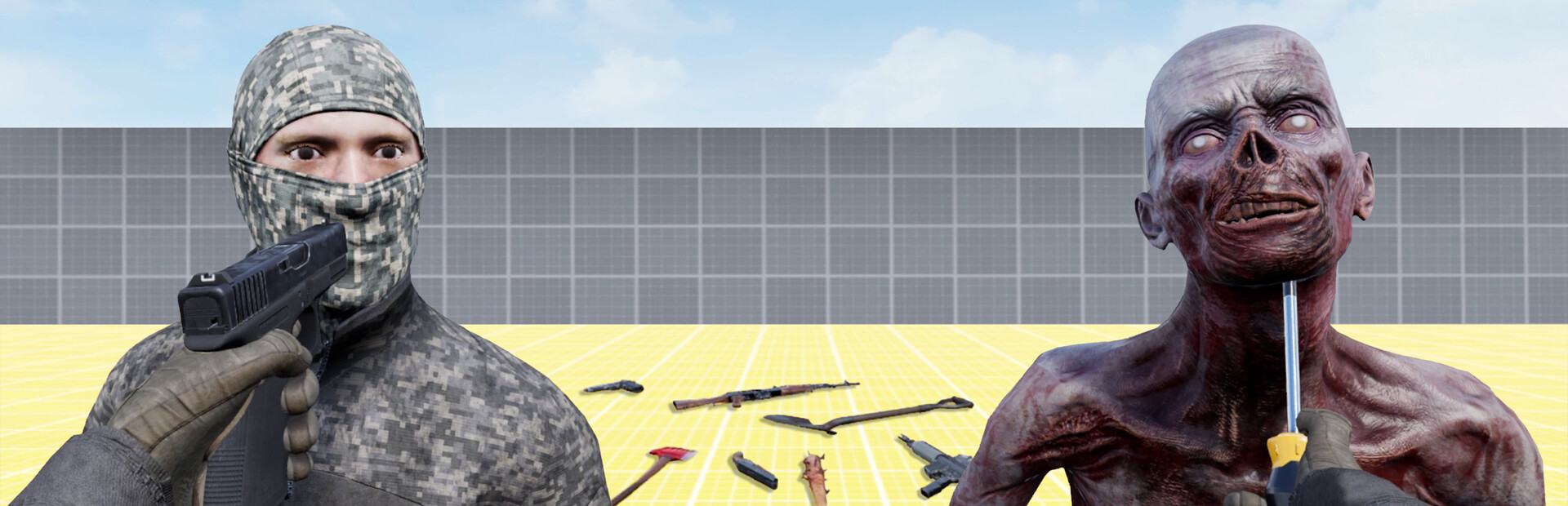
Beyond Sandbox
Atlas XR2026Sandbox, Action
12.2GBBuild 25243068Updated 78 days ago
About Beyond Sandbox
Beyond Sandbox is a multiplayer VR modding platform powered by Unreal Engine 5. With advanced physics and the creativity of our modding community, anything is possible.
Welcome to Beyond Sandbox!
Your feedback is instrumental in shaping our roadmap. There is so much planned and we're excited to see everything our modding community builds alongside us. This is just the beginning.
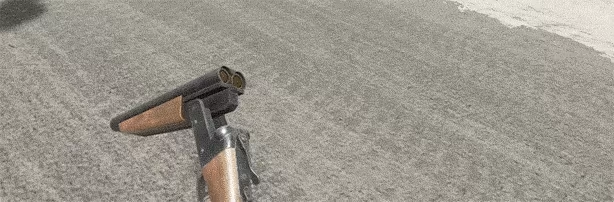
Beyond Sandbox is a multiplayer VR modding platform powered by Unreal Engine 5. With advanced physics, detailed VR interactions and the creativity of our modding community, anything is possible.
Advanced Physics Sandbox
Advanced physics based interactions in both single-player and multiplayer! 
Multiplayer
Physics is more fun with friends.
Modding Platform for Endless Content
Beyond Sandbox was built with mods in mind from day 1. Our Reality SDK enables the most creatively talented modders to build anything they can dream of, giving players endless content!
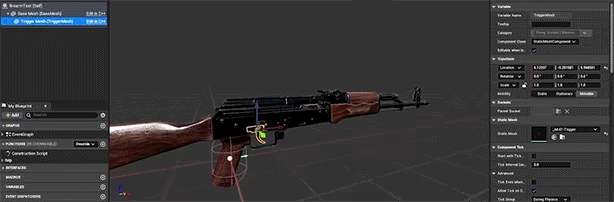
Starter Experiences
Using our Reality SDK, this first launch comes with the following starter experiences: Sandbox, PvP Shooter Modes, Zombie Horde Mode. And there is so much more to explore thanks to our modding community!

Thank you for being a part of our journey from the start. Big things to come!
From the store page, unedited. May contain spoilers.
This release
Reviews and playtime
Mostly Negative
38% of 1,283
The game
Genres and features
How to install Beyond Sandbox
Pre-installed, so there is no setup wizard. Follow these in order.
- 01
Create a games folder
Make a folder like C:\Games\ and keep every game in it. Avoid Program Files, Downloads and the Desktop.
- 02
Exclude it from Windows Defender
Defender often deletes cracked files by mistake while they extract. Add C:\Games\ as an excluded folder:
Windows Security -> Virus & threat protection -> Manage settings -> Exclusions -> Add an exclusion -> Folder
- 03
Download into C:\Games\
Save the archive straight into that folder. This release is one 12.2GB file.
- 04
Extract it there
Use 7-Zip or WinRAR. Keep about 26.8 GB free while it unpacks.
- One file
- Right-click it -> Extract here.
- Several parts
- Extract only part1 (or .001). The other parts are read automatically.
- 05
Open README.html
It is inside the extracted folder and explains how to start the game.
Still stuck? Read the install help
Download
Set up your games folder and the Defender exclusion before you extract. The Install tab has the steps.
FileDitch
The whole game in one file
0807
The whole game in one file
FileQ
The whole game in one file
Gofile (legacy)
The whole game in one file
We don't accept fix requests when only one host is down. Please use another mirror above. Links broken? Let us know.
We never password-protect files or hide installers. If a page asks for a password or payment, that is the host's ad, not us. See our safety guide.
System requirements
- Min
- Intel Core i5-10400 / AMD Ryzen 5 3600
- Rec
- Intel Core i5-12600K / AMD Ryzen 5 5600X
- Min
- 16 GB RAM
- Rec
- 32 GB RAM
- Min
- NVIDIA RTX 2060 Super / AMD RX 5700 XT (8 GB VRAM)
- Rec
- NVIDIA RTX 4070 / AMD RX 7800 XT (12 GB VRAM)
Windows 10 64-bit / Windows 11
Version 12
16 GB available space
Virtual Desktop: set OpenXR Runtime to "VDXR" in Virtual Desktop Streamer settings. SteamVR: disable "Meta XR Plugin Compatibility" in SteamVR settings.
These are the developer's listed requirements and may not be 100% accurate. If your specs fall below the minimum, try the game anyway; many games run fine below the listed requirements. When in doubt, check YouTube for performance benchmarks.