
Dan Schumacher2026Idle, Simulation
260.2MBBuild 26219673Updated 30 days ago
About Big Dig
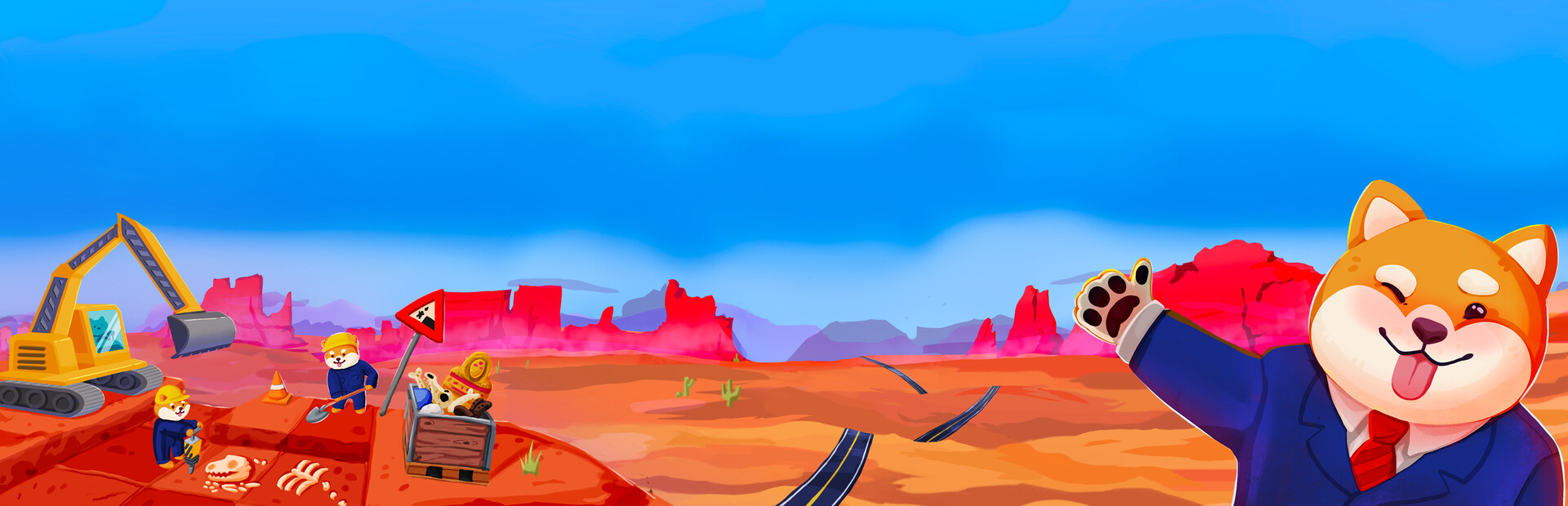
Big Dig is a short incremental narrative game about digging up artifacts to help Mayor Dog win the election! Recover artifacts, grow your museum, and upgrade your tools while building a highway across the Animal Republic!
Big Dig is a short incremental narrative game about digging up artifacts to help Mayor Dog build a highway across the Animal Republic!
Mayor Dog's campaign is in full swing! He needs YOU to dig out any pesky historical artifacts in his way!

Mayor Dog's highway will stretch through beaches, suburbs, lakes, middleschools, and more! Unfortunately, the land is filled with wonderous artifacts that Mayor Dog desperately needs removed.


As the road grows, so will your need for seriously capable tools. You can hire a crew of helpers, get new equipment like an excavator, and renovate your museum for increased profits!


You will get to showcase all the mysterious artifacts you find along the way, from tennisballs to dinosaurs! As the museum grows, you'll be able add decoration, new rooms and more!


Big Dig is created by two indie devs with some help from their friends! We're making Big Dig because we wanted to take a beloved genre and add a meaningful narrative with a (hopefully) satisfying conclusion.

A Short, Sweet, and Complete Experience
Big Dig is designed to be played in approximately 3-4 hours, perhaps even in a single sitting. It does not feature infinite prestige loops or time-gated idle grinding. It tells a complete story with a proper conclusion that'll make you laugh along the way.
From the store page, unedited. May contain spoilers.
This release
Reviews and playtime
Overwhelmingly Positive
96% of 997
The game
Genres and features
How to install Big Dig
Pre-installed, so there is no setup wizard. Follow these in order.
- 01
Create a games folder
Make a folder like C:\Games\ and keep every game in it. Avoid Program Files, Downloads and the Desktop.
- 02
Exclude it from Windows Defender
Defender often deletes cracked files by mistake while they extract. Add C:\Games\ as an excluded folder:
Windows Security -> Virus & threat protection -> Manage settings -> Exclusions -> Add an exclusion -> Folder
- 03
Download into C:\Games\
Save the archive straight into that folder. This release is one 260.2MB file.
- 04
Extract it there
Use 7-Zip or WinRAR. Keep about 572.4 MB free while it unpacks.
- One file
- Right-click it -> Extract here.
- Several parts
- Extract only part1 (or .001). The other parts are read automatically.
- 05
Open README.html
It is inside the extracted folder and explains how to start the game.
Still stuck? Read the install help
Download
Set up your games folder and the Defender exclusion before you extract. The Install tab has the steps.
FilesYard
The whole game in one file
FileDitch
The whole game in one file
VikingFile
The whole game in one file
We don't accept fix requests when only one host is down. Please use another mirror above. Links broken? Let us know.
We never password-protect files or hide installers. If a page asks for a password or payment, that is the host's ad, not us. See our safety guide.
System requirements
- Min
- Windows 7 or above
- Min
- i3 or equivalent
- Min
- GPU with at least 2 GB of VRAM
- Min
- 51 MB available space
These are the developer's listed requirements and may not be 100% accurate. If your specs fall below the minimum, try the game anyway; many games run fine below the listed requirements. When in doubt, check YouTube for performance benchmarks.