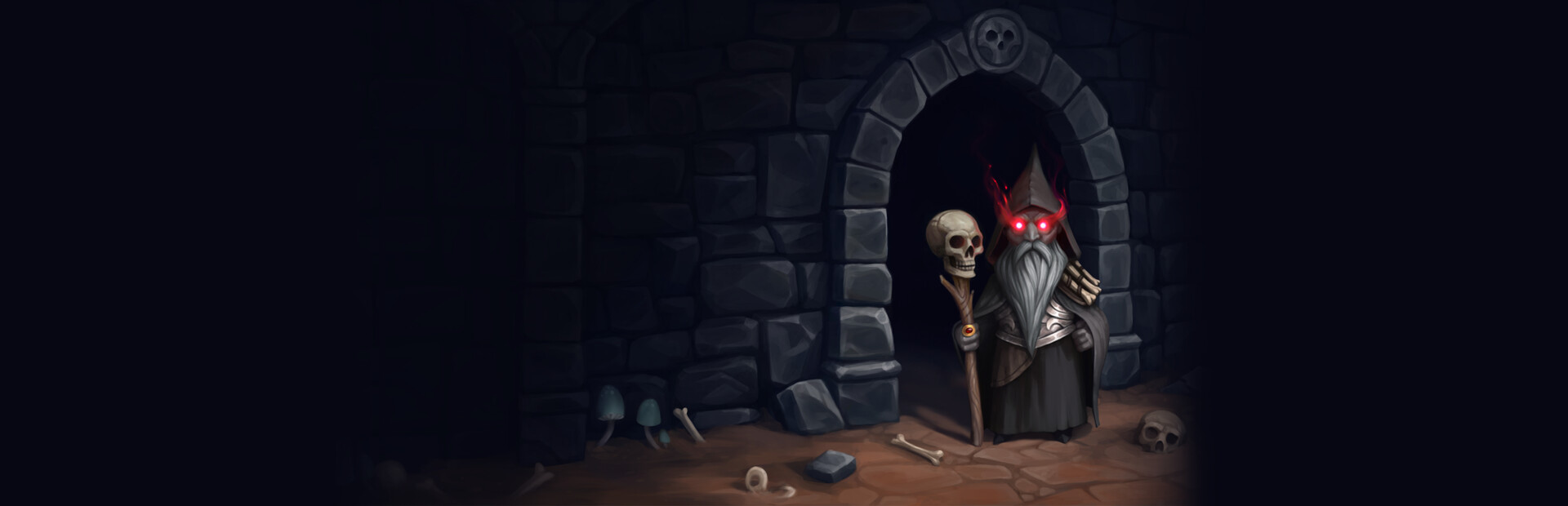
Bonehold
Pixel Jackal2026Hack and Slash, Dungeon Crawler
155.6MBBuild 25562695Updated 49 days ago
About Bonehold
Dungeon Crawler with elements of rogue-like and ARPG games. Kill hordes of enemies, duel mighty bosses, and acquire legendary loot!
Bonehold is a 3D roguelike dungeon crawler with ARPG and hack-and-slash elements, blending fast-paced combat with strategic exploration.
Choose from 10 unique character classes, including the Knight, Barbarian, Sorcerer, Spellblade, and more, each offering distinct playstyles and abilities.
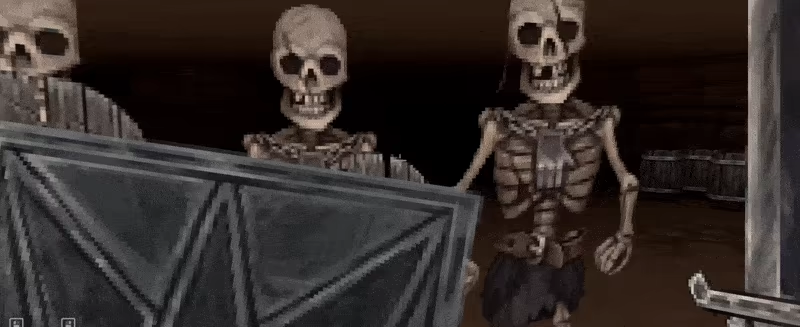
Venture into Bonehold’s ancient fortress, battling hordes of skeletons, ghosts, and magical abominations.
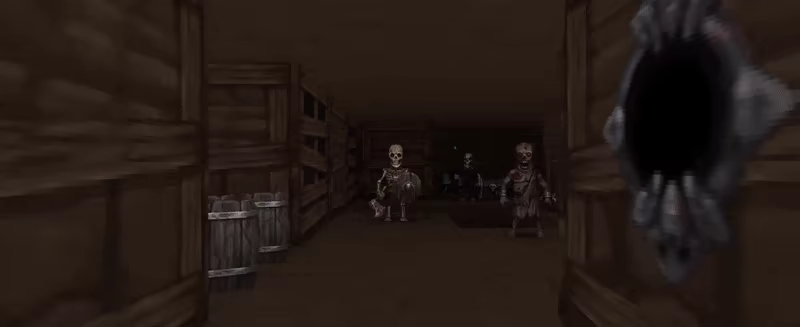
Discover procedurally generated treasures like weapons, spells, and armor, allowing endless possibilities for custom builds.

The game’s striking art style combines hand-painted textures with pixel art, creating a visually stunning and immersive world.
Only the brave and skilled will conquer Bonehold’s depths, are you ready?
From the store page, unedited. May contain spoilers.
This release
Reviews and playtime
Very Positive
83% of 148
The game
Genres and features
How to install Bonehold
Pre-installed, so there is no setup wizard. Follow these in order.
- 01
Create a games folder
Make a folder like C:\Games\ and keep every game in it. Avoid Program Files, Downloads and the Desktop.
- 02
Exclude it from Windows Defender
Defender often deletes cracked files by mistake while they extract. Add C:\Games\ as an excluded folder:
Windows Security -> Virus & threat protection -> Manage settings -> Exclusions -> Add an exclusion -> Folder
- 03
Download into C:\Games\
Save the archive straight into that folder. This release is one 155.6MB file.
- 04
Extract it there
Use 7-Zip or WinRAR. Keep about 342.3 MB free while it unpacks.
- One file
- Right-click it -> Extract here.
- Several parts
- Extract only part1 (or .001). The other parts are read automatically.
- 05
Open README.html
It is inside the extracted folder and explains how to start the game.
Still stuck? Read the install help
Download
Set up your games folder and the Defender exclusion before you extract. The Install tab has the steps.
FileDitch
The whole game in one file
VikingFile
The whole game in one file
Gofile (legacy)
The whole game in one file
We don't accept fix requests when only one host is down. Please use another mirror above. Links broken? Let us know.
We never password-protect files or hide installers. If a page asks for a password or payment, that is the host's ad, not us. See our safety guide.
System requirements
- Min
- 7
- Rec
- 10
- Min
- AMD Phenom(tm) 8450 Triple-Core Processor (3 CPUs), ~2.1GHz or Intel Core 2 Duo E8400 @ 3.0 GHz
- Rec
- Intel Core i5-8400, 4.0 GHz
- Min
- 4 MB RAM
- Rec
- 8 MB RAM
- Min
- Graphics: NVIDIA® GeForce GTX 470 (1Gb VRAM) / ATI Radeon TM HD 6870 (1Gb VRAM)
- Rec
- Graphics: NVIDIA GeForce GTX 970
- Min
- 1 MB available space
- Rec
- 2 MB available space
DirectX 11 sound device
These are the developer's listed requirements and may not be 100% accurate. If your specs fall below the minimum, try the game anyway; many games run fine below the listed requirements. When in doubt, check YouTube for performance benchmarks.