Boogeyman
Clockwork Wolf2015Horror, Indie
827.8 MBBuild 1453933Updated 101 days ago
About Boogeyman
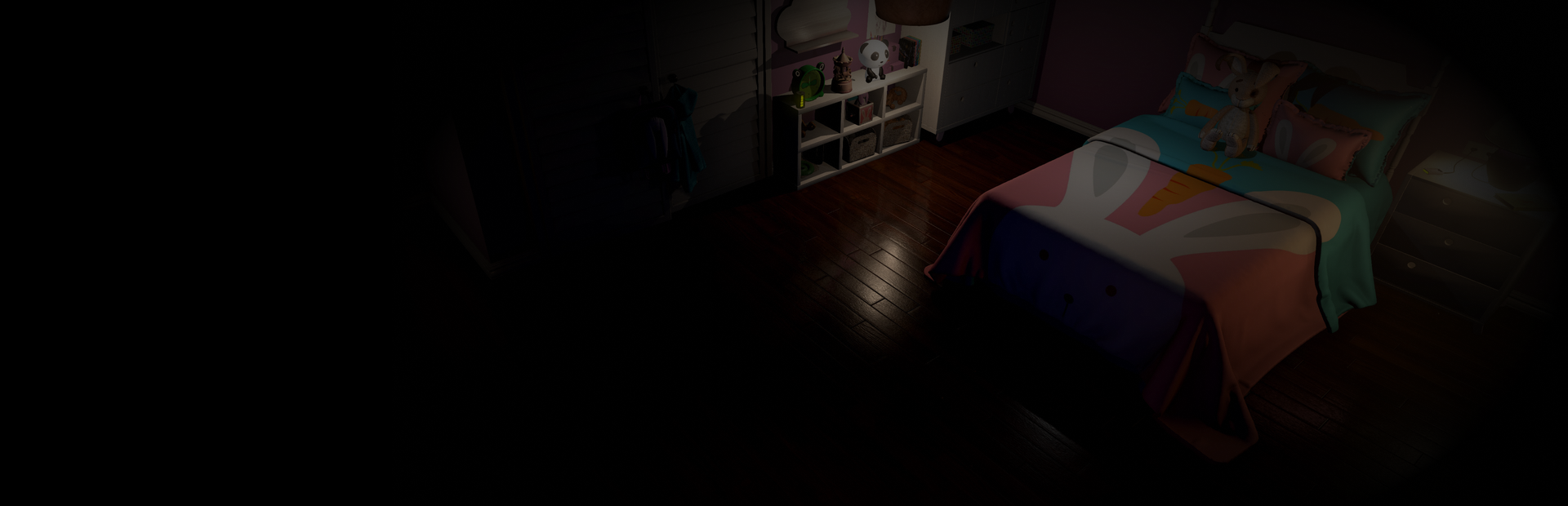
Live your childhood nightmare and try to survive against the Boogeyman. Equipped with only your flashlight, survive each night until the morning light.
Description
Live your childhood nightmare and try to survive against the Boogeyman. Equipped with only your flashlight, survive each night until the morning light. Search the house for useful items such as glow sticks, cherry bombs, and coffee to help you fight back. The weather will change each night, lights will break, toys will come alive, things will go bump in the night. Learn the hiding places, listen to the sounds of the Boogeyman to stay ahead.Gameplay
• Use your flashlight to ward off the Boogeyman, it seems to be the only thing it fears.
• Learn the Boogeyman's hiding places. Watch them carefully.
• The bedside lamp, nightlight, passage light, street light, and even the moon light help you to see around the room... until they go out.
• Your batteries will only last so long. Conserve as much power or risk going under the bed for more.
• Weather will change each night, affecting the way you play. Rain will drown out noise, lightening will give you quick glimpses of the room in full light, snow blizzards will make it impossible to hear much at all.
VR Support
The game supports full VR running at 90fps using the Oculus rift CV1 with minimum specs (GTX 970).From the store page, unedited. May contain spoilers.
This release
Reviews and playtime
Very Positive
80% of 604
The game
Genres and features
How to install Boogeyman
Pre-installed, so there is no setup wizard. Follow these in order.
- 01
Create a games folder
Make a folder like C:\Games\ and keep every game in it. Avoid Program Files, Downloads and the Desktop.
- 02
Exclude it from Windows Defender
Defender often deletes cracked files by mistake while they extract. Add C:\Games\ as an excluded folder:
Windows Security -> Virus & threat protection -> Manage settings -> Exclusions -> Add an exclusion -> Folder
- 03
Download into C:\Games\
Save the archive straight into that folder. This release is one 827.8 MB file.
- 04
Extract it there
Use 7-Zip or WinRAR. Keep about 1.8 GB free while it unpacks.
- One file
- Right-click it -> Extract here.
- Several parts
- Extract only part1 (or .001). The other parts are read automatically.
- 05
Open README.html
It is inside the extracted folder and explains how to start the game.
Still stuck? Read the install help
Download
Set up your games folder and the Defender exclusion before you extract. The Install tab has the steps.
FileDitch
The whole game in one file
0807
The whole game in one file
FileQ
The whole game in one file
We don't accept fix requests when only one host is down. Please use another mirror above. Links broken? Let us know.
We never password-protect files or hide installers. If a page asks for a password or payment, that is the host's ad, not us. See our safety guide.
System requirements
- Min
- Windows 7
- Min
- Intel i3 2.5ghz or equivalent
- Min
- 4 GB RAM
- Min
- 2GB VRAM
- Min
- Version 11
- Min
- 1 GB available space
These are the developer's listed requirements and may not be 100% accurate. If your specs fall below the minimum, try the game anyway; many games run fine below the listed requirements. When in doubt, check YouTube for performance benchmarks.