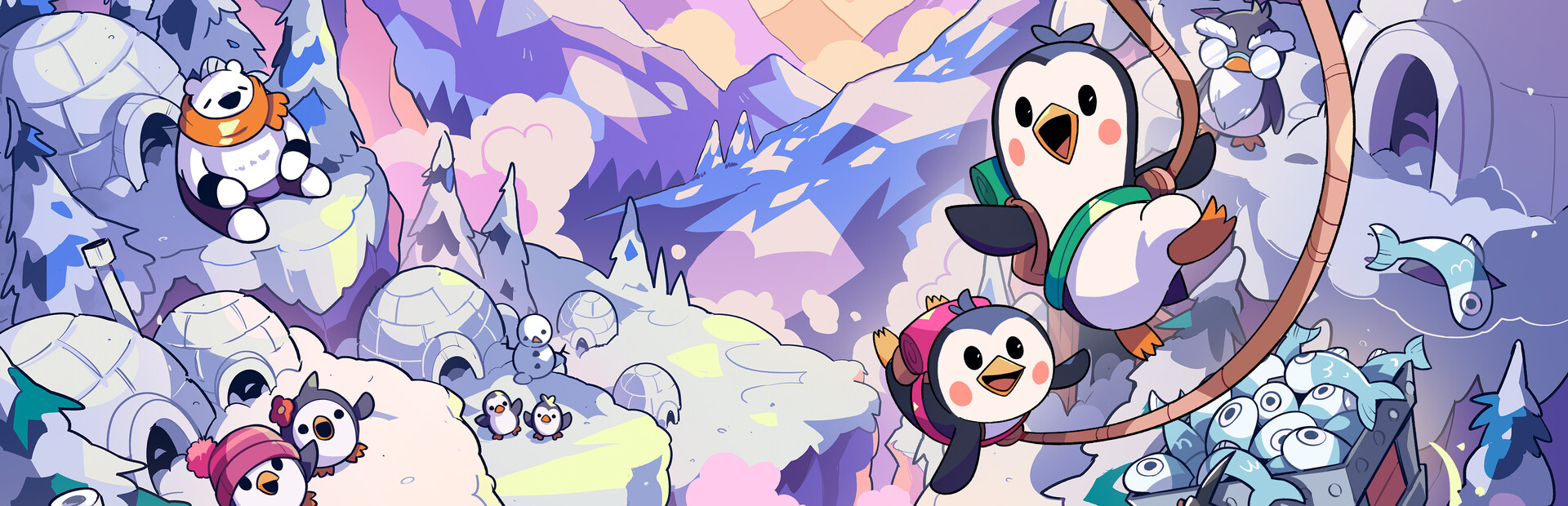
Bread & Fred
SandCastles Studio2023Platformer
557.7MBBuild 22868668Updated 10 days ago
About Bread & Fred
Grab your best bud for help in this new co-op challenge to help two adorable penguins, Bread and Fred, reach the top of the snowy summit. Time your jumps, cling to walls and swing across gaps to see how far you can make it before you tumble all the way back down the mountain.
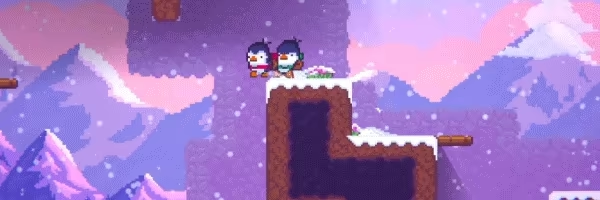
Penguin Mechanics:
- Swing to reach distant platforms!
Bread and Fred are attached to each other. That means you don’t only fall together, but you can make good use of momentum to swing and propel each other beyond what any single penguin could have ever jumped. Make sure one of you anchors down to the ground or you’ll both fall!
- Hold on to walls as long as you can!
The penguins’ little hands aren't very good, but you can hang on a wall with your partner for a few seconds to swing them around and overcome the next obstacle. Be careful though. These penguins are chubby so you can’t hold on long. Act fast!
- Single-player mode!
Can’t find your penguin buddy? Strap your rope to Jeff (a rock!) and use it instead! The climb will all be up to you and your skill, but that also means you have no one to blame when you fall...
Legends say that with these skills, a few penguin heroes have managed to reach the top. Will you be one of them?


Each fall will hurt, but try to learn and laugh through it. Think carefully about each jump and master the penguin skills to reach the summit.
For the craziest climbers, Bread & Fred includes a speedrun mode so you can compete and be crowned the best penguins on the planet.
The mountain awaits you. Complete your mission. Cooperate with each other and you will be able to go far up the mountain. Just try not to fall (too much). Good luck!!
From the store page, unedited. May contain spoilers.
This release
Reviews and playtime
Mostly Positive
78% of 4,265
The game
Genres and features


How to install Bread & Fred
Pre-installed, so there is no setup wizard. Follow these in order.
- 01
Create a games folder
Make a folder like C:\Games\ and keep every game in it. Avoid Program Files, Downloads and the Desktop.
- 02
Exclude it from Windows Defender
Defender often deletes cracked files by mistake while they extract. Add C:\Games\ as an excluded folder:
Windows Security -> Virus & threat protection -> Manage settings -> Exclusions -> Add an exclusion -> Folder
- 03
Download into C:\Games\
Save the archive straight into that folder. This release is one 557.7MB file.
- 04
Extract it there
Use 7-Zip or WinRAR. Keep about 1.2 GB free while it unpacks.
- One file
- Right-click it -> Extract here.
- Several parts
- Extract only part1 (or .001). The other parts are read automatically.
- 05
Open README.html
It is inside the extracted folder and explains how to start the game.
Still stuck? Read the install help
Download
Set up your games folder and the Defender exclusion before you extract. The Install tab has the steps.
FilesYard
The whole game in one file
FileDitch
The whole game in one file
VikingFile
The whole game in one file
We don't accept fix requests when only one host is down. Please use another mirror above. Links broken? Let us know.
We never password-protect files or hide installers. If a page asks for a password or payment, that is the host's ad, not us. See our safety guide.
System requirements
Windows 7
Dual Core 2.4 GhZ
2 GB RAM
1500 MB available space
These are the developer's listed requirements and may not be 100% accurate. If your specs fall below the minimum, try the game anyway; many games run fine below the listed requirements. When in doubt, check YouTube for performance benchmarks.