Bug Cleaners
dicehit2026Casual, Simulation
3.6GBBuild 25589448Updated 61 days ago
About Bug Cleaners
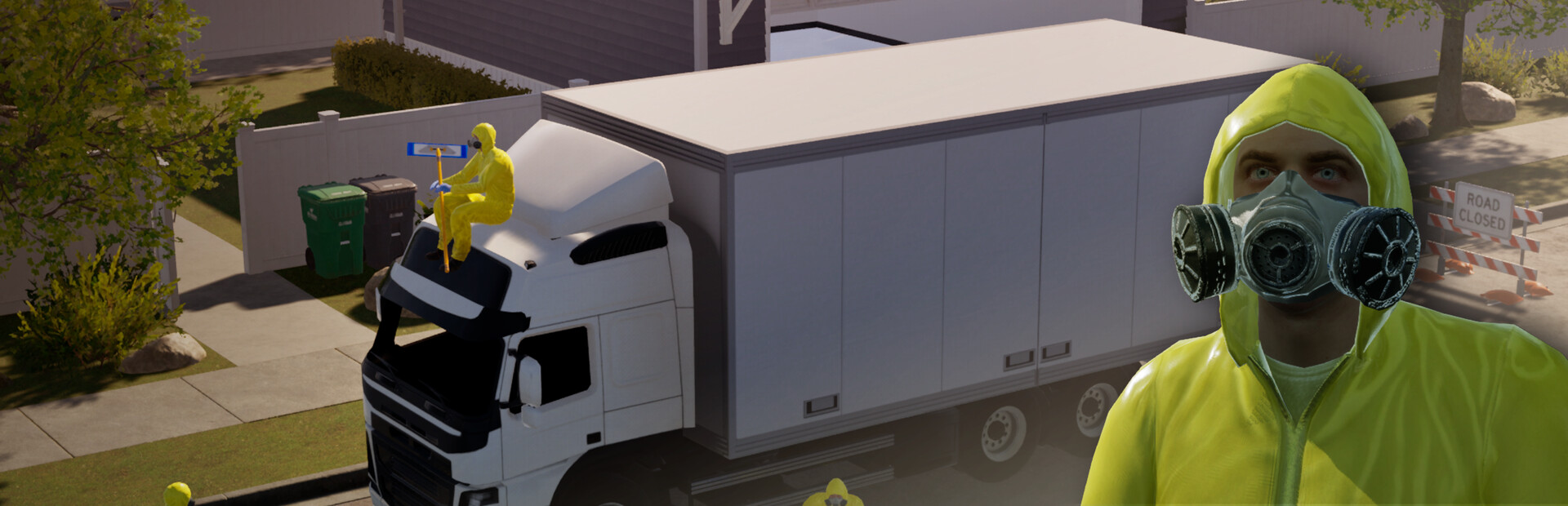
Ready to stop the bug infestation? Grab your wildest tools, go solo or team up with up to 4 players for chaotic missions, work together or totally troll the team! Bug cleaning has never been this fun and crazy!
🐛 Bugs are everywhere!
It's time to clean them up! Build your team or go solo—stop this invasion!
🔥 Burn them with the blowtorch!
Use the power of fire to burn the invaders to a crisp!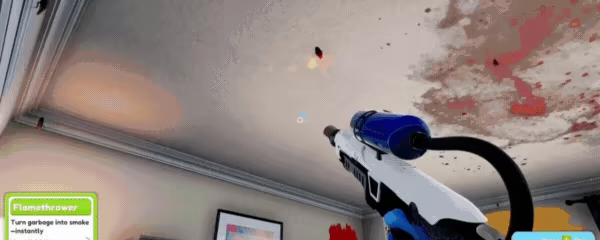
🦟 Spray them with the pesticide machine!
Force the bugs to disappear into the toxic mist!
🌀 Vacuum them up with the vacuum cleaner!
Suck them all up in one go and leave behind a pristine area!
🐱 Detect bugs with your trained cat, Sniffers!
Sniffers can sense bugs in any area it sniffs! With its warnings, every corner is ready to be cleaned. A fast and reliable helper—always by your side on this mission!
👣 Squish bugs with your hands, stomp them mercilessly with your feet!
Sometimes, getting the job done means squishing bugs in one swipe with your hands and stomping them with your feet—end for the bugs, relaxation for you!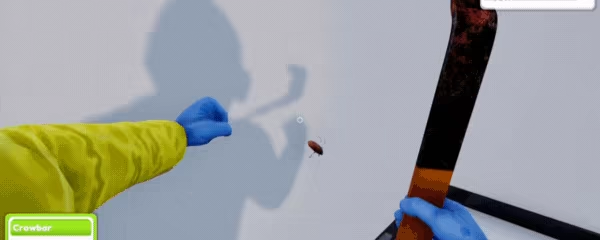
🎯 Chaotic missions, absurd humor, fun cleaning!
Ready for the craziest cleaning experience, solo or with your team!
From the store page, unedited. May contain spoilers.
This release
Reviews and playtime
Mostly Positive
77% of 53
The game
Genres and features
How to install Bug Cleaners
Pre-installed, so there is no setup wizard. Follow these in order.
- 01
Create a games folder
Make a folder like C:\Games\ and keep every game in it. Avoid Program Files, Downloads and the Desktop.
- 02
Exclude it from Windows Defender
Defender often deletes cracked files by mistake while they extract. Add C:\Games\ as an excluded folder:
Windows Security -> Virus & threat protection -> Manage settings -> Exclusions -> Add an exclusion -> Folder
- 03
Download into C:\Games\
Save the archive straight into that folder. This release is one 3.6GB file.
- 04
Extract it there
Use 7-Zip or WinRAR. Keep about 7.9 GB free while it unpacks.
- One file
- Right-click it -> Extract here.
- Several parts
- Extract only part1 (or .001). The other parts are read automatically.
- 05
Open README.html
It is inside the extracted folder and explains how to start the game.
Still stuck? Read the install help
Download
Set up your games folder and the Defender exclusion before you extract. The Install tab has the steps.
VikingFile
The whole game in one file
0807
The whole game in one file
Gofile (legacy)
The whole game in one file
We don't accept fix requests when only one host is down. Please use another mirror above. Links broken? Let us know.
We never password-protect files or hide installers. If a page asks for a password or payment, that is the host's ad, not us. See our safety guide.
System requirements
- Min
- Windows 10 or newer
- Min
- Intel Core i3-6100 / AMD FX-8350
- Min
- 8 GB RAM
- Min
- GTX 580 / AMD HD 7870
- Min
- Broadband Internet connection
These are the developer's listed requirements and may not be 100% accurate. If your specs fall below the minimum, try the game anyway; many games run fine below the listed requirements. When in doubt, check YouTube for performance benchmarks.