
Calculate It
SVGames2026Simulation, Roguelike
144.4MBBuild 25946854Updated 42 days ago
About Calculate It
A roguelike where you build your own calculator. Buy unusual buttons, combine them with passive upgrades, and reach target numbers while saving turns and charges. Defeat bosses that change the rules and unlock new possibilities for future runs.

We turned a calculator into a roguelike!
Each round gives you a new target number. Reach it using the buttons you have, then prepare your calculator for the next challenge. Charges are limited, and the fewer turns you take to solve a round, the more coins you'll earn for new purchases.
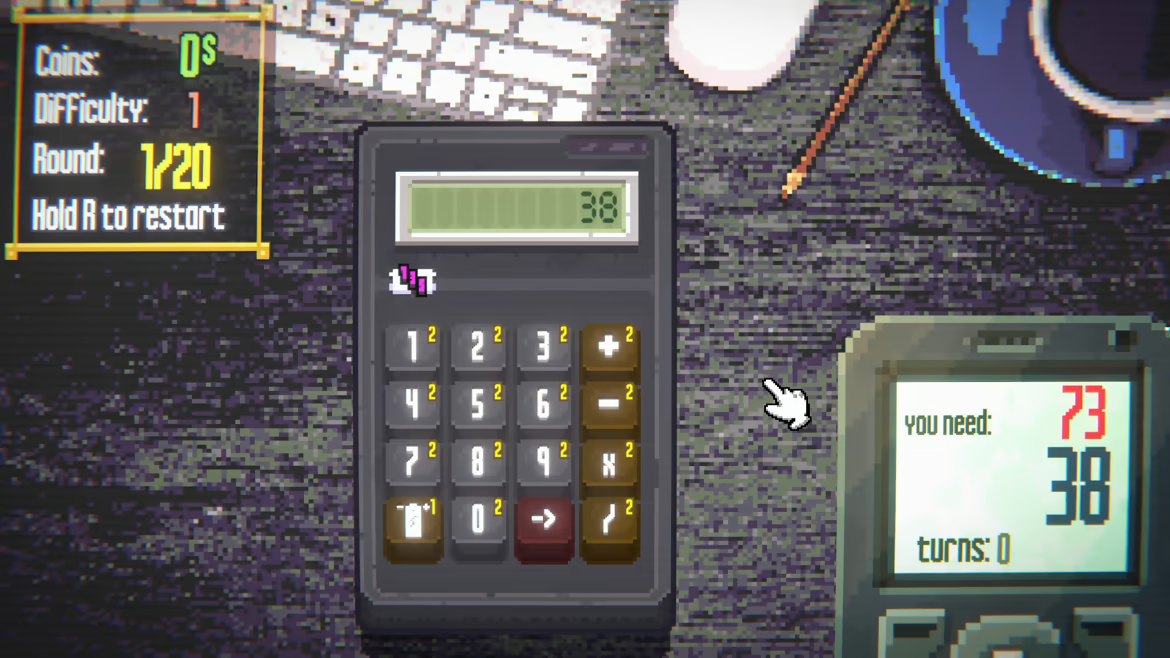

Create your own build
Choose a calculator with its own unique features, expand its casing, and install new buttons. Reverse numbers, replace digits, take square roots, or swap your result with the target. Sometimes, a single well-chosen purchase opens up a whole new way to tackle each round.
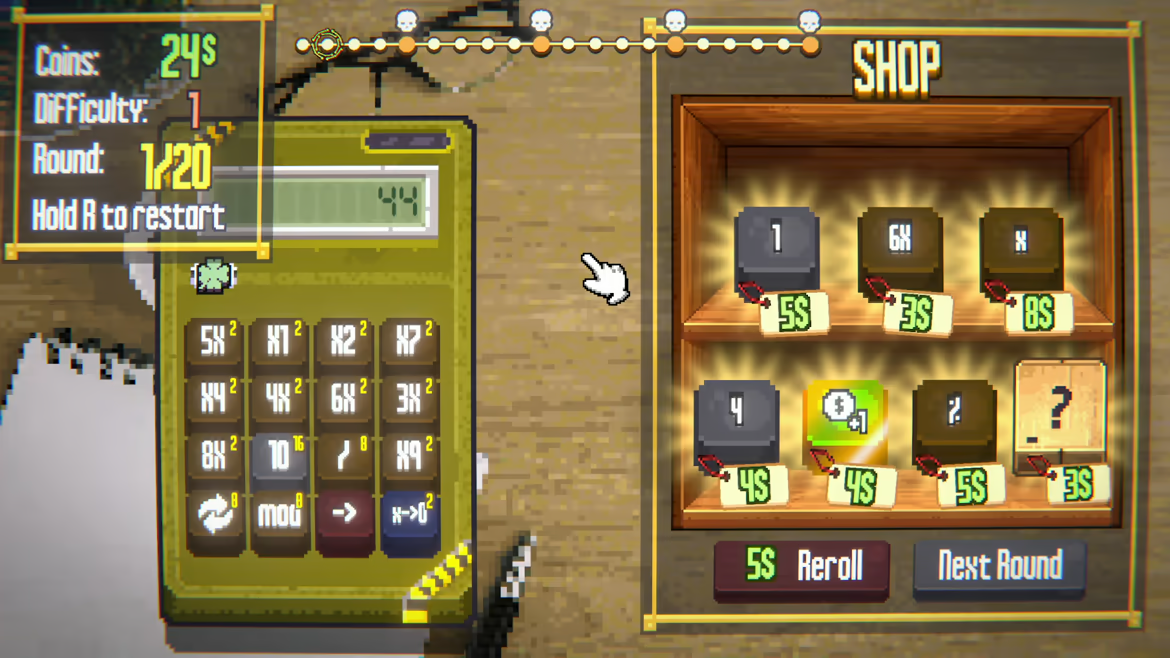
Combine buttons and passive upgrades
Passive upgrades change the rules. Earn coins by reaching certain numbers, recharge buttons when you earn coins, or restore glass buttons after a round. Choose upgrades that suit your calculator and make them work together.


Adapt to the bosses
Bosses disable specific buttons, increase charge costs, and even hide your calculator's display. Save your useful tools and find new solutions when your usual combination stops working.

Take on unusual challenges
Complete a run with a calculator that loses a button after every round. Race against the clock. Decipher operations hidden behind alchemical symbols. In Only Up, start at one and work your way up to targets around ten thousand.
Win runs, unlock new buttons and passive upgrades, take on higher difficulties, and keep a successful build going in Endless Mode.
From the store page, unedited. May contain spoilers.
This release
Reviews and playtime
Very Positive
85% of 320
The game
Genres and features
How to install Calculate It
Pre-installed, so there is no setup wizard. Follow these in order.
- 01
Create a games folder
Make a folder like C:\Games\ and keep every game in it. Avoid Program Files, Downloads and the Desktop.
- 02
Exclude it from Windows Defender
Defender often deletes cracked files by mistake while they extract. Add C:\Games\ as an excluded folder:
Windows Security -> Virus & threat protection -> Manage settings -> Exclusions -> Add an exclusion -> Folder
- 03
Download into C:\Games\
Save the archive straight into that folder. This release is one 144.4MB file.
- 04
Extract it there
Use 7-Zip or WinRAR. Keep about 317.7 MB free while it unpacks.
- One file
- Right-click it -> Extract here.
- Several parts
- Extract only part1 (or .001). The other parts are read automatically.
- 05
Open README.html
It is inside the extracted folder and explains how to start the game.
Still stuck? Read the install help
Download
Set up your games folder and the Defender exclusion before you extract. The Install tab has the steps.
FileDitch
The whole game in one file
VikingFile
The whole game in one file
0807
The whole game in one file
We don't accept fix requests when only one host is down. Please use another mirror above. Links broken? Let us know.
We never password-protect files or hide installers. If a page asks for a password or payment, that is the host's ad, not us. See our safety guide.
System requirements
Windows 7, 8, 10, 11 x64
Intel Core i3
1 GB RAM
OpenGL 2.1 compatible graphics card, integrated graphics
100 MB available space
These are the developer's listed requirements and may not be 100% accurate. If your specs fall below the minimum, try the game anyway; many games run fine below the listed requirements. When in doubt, check YouTube for performance benchmarks.