Carnedge
OneShark2026RPG, Roguelike
161.2 MBBuild 21922757Updated 159 days ago
About Carnedge
CARNEDGE is a dark fantasy RPG where you drag the Eternal Flame across a dying world. Build deadly decks, summon weird allies, and fight through twisted dungeons full of enemies that hate your guts and watch chaos unfold!
Master your cards, upgrade your gear, and watch chaos unfold in this dark fantasy RPG set in a world corrupted by darkness
A WORLD GONE DARK
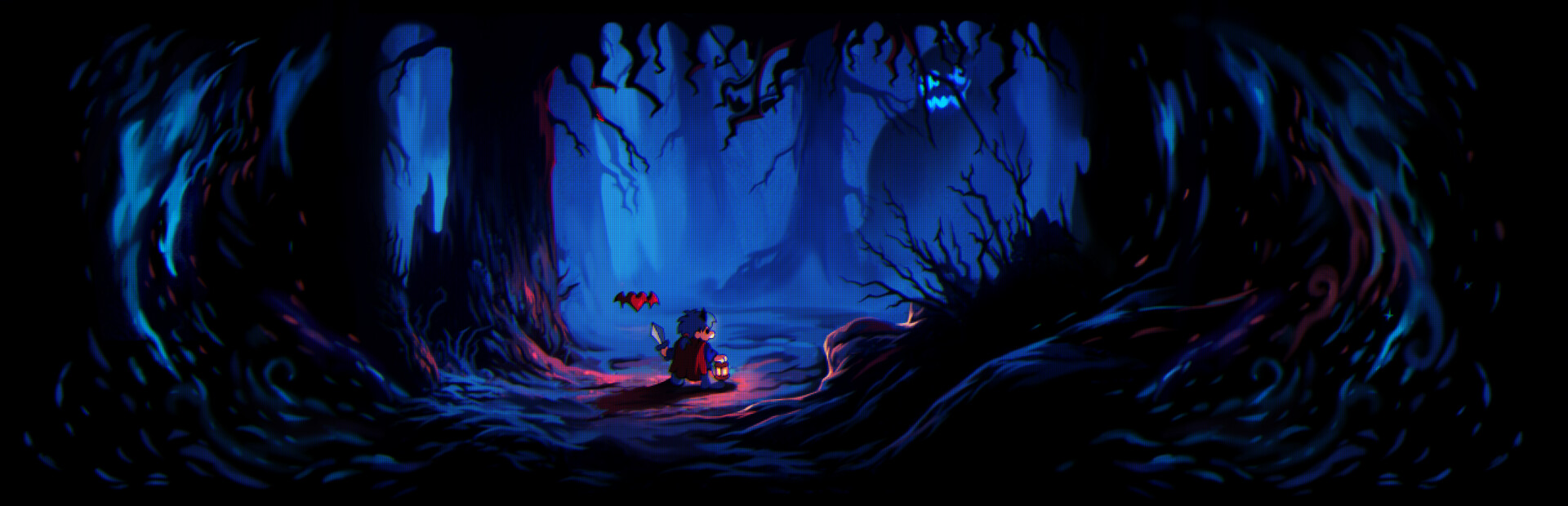
Once a year, a lone warrior must carry the Lantern of Eternal Flame across a decaying world to reignite the lighthouse and keep hope alive
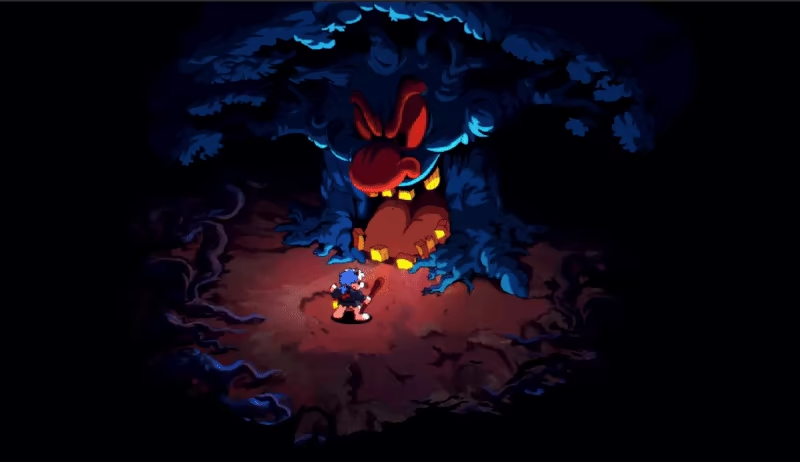
Fight through twisted lands, recruit allies, and reshape your build as corruption creeps in. No warrior has ever returned-yet the light always burns. And as long as you hold the Lantern, death is never the end
BUILD YOUR POWER
Choose cards. Equip powerful items & relics. Shape your hero run by run. Every decision shifts your build and your odds of survival

FEATURES:
Juicy, chaotic combat – Deckbuilding meets explosive RPG auto-battles. Enemies burn, freeze, shatter, and melt as you and your summons tear through corrupted monstrosities
Deep custom character builds – Become a lone tank, a swarm-summoning shaman, or something in between. Build around cards, gear, and passives
300+ hand drawn items – Every item is unique and visually appears on your character in combat
A big world map – Choose your path through story nodes, conquer quests, face grotesque bosses, and push toward the Lighthouse
DISCORD
Join our Discord, so you can play earlier versions and give us feedback and suggestions! The link's on the right sidebar
From the store page, unedited. May contain spoilers.
This release
Reviews and playtime
Mixed
68% of 60
The game
Genres and features
How to install Carnedge
Pre-installed, so there is no setup wizard. Follow these in order.
- 01
Create a games folder
Make a folder like C:\Games\ and keep every game in it. Avoid Program Files, Downloads and the Desktop.
- 02
Exclude it from Windows Defender
Defender often deletes cracked files by mistake while they extract. Add C:\Games\ as an excluded folder:
Windows Security -> Virus & threat protection -> Manage settings -> Exclusions -> Add an exclusion -> Folder
- 03
Download into C:\Games\
Save the archive straight into that folder. This release is one 161.2 MB file.
- 04
Extract it there
Use 7-Zip or WinRAR. Keep about 354.6 MB free while it unpacks.
- One file
- Right-click it -> Extract here.
- Several parts
- Extract only part1 (or .001). The other parts are read automatically.
- 05
Open README.html
It is inside the extracted folder and explains how to start the game.
Still stuck? Read the install help
Download
Set up your games folder and the Defender exclusion before you extract. The Install tab has the steps.
FileDitch
The whole game in one file
FileQ
The whole game in one file
Gofile (legacy)
The whole game in one file
We don't accept fix requests when only one host is down. Please use another mirror above. Links broken? Let us know.
We never password-protect files or hide installers. If a page asks for a password or payment, that is the host's ad, not us. See our safety guide.
System requirements
- Min
- Intel® Core™ i5-750 (quad-core) / AMD® Phenom™ II X4 965 (quad-core)
- Rec
- Intel® Core™ i5-3570 (quad-core) / AMD® FX-Series™ FX-8300 (quad-core)
- Min
- 4 GB RAM
- Rec
- 8 GB RAM
- Min
- NVIDIA® GeForce® GT 630 (2 GB) / AMD® Radeon™ HD 6670 (2 GB)
- Rec
- NVIDIA® GeForce® GTX 650 (2 GB) / AMD® Radeon™ HD 7750 (2 GB)
- Min
- Version 11
- Rec
- Version 12
Windows® 10 (64-bit)
1 GB available space
These are the developer's listed requirements and may not be 100% accurate. If your specs fall below the minimum, try the game anyway; many games run fine below the listed requirements. When in doubt, check YouTube for performance benchmarks.