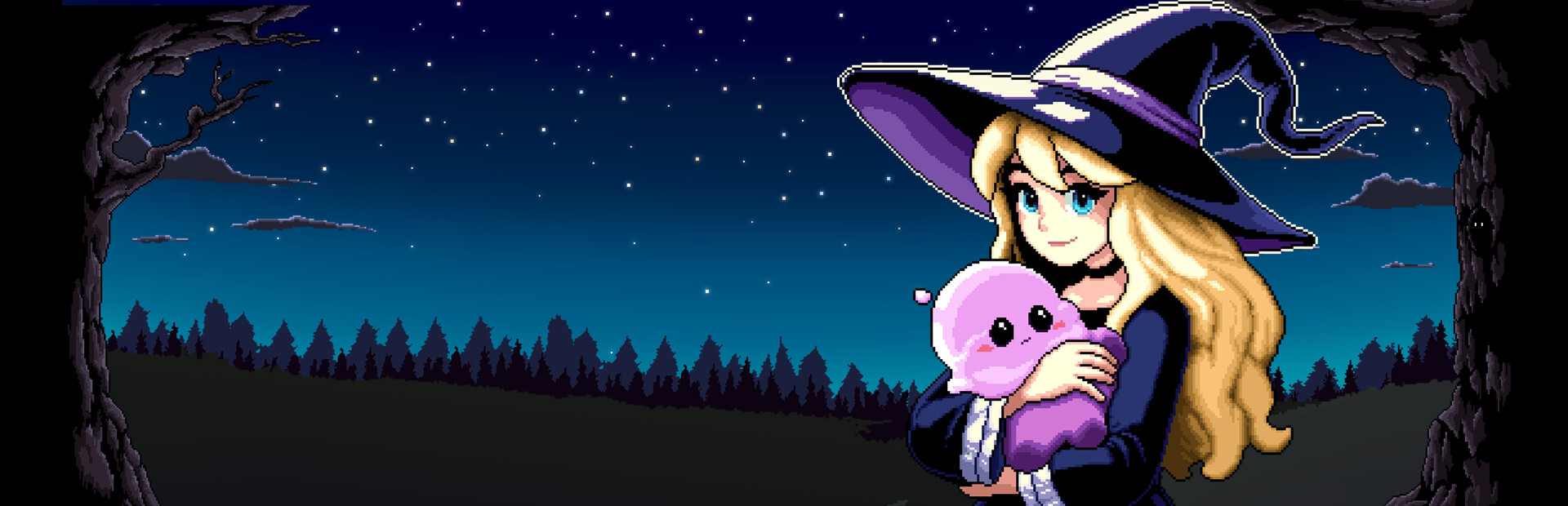
Cauldron
SleepyDad Games2025Idle, Casual
319.4 MBBuild 23790394Updated 162 days ago
About Cauldron
Cauldron is an upgrade-heavy, minigame-centric, turn-based RPG. Play minigames to strengthen your party, then win battles to uncover more map, more heroes, more minigames, more everything! If your favorite plant is an upgrade tree, then this game is for you!
Cauldron is a game about exploration, battling monsters, and leveling up your party through minigames. Gather resources to upgrade minigames, heroes, abilities, and more! Play as Nyx, a young witch cast into this darkness-covered world. Discover the truth and find new allies to help you on your journey!


Play minigames to gather resources!


Infinitely upgrade minigames, heroes, items, and more!


Battle monsters to explore more of this mysterious world!

There's no "right" way to play Cauldron...
Do you love to grind minigames over and over? Go for it!
Would you rather let the game auto-collect while you're gone? No shame in that!
Do you love to carefully organize your party and skills to dish out maximum damage? Go ahead!
Would you rather get completely overpowered so you don't have to think about any of that stuff? Great!
Exponential minigame progression (we're talking REALLY big numbers)
Unique skill trees for 20+ heroes
Multiple game modes, including Idle, Pacifist, and EVIL
Unlockable autobattler to do the battling for you
An upgradable collection box that auto-gathers resources
Character skits
A snarky pink sidekick who never leaves your side
Talking birds
From the store page, unedited. May contain spoilers.
This release
Reviews and playtime
Very Positive
92% of 1,744
The game
Genres and features

How to install Cauldron
Pre-installed, so there is no setup wizard. Follow these in order.
- 01
Create a games folder
Make a folder like C:\Games\ and keep every game in it. Avoid Program Files, Downloads and the Desktop.
- 02
Exclude it from Windows Defender
Defender often deletes cracked files by mistake while they extract. Add C:\Games\ as an excluded folder:
Windows Security -> Virus & threat protection -> Manage settings -> Exclusions -> Add an exclusion -> Folder
- 03
Download into C:\Games\
Save the archive straight into that folder. This release is one 319.4 MB file.
- 04
Extract it there
Use 7-Zip or WinRAR. Keep about 702.8 MB free while it unpacks.
- One file
- Right-click it -> Extract here.
- Several parts
- Extract only part1 (or .001). The other parts are read automatically.
- 05
Open README.html
It is inside the extracted folder and explains how to start the game.
Still stuck? Read the install help
Download
Set up your games folder and the Defender exclusion before you extract. The Install tab has the steps.
FileDitch
The whole game in one file
Gofile (legacy)
The whole game in one file
We don't accept fix requests when only one host is down. Please use another mirror above. Links broken? Let us know.
We never password-protect files or hide installers. If a page asks for a password or payment, that is the host's ad, not us. See our safety guide.
System requirements
- Min
- Windows Vista or greater
- Min
- 2 Ghz
- Min
- 4 GB RAM
- Min
- 256 mb video memory, shader model 3.0+
- Min
- Version 10
- Min
- 200 MB available space
These are the developer's listed requirements and may not be 100% accurate. If your specs fall below the minimum, try the game anyway; many games run fine below the listed requirements. When in doubt, check YouTube for performance benchmarks.