Cave Digger VR
VRKiwi2018Adventure, Simulation
515.5 MBBuild 7416796Updated 117 days ago
About Cave Digger VR
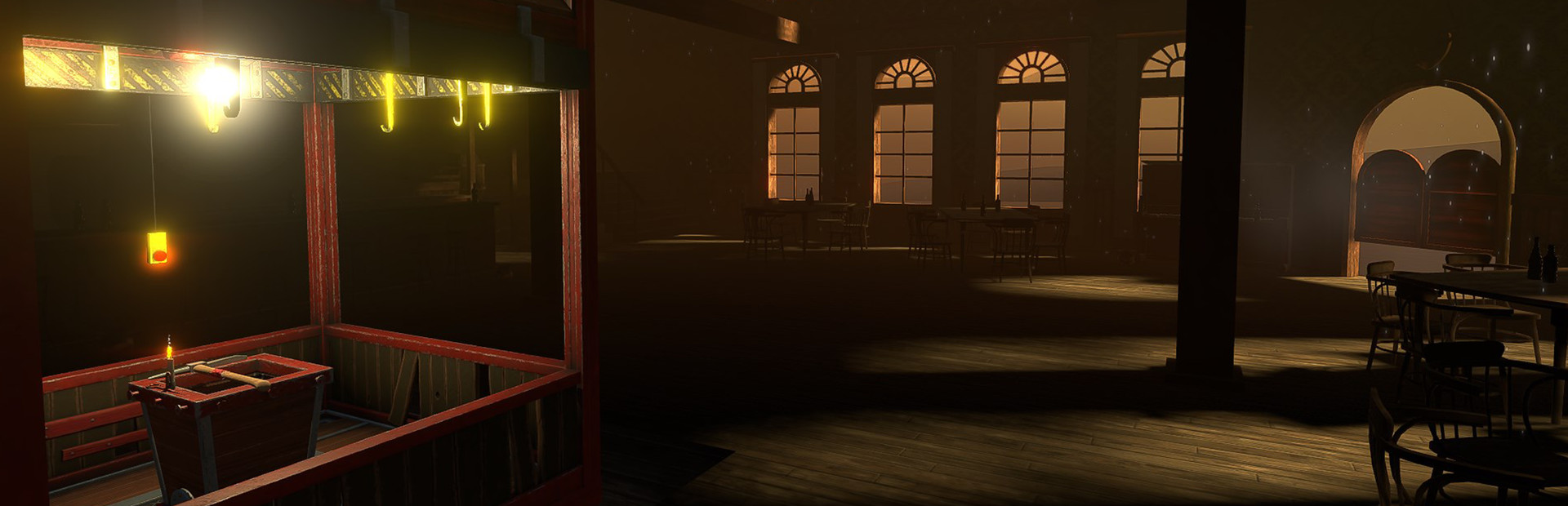
Cave Digger VR is a virtual reality mining game in an alternative western setting. Gear up with numerous unique tools and explore the town and the depths of the mountain. Discover secrets, easter eggs and multiple endings!
Cave Digger VR is a mining adventure game, which takes place in a small town of an alternative western universe full of mystery, dark humor and numerous experimental tools for the brave miners!
Gear up to explore the town and the depths of the mountain. Excavate the bedrock, reap the rewards of mother earth and trade the mined valuables for new gadgets.
Features
- Explore the elevator shaft and the train tracks to four distinct underground levels, and find mysteries, riches and multiple endings
- 9 endings depending on the choices you make. Can you find them all?
- Upgrade your tools and the train to make them more effective… and shiny!
- A companion Chest to carry your loot and burden
How much riches will be enough? Will you be able to stop? What happens if you don’t? The answers to these questions and more will be found as you dig deeper into the mines!
From the store page, unedited. May contain spoilers.
This release
Reviews and playtime
Mixed
65% of 52
The game
Genres and features
How to install Cave Digger VR
Pre-installed, so there is no setup wizard. Follow these in order.
- 01
Create a games folder
Make a folder like C:\Games\ and keep every game in it. Avoid Program Files, Downloads and the Desktop.
- 02
Exclude it from Windows Defender
Defender often deletes cracked files by mistake while they extract. Add C:\Games\ as an excluded folder:
Windows Security -> Virus & threat protection -> Manage settings -> Exclusions -> Add an exclusion -> Folder
- 03
Download into C:\Games\
Save the archive straight into that folder. This release is one 515.5 MB file.
- 04
Extract it there
Use 7-Zip or WinRAR. Keep about 1.1 GB free while it unpacks.
- One file
- Right-click it -> Extract here.
- Several parts
- Extract only part1 (or .001). The other parts are read automatically.
- 05
Open README.html
It is inside the extracted folder and explains how to start the game.
Still stuck? Read the install help
Download
Set up your games folder and the Defender exclusion before you extract. The Install tab has the steps.
FileDitch
The whole game in one file
FileQ
The whole game in one file
Pixeldrain
The whole game in one file
Pixeldrain slows free downloads to a few MB/s. The Copy fast link button gives you a bypass link with no speed limit. Paste it into your download manager, or into your browser's address bar.
We don't accept fix requests when only one host is down. Please use another mirror above. Links broken? Let us know.
We never password-protect files or hide installers. If a page asks for a password or payment, that is the host's ad, not us. See our safety guide.