Chicken Invaders 4
InterAction studios2014Indie, Casual
429.4MBBuild 25574186Updated 45 days ago
About Chicken Invaders 4
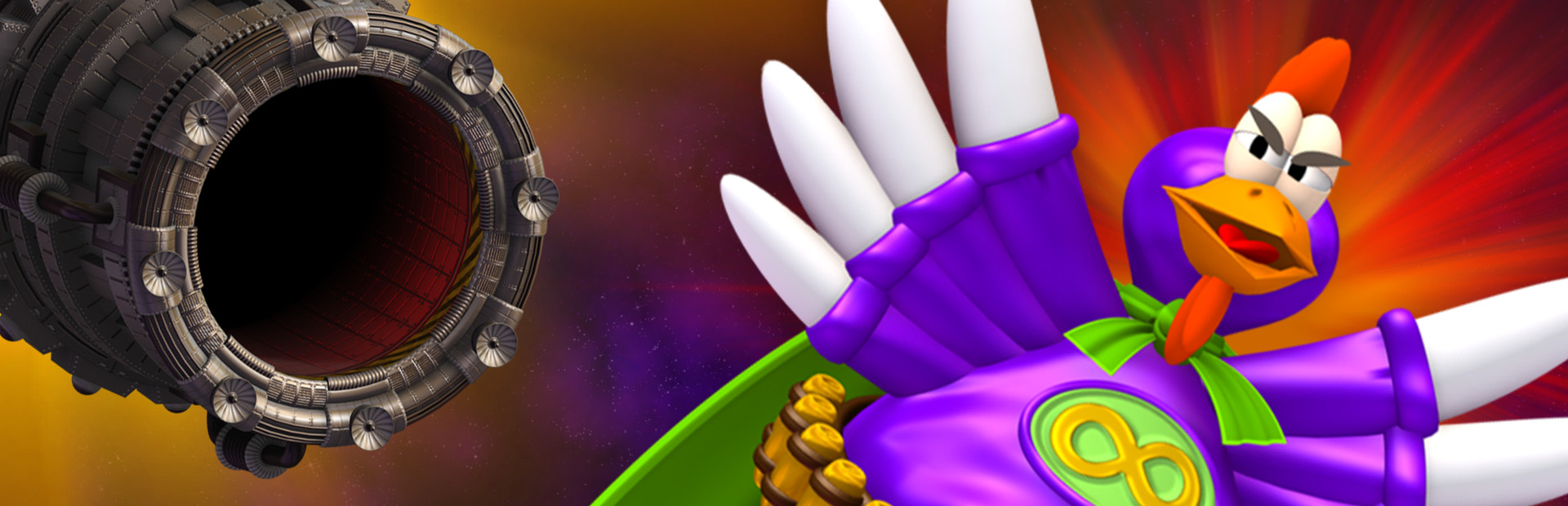
They came without warning, squawking menacingly, their ruffled feathers darkening the sun. Invading intergalactic chickens, out to punish humanity for our oppression of their earthly brethren. Now they're back, and they're having Earth for dinner!
They came without warning, squawking menacingly, their ruffled feathers darkening the sun. Invading intergalactic chickens, out to punish humanity for our oppression of their earthly brethren.
I instantly knew what had to be done. I dropped my half-eaten chicken burger and jumped in my cockpit. With a greasy finger I set my lasers to "extra crispy" and blasted off to intercept the fowl invaders.
It wasn't easy. Squawks, feathers flying, the smell of charred chicken everywhere. Three times they invaded, each time with increasingly devious plans. Three times I managed to push them back whence they came, and secure humanity a few more years as the dominant species of this planet.
After their last retreat, I headed for my local Space Burger to bask in the glow of my recent victory. Breathing a sigh of relief, I sat down to enjoy a double chicken-burger with crispy chicken wings on the side.
Little did I know that my greatest adventure was yet to come...
From the store page, unedited. May contain spoilers.
This release
Includes3 DLCs
- Chicken Invaders 4 - Christmas Edition
- Chicken Invaders 4 - Easter Edition
- Chicken Invaders 4 - Thanksgiving Edition
Reviews and playtime
Overwhelmingly Positive
98% of 569
The game
Genres and features


How to install Chicken Invaders 4
Pre-installed, so there is no setup wizard. Follow these in order.
- 01
Create a games folder
Make a folder like C:\Games\ and keep every game in it. Avoid Program Files, Downloads and the Desktop.
- 02
Exclude it from Windows Defender
Defender often deletes cracked files by mistake while they extract. Add C:\Games\ as an excluded folder:
Windows Security -> Virus & threat protection -> Manage settings -> Exclusions -> Add an exclusion -> Folder
- 03
Download into C:\Games\
Save the archive straight into that folder. This release is one 429.4MB file.
- 04
Extract it there
Use 7-Zip or WinRAR. Keep about 944.7 MB free while it unpacks.
- One file
- Right-click it -> Extract here.
- Several parts
- Extract only part1 (or .001). The other parts are read automatically.
- 05
Open README.html
It is inside the extracted folder and explains how to start the game.
Still stuck? Read the install help
Download
Set up your games folder and the Defender exclusion before you extract. The Install tab has the steps.
FileDitch
The whole game in one file
VikingFile
The whole game in one file
Gofile (legacy)
The whole game in one file
We don't accept fix requests when only one host is down. Please use another mirror above. Links broken? Let us know.
We never password-protect files or hide installers. If a page asks for a password or payment, that is the host's ad, not us. See our safety guide.
System requirements
- Min
- Windows XP/Vista/7/8/8.1/10/11
- Min
- 512 MB RAM
- Min
- Version 8.1
- Min
- 210 MB available space
These are the developer's listed requirements and may not be 100% accurate. If your specs fall below the minimum, try the game anyway; many games run fine below the listed requirements. When in doubt, check YouTube for performance benchmarks.