Chroma Zero
ekorz2024Puzzle, Adventure
574.8MBBuild 21367157Updated 32 days ago
About Chroma Zero
Explore a unique and connected world. Understand its fragile balance, uncover its deepest questions, and find more than just the answers.
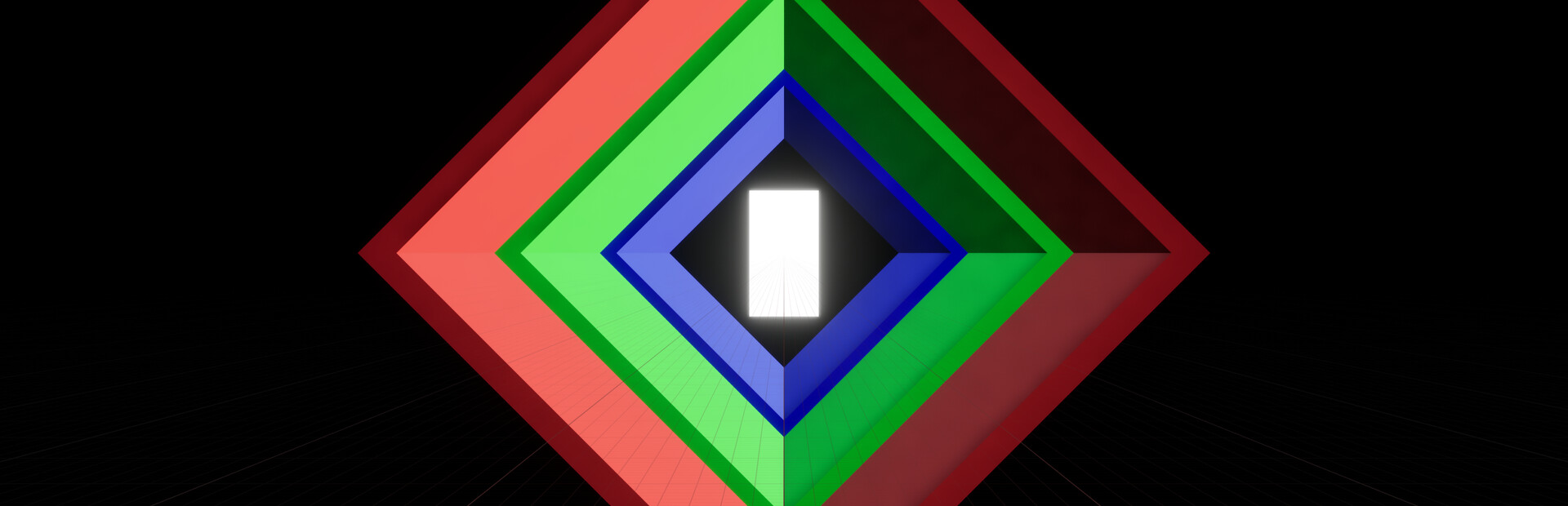
Explore a unique and connected world. Understand its fragile balance, uncover its deepest questions, and find more than just the answers. Chroma Zero immerses you in a universe of mystery, color, energy, and movement, and challenges your expectations and intuition. There are no levels, the puzzles are integrated into the fabric of the space itself, and everything can change in the blink of an eye. Exploration and curiosity are rewarded.

Key Features
Knowledge Based Progression – Learn the rules of the space, and you can progress farther in the world and deeper into the mystery
Open-world Puzzles – Explore everywhere, the world itself is the puzzle. There are no levels.
Extremely Dynamic Environment – The world reacts to your actions in dramatic fashion
An enchanting and beautiful Original Score by Adam Kromelow and Dan Rufolo
Narrative with charm and wit, and at times, wit and charm

Gameplay
Players generally take between 6 and 12 hours to finish the game, and a bit more to explore everything. Most progress is gated only by knowledge, which is gained by exploring and experimenting.
This is an immersive, non-linear, risk-taking and moderately challenging "Metroidbrainia" game, made by a solo developer (hi there). The narrative is mostly light-hearted, but can be impactful at times. The puzzles ramp up in difficulty, though the game helps to guide you as well. So if you're exploring everywhere, you will know what to do -- maybe just not how to do it! I was inspired by games like Antichamber, Outer Wilds, Myst/Riven, and the discovery elements of Tunic. I hope to bring more games like these into the world, since by their nature they are focused on giving you a wonderful and surprising first-playthrough.
Extras
Controller Support – This game works 100% with controllers except for adjusting items in the 'Settings' subsection of the main/pause menu system. So, if you want to do stuff like change your resolution, adjust the sensitivity, adjust the key-bindings, turn on/off motion blur, etc. etc. it is ALL THERE for your fiddling pleasure, but you need a mouse to do it. Please forgive me this one trespass, dear gamer.
Color Vision Deficiency Mode – An overlay can be positioned in any corner of the screen, or in the center, which describes the point-of-interest you're currently looking at.
Photosensitivity Modes – A Brightness Offset adds range to the in-game brightness slider, and adds low-contrast animations to soften otherwise high-contrast events. An intro-animation offset adjusts the way the game starts, which typically involves a symmetrical pattern repeating across the screen. The offset makes it asymmetric.
Speedrun Timer – A reposition-able timer starts on Play, and stops during dialogue sequences, but otherwise continues until game-over. Also, if this timer is enabled, the button-hold to delete your save file is sped up so fresh restarts can happen more quickly. Visit our discord for more speedrunning discussion and leaderboard links.
Secrets – (..uh, spoiler!..)
You can pet the cat(s)
From the store page, unedited. May contain spoilers.
This release
Reviews and playtime
Very Positive
96% of 330
The game
Genres and features
How to install Chroma Zero
Pre-installed, so there is no setup wizard. Follow these in order.
- 01
Create a games folder
Make a folder like C:\Games\ and keep every game in it. Avoid Program Files, Downloads and the Desktop.
- 02
Exclude it from Windows Defender
Defender often deletes cracked files by mistake while they extract. Add C:\Games\ as an excluded folder:
Windows Security -> Virus & threat protection -> Manage settings -> Exclusions -> Add an exclusion -> Folder
- 03
Download into C:\Games\
Save the archive straight into that folder. This release is one 574.8MB file.
- 04
Extract it there
Use 7-Zip or WinRAR. Keep about 1.2 GB free while it unpacks.
- One file
- Right-click it -> Extract here.
- Several parts
- Extract only part1 (or .001). The other parts are read automatically.
- 05
Open README.html
It is inside the extracted folder and explains how to start the game.
Still stuck? Read the install help
Download
Set up your games folder and the Defender exclusion before you extract. The Install tab has the steps.
FilesYard
The whole game in one file
FileDitch
The whole game in one file
VikingFile
The whole game in one file
We don't accept fix requests when only one host is down. Please use another mirror above. Links broken? Let us know.
We never password-protect files or hide installers. If a page asks for a password or payment, that is the host's ad, not us. See our safety guide.
System requirements
- Min
- Windows 10
- Rec
- Windows 10 64-bit
- Min
- 2.8 GHZ
- Rec
- 3.0 GHZ
- Min
- 8 GB RAM
- Rec
- 16 GB RAM
- Min
- NVIDIA GTX 1650
- Rec
- NVIDIA 3060TI
- Min
- 1 GB available space
- Rec
- 2 GB available space
Integrated GPUs are not supported, a separate graphics card is required.
These are the developer's listed requirements and may not be 100% accurate. If your specs fall below the minimum, try the game anyway; many games run fine below the listed requirements. When in doubt, check YouTube for performance benchmarks.