
Al Fine2024Roguelike, Card Game
2.5GBBuild 24139319Updated 49 days ago
About Chrono Ark
Chrono Ark is a singleplayer roguelike that combines elements from deckbuilders and party-based RPGs. Recruit, train, and build a team of unique Investigators to restore the Twisted World!

Features
ChronoArk is a party-based deck-building roguelike single player RPG game about rescuing the world from chaos.
Recruit, train, and build a team of unique investigators throughout the abandoned land and restore the Twisted World!
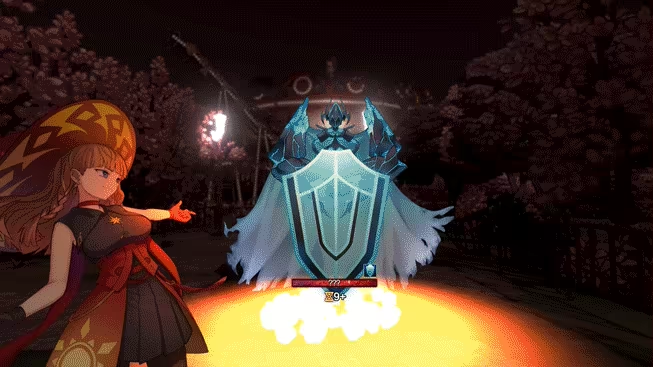
 Party-styled, card-based battles
Recruit up to 4 party members and synergize each card you have to win the battle!
All skills and perks will appear as cards during the battle.
It is up to you to customize your own characters!
 RogueLite RPG
Unlike classic RPGs, everything you gain will reset when your party is eliminated. However, you will discover more options as you play through the game.

 Storyline
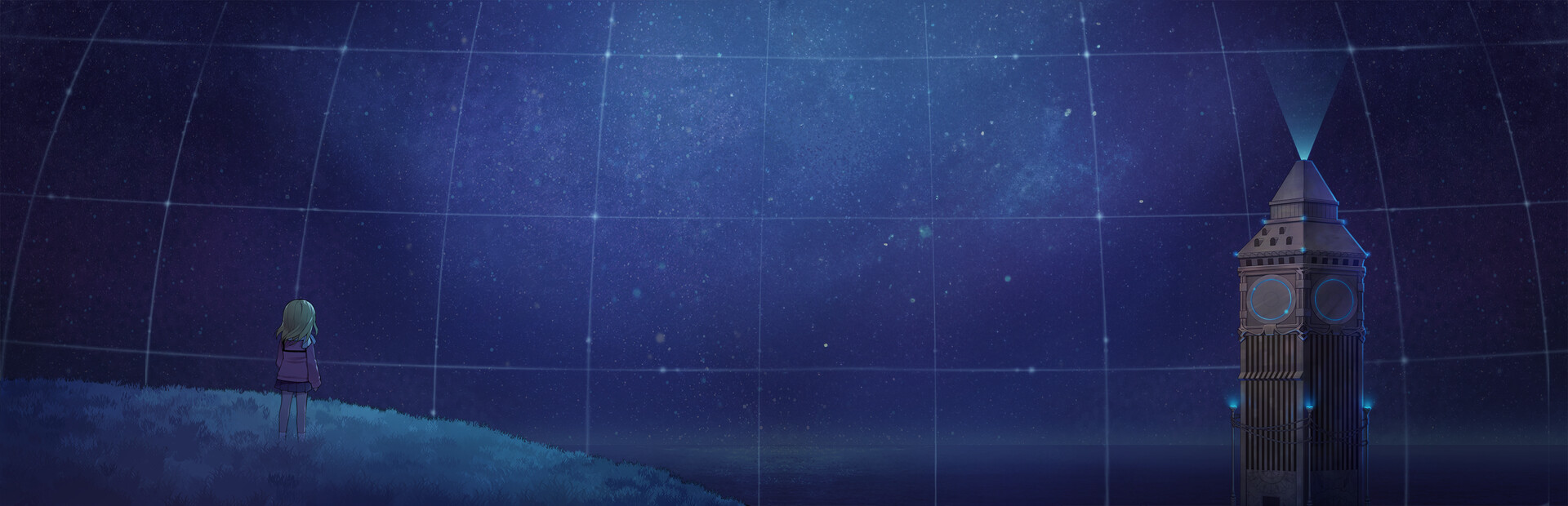
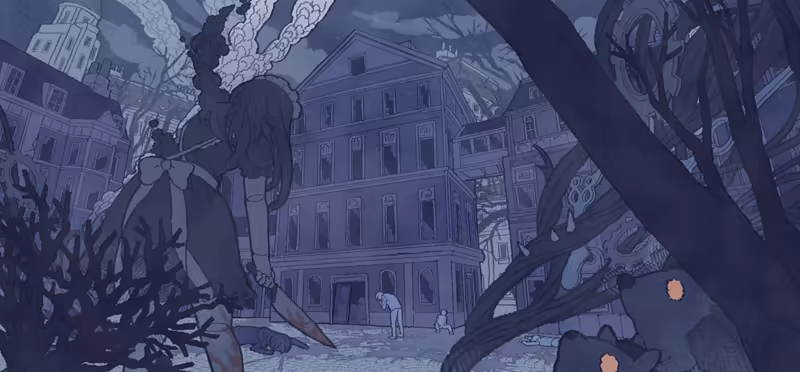
A long time ago, the world was covered in the Black Fog and mankind evacuated to the Ark.
There is only one way to restore the world: collecting the Time Shades scattered around the Twisted Land and running the Clock Tower.
The world will return to its peaceful days if the Clock Tower starts to tick again…
‘Lucy’ ends up opening her eyes on the Twisted Land beneath the Ark.
Only thing she can remember is a mysterious message to operate the Clock Tower…
You will set up your Investigation Team with Lucy on a journey to gather the Time Shades.

Roguelike replays
20 collegues, numerous skill cards and items, relics, Lucy's unique skills, events, and bosses with patterns of their own.
Discover the Twisted Land, and complete your battle strategy!
From the store page, unedited. May contain spoilers.
This release
Reviews and playtime
Very Positive
90% of 12,723
The game
Genres and features
How to install Chrono Ark
Pre-installed, so there is no setup wizard. Follow these in order.
- 01
Create a games folder
Make a folder like C:\Games\ and keep every game in it. Avoid Program Files, Downloads and the Desktop.
- 02
Exclude it from Windows Defender
Defender often deletes cracked files by mistake while they extract. Add C:\Games\ as an excluded folder:
Windows Security -> Virus & threat protection -> Manage settings -> Exclusions -> Add an exclusion -> Folder
- 03
Download into C:\Games\
Save the archive straight into that folder. This release is one 2.5GB file.
- 04
Extract it there
Use 7-Zip or WinRAR. Keep about 5.5 GB free while it unpacks.
- One file
- Right-click it -> Extract here.
- Several parts
- Extract only part1 (or .001). The other parts are read automatically.
- 05
Open README.html
It is inside the extracted folder and explains how to start the game.
Still stuck? Read the install help
Download
Set up your games folder and the Defender exclusion before you extract. The Install tab has the steps.
FileDitch
The whole game in one file
VikingFile
The whole game in one file
We don't accept fix requests when only one host is down. Please use another mirror above. Links broken? Let us know.
We never password-protect files or hide installers. If a page asks for a password or payment, that is the host's ad, not us. See our safety guide.
System requirements
- Min
- Windows 7 or later
- Min
- Intel Core i3
- Min
- 4 GB RAM
- Min
- 1gb VRAM, OpenGL 3.0 support
- Min
- 5 GB available space
These are the developer's listed requirements and may not be 100% accurate. If your specs fall below the minimum, try the game anyway; many games run fine below the listed requirements. When in doubt, check YouTube for performance benchmarks.