Cleaning Up!
Unbound Creations2026Adventure, Simulation
326.1 MBBuild 23534951Updated 149 days ago
About Cleaning Up!
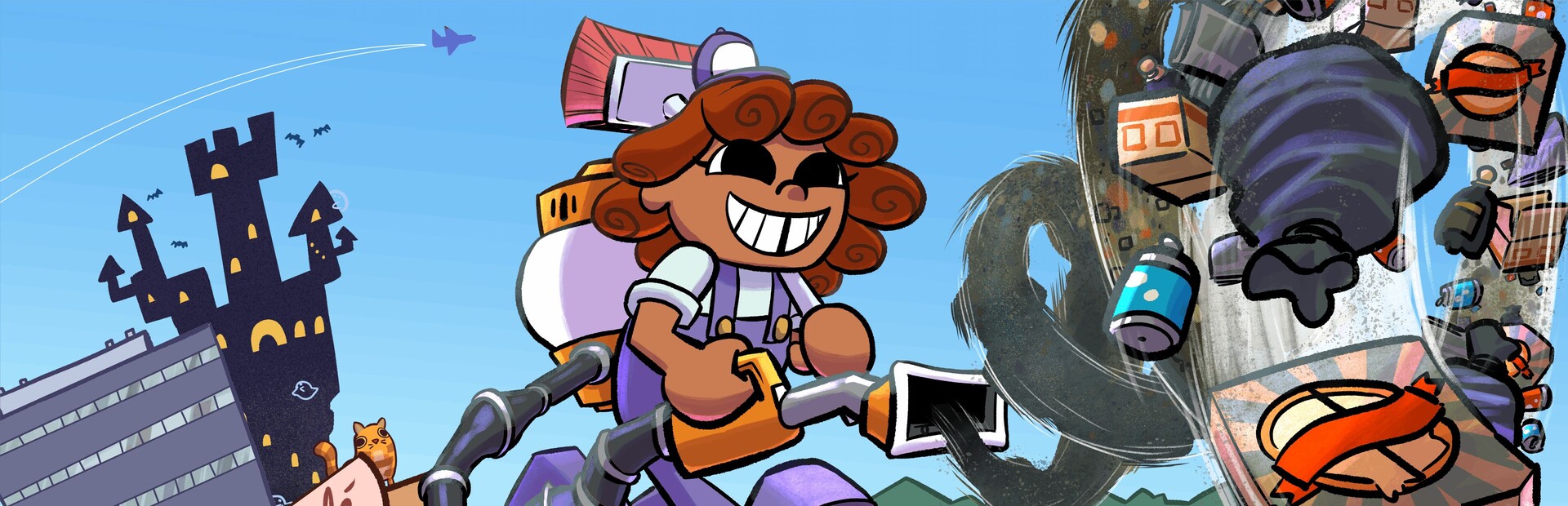
Turn huge messes into sparkling spaces! Feel the satisfaction of restoring them to order with your super-powered cleaning tools. This is a short and simple game about the joy of tidying up!
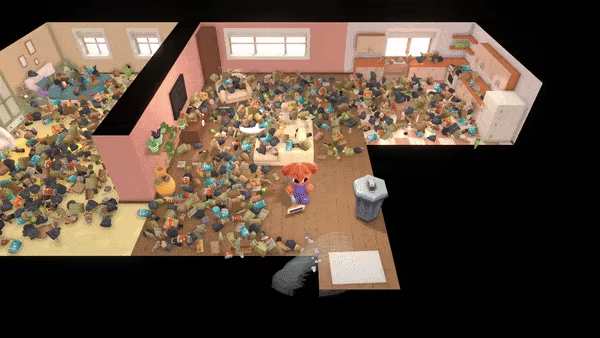
Make mountains of trash disappear in seconds, and enjoy the satisfying feeling of turning messy spaces into organized and clean environments. This is a short, stress-free cozy game to unwind with and spark some joy.
Note: if you played our previous games like "Rain on Your Parade" or "Just Crow Things", a heads up that this one is a bit less puzzle-y and less challenging. It's more about simply relaxing for an evening or two!
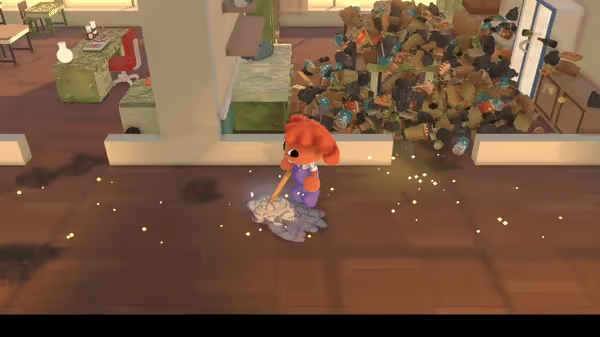
Vacuum, brush, mop, spray – there are many ways to make a place sparkling clean. As a new Cleaning Gig Worker, you will take on a variety of requests - declutter a hoarded-up apartment, spiffy up an old haunted mansion while avoiding ghosts, or solve puzzles in an ancient temple and find (and clean) the treasure room. Who knows, some of these might even seem familiar. ;)

As you play, you will grow your prestige and earn cash, letting you upgrade your tools and purchase new outfits. Don't fret, the game is very low-pressure, and you can always revisit levels with improved tools to get better scores.
Most importantly, bring many derelict locations back to life, with your trusty broom and vacuum!
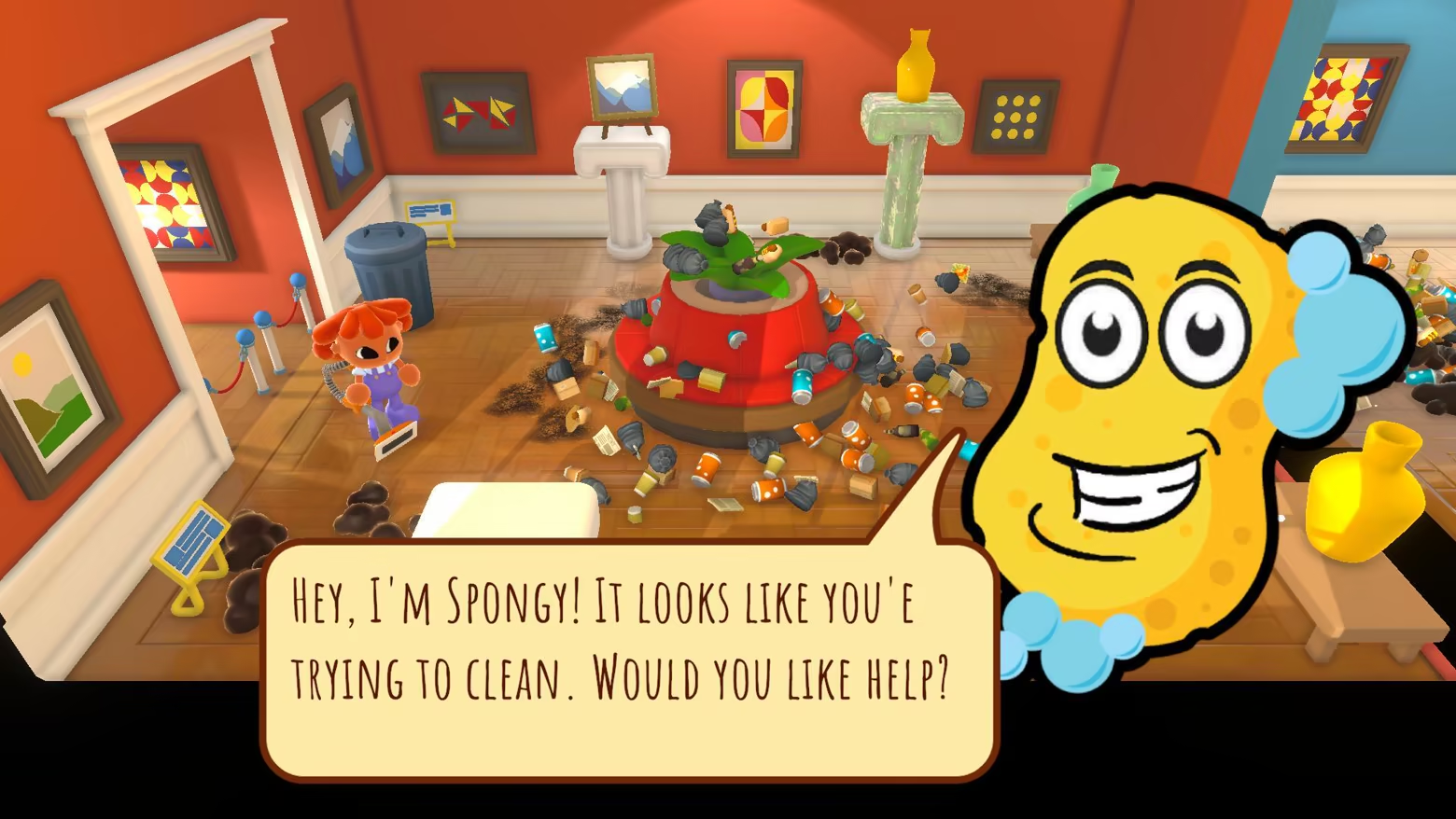

From the store page, unedited. May contain spoilers.
This release
Reviews and playtime
Very Positive
90% of 142
The game
Genres and features
How to install Cleaning Up!
Pre-installed, so there is no setup wizard. Follow these in order.
- 01
Create a games folder
Make a folder like C:\Games\ and keep every game in it. Avoid Program Files, Downloads and the Desktop.
- 02
Exclude it from Windows Defender
Defender often deletes cracked files by mistake while they extract. Add C:\Games\ as an excluded folder:
Windows Security -> Virus & threat protection -> Manage settings -> Exclusions -> Add an exclusion -> Folder
- 03
Download into C:\Games\
Save the archive straight into that folder. This release is one 326.1 MB file.
- 04
Extract it there
Use 7-Zip or WinRAR. Keep about 717.4 MB free while it unpacks.
- One file
- Right-click it -> Extract here.
- Several parts
- Extract only part1 (or .001). The other parts are read automatically.
- 05
Open README.html
It is inside the extracted folder and explains how to start the game.
Still stuck? Read the install help
Download
Set up your games folder and the Defender exclusion before you extract. The Install tab has the steps.
FileDitch
The whole game in one file
Pixeldrain
The whole game in one file
Pixeldrain slows free downloads to a few MB/s. The Copy fast link button gives you a bypass link with no speed limit. Paste it into your download manager, or into your browser's address bar.
Gofile (legacy)
The whole game in one file
We don't accept fix requests when only one host is down. Please use another mirror above. Links broken? Let us know.
We never password-protect files or hide installers. If a page asks for a password or payment, that is the host's ad, not us. See our safety guide.
System requirements
- Min
- Intel I-3 Dual Core @ 2.0GHz
- Rec
- Intel I-5 Dual Core @ 2.0Ghz
- Min
- 4 GB RAM
- Rec
- 8 GB RAM
Windows 10
Dedicated DirectX 10 Compatible card
1 GB available space
Preferably
These are the developer's listed requirements and may not be 100% accurate. If your specs fall below the minimum, try the game anyway; many games run fine below the listed requirements. When in doubt, check YouTube for performance benchmarks.