Cloud Gardens
Noio2021Sandbox, Experimental
142.1MBBuild 20267330Updated 53 days ago
About Cloud Gardens
A chill game about using plants to overgrow abandoned wasteland dioramas
Coming Soon
About the Game

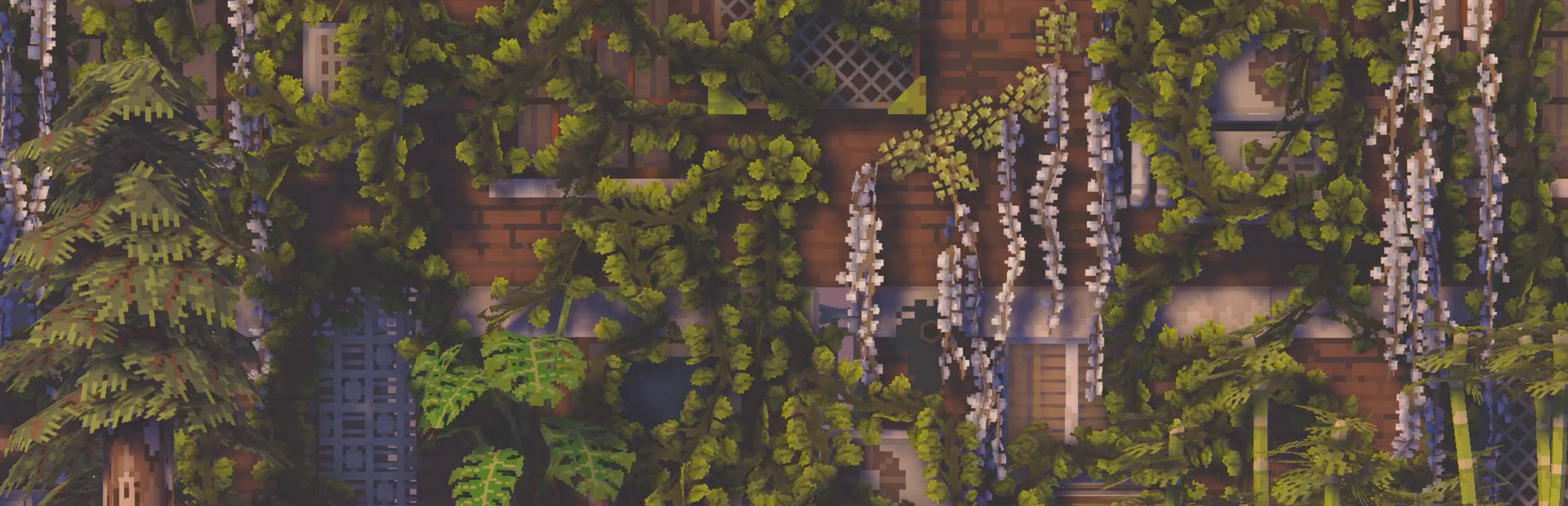
Harness the power of nature to overgrow lo-fi scenes of urban decay and manufactured landscapes. Create small plant-covered dioramas of brutalism and beauty by planting seeds, repurposing hundreds of discarded objects and creating unique structures for nature to reclaim.


Dive into a relaxing sandbox mode with no goals, or take on a multi-chapter “campaign” where the task is to strike a balance between the natural and the manufactured. Adding objects will encourage lush vegetation to grow, but each object must be covered in foliage in order to proceed.
Cloud Gardens hovers somewhere in between a sandbox toy and a game with challenges. Partly a gardening simulator, partly a dystopian landscape builder, and partly a puzzle game that is both satisfying and without frustration. It is a relaxing experience that takes you from one scene to the next while encouraging creativity and coming up with your own solutions.


This is a chill game where the primary goal is to delight in your own creativity. Players can download looping videos of their completed dioramas and share them with other gardeners from across the internet, and our Discord server has a lively community of gardeners.

- Solve organic puzzles in a serene 3D space.
- Create to your heart’s content in creative mode.
- Unlock an enormous catalogue of objects and plantlife.
- Share your creations.
- Featuring generative soundscapes by Amos Roddy, composer of Kingdom.
From the store page, unedited. May contain spoilers.
This release
Reviews and playtime
Overwhelmingly Positive
95% of 2,105
The game
Genres and features
How to install Cloud Gardens
Pre-installed, so there is no setup wizard. Follow these in order.
- 01
Create a games folder
Make a folder like C:\Games\ and keep every game in it. Avoid Program Files, Downloads and the Desktop.
- 02
Exclude it from Windows Defender
Defender often deletes cracked files by mistake while they extract. Add C:\Games\ as an excluded folder:
Windows Security -> Virus & threat protection -> Manage settings -> Exclusions -> Add an exclusion -> Folder
- 03
Download into C:\Games\
Save the archive straight into that folder. This release is one 142.1MB file.
- 04
Extract it there
Use 7-Zip or WinRAR. Keep about 312.6 MB free while it unpacks.
- One file
- Right-click it -> Extract here.
- Several parts
- Extract only part1 (or .001). The other parts are read automatically.
- 05
Open README.html
It is inside the extracted folder and explains how to start the game.
Still stuck? Read the install help
Download
Set up your games folder and the Defender exclusion before you extract. The Install tab has the steps.
FileDitch
The whole game in one file
VikingFile
The whole game in one file
Gofile (legacy)
The whole game in one file
We don't accept fix requests when only one host is down. Please use another mirror above. Links broken? Let us know.
We never password-protect files or hide installers. If a page asks for a password or payment, that is the host's ad, not us. See our safety guide.
System requirements
- Min
- Windows 8+
- Rec
- Windows 10+
- Min
- 2.4GHz Dual Core
- Rec
- -
- Min
- 1 GB RAM
- Rec
- -
- Min
- 512 MB NVIDIA GeForce 9800 / ATI Radeon HD 2600 XT
- Rec
- -
- Min
- Version 10
- Rec
- -
- Min
- 300 MB available space
- Rec
- -
These are the developer's listed requirements and may not be 100% accurate. If your specs fall below the minimum, try the game anyway; many games run fine below the listed requirements. When in doubt, check YouTube for performance benchmarks.