Cloudpunk
ION LANDS2020Racing, Walking Simulator
8.6 GBBuild 8245592Updated 111 days ago
About Cloudpunk
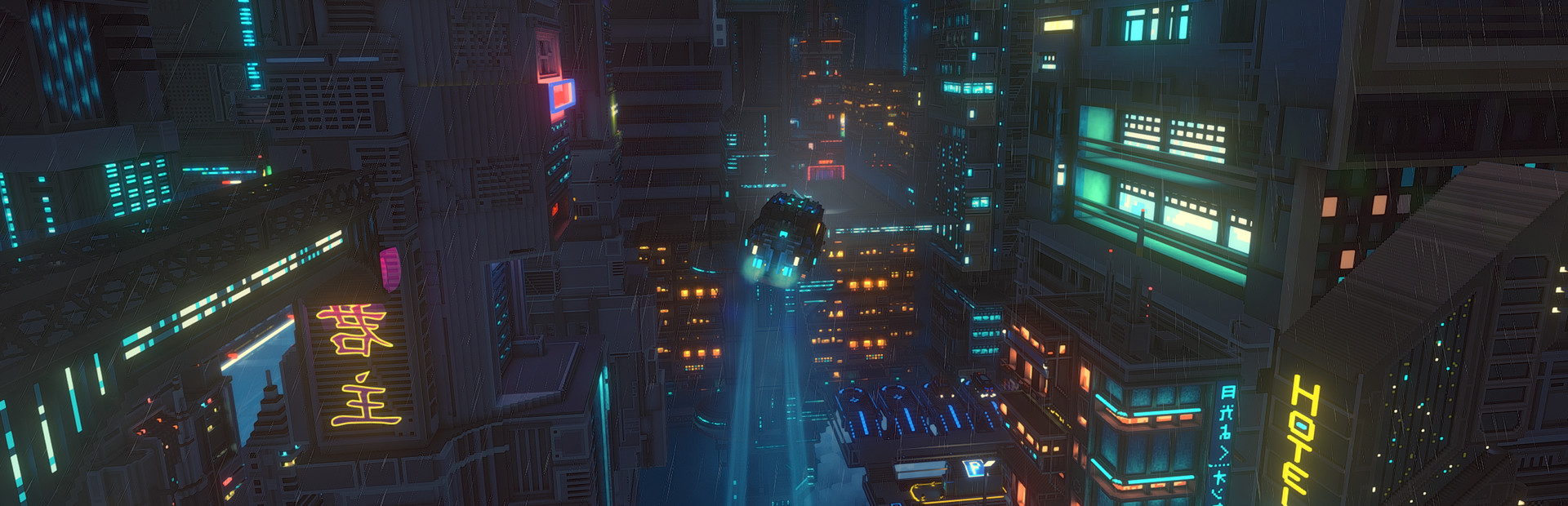
A neon-noir story in a rain-drenched cyberpunk metropolis. It’s your first night on the job working for the Cloudpunk delivery service. Two rules: Don’t miss a delivery and don’t ask what’s in the package.

In this story-based exploration game, you will meet a diverse range of characters including androids, AI and unscrupulous humans at every level of society. Everyone has a story, and in the course of one night in Nivalis, everything will change.

Features:
- Explore an immense vertical cyberpunk city with your hover car and on foot
- Unravel mysteries in a world of corporate conspiracy, hackers and rogue AI through the eyes of Rania
- Meet a diverse range of characters and immerse yourself in their everyday lives
- Your decisions will have a lasting impact on the inhabitants of Nivalis
- Discover hidden places and items unlocking additional stories
From the store page, unedited. May contain spoilers.
This release
Reviews and playtime
Very Positive
87% of 13,982
The game
Genres and features
How to install Cloudpunk
Pre-installed, so there is no setup wizard. Follow these in order.
- 01
Create a games folder
Make a folder like C:\Games\ and keep every game in it. Avoid Program Files, Downloads and the Desktop.
- 02
Exclude it from Windows Defender
Defender often deletes cracked files by mistake while they extract. Add C:\Games\ as an excluded folder:
Windows Security -> Virus & threat protection -> Manage settings -> Exclusions -> Add an exclusion -> Folder
- 03
Download into C:\Games\
Save the archive straight into that folder. This release is one 8.6 GB file.
- 04
Extract it there
Use 7-Zip or WinRAR. Keep about 18.9 GB free while it unpacks.
- One file
- Right-click it -> Extract here.
- Several parts
- Extract only part1 (or .001). The other parts are read automatically.
- 05
Open README.html
It is inside the extracted folder and explains how to start the game.
Still stuck? Read the install help
Download
Set up your games folder and the Defender exclusion before you extract. The Install tab has the steps.
FileDitch
The whole game in one file
0807
The whole game in one file
FileQ
The whole game in one file
Pixeldrain
The whole game in one file
Pixeldrain slows free downloads to a few MB/s. The Copy fast link button gives you a bypass link with no speed limit. Paste it into your download manager, or into your browser's address bar.
We don't accept fix requests when only one host is down. Please use another mirror above. Links broken? Let us know.
We never password-protect files or hide installers. If a page asks for a password or payment, that is the host's ad, not us. See our safety guide.