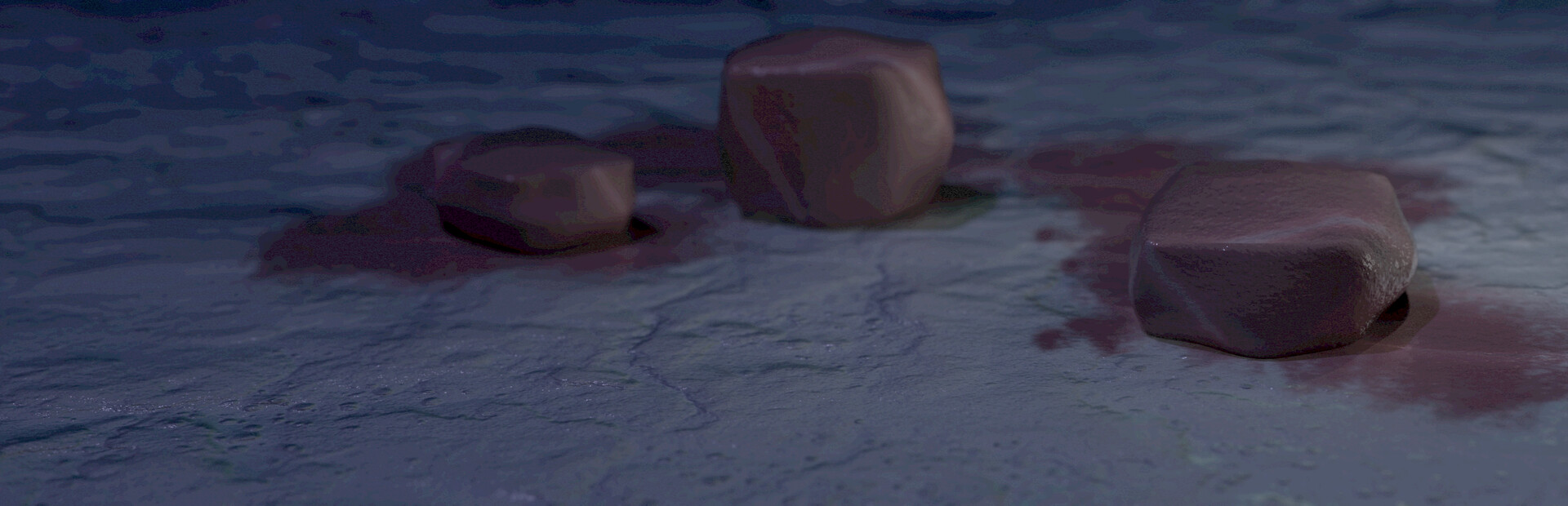
Crabmeat
Mitchell Pasmans2026Adventure, Action
633.8 MBBuild 23793410Updated 162 days ago
About Crabmeat
A short first-person point & click survival horror game where you're a prisoner tasked with crabbing for priceless Southern King Crabs to pay off your debt to the Feudostate. Navigate the harsh waters of the Antarctic and defend your ship from the threats that dwell under the icy waters.
Crabmeat is a short first-person point & click survival horror game where you are tasked with crabbing for the priceless southern King Crab.
As an indebted prisoner of the Feudostate, you must collect your quota within 7 days or risk permanent expatriation from the state for you and your family.
Navigate the harsh waters of the Antarctic and defend your ship from the threats that dwell under the icy waters.
GAME FEATURES
Explore this icy southern wasteland in your government issued crabbing vessel
Bait, place, winch and empty traps to bring in big hauls of precious crabs
Experimental blend of First Person and Point and Click gameplay, where the entire game is playable with only a mouse
Defend yourself and the ship from the denizens of the sea
Short 2-3 hour experience
The Crabs
King Crab are not the only crustaceans you'll encounter in this southern wasteland.

The Ship
Crew the advanced crabbing vessel alone, maintain its components and navigate to bountiful shores.
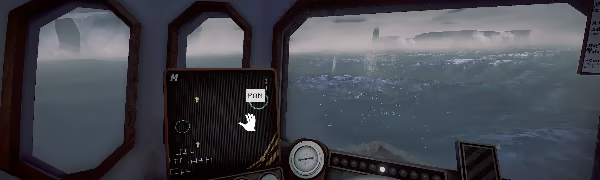
The Sea
In this frigid place, will you find freedom or your end? 
From the store page, unedited. May contain spoilers.
This release
Reviews and playtime
Very Positive
87% of 193
The game
Genres and features
How to install Crabmeat
Pre-installed, so there is no setup wizard. Follow these in order.
- 01
Create a games folder
Make a folder like C:\Games\ and keep every game in it. Avoid Program Files, Downloads and the Desktop.
- 02
Exclude it from Windows Defender
Defender often deletes cracked files by mistake while they extract. Add C:\Games\ as an excluded folder:
Windows Security -> Virus & threat protection -> Manage settings -> Exclusions -> Add an exclusion -> Folder
- 03
Download into C:\Games\
Save the archive straight into that folder. This release is one 633.8 MB file.
- 04
Extract it there
Use 7-Zip or WinRAR. Keep about 1.4 GB free while it unpacks.
- One file
- Right-click it -> Extract here.
- Several parts
- Extract only part1 (or .001). The other parts are read automatically.
- 05
Open README.html
It is inside the extracted folder and explains how to start the game.
Still stuck? Read the install help
Download
Set up your games folder and the Defender exclusion before you extract. The Install tab has the steps.
FileDitch
The whole game in one file
Gofile (legacy)
The whole game in one file
We don't accept fix requests when only one host is down. Please use another mirror above. Links broken? Let us know.
We never password-protect files or hide installers. If a page asks for a password or payment, that is the host's ad, not us. See our safety guide.
System requirements
- Min
- 2.8GHz CPU Quad Core
- Rec
- 3.2GHz CPU Quad Core
- Min
- 8 GB RAM
- Rec
- 16 GB RAM
- Min
- Geforce GTX 1080 or equivalent
- Rec
- Geforce RTX 2070 or equivalent
Windows 10, 64-bit
1250 MB available space
DirectX Compatible Sound Card
These are the developer's listed requirements and may not be 100% accurate. If your specs fall below the minimum, try the game anyway; many games run fine below the listed requirements. When in doubt, check YouTube for performance benchmarks.