Critter Café
Sumo Digital2024Life Sim, Puzzle
1.8GBBuild 17160539Updated 23 days ago
About Critter Café
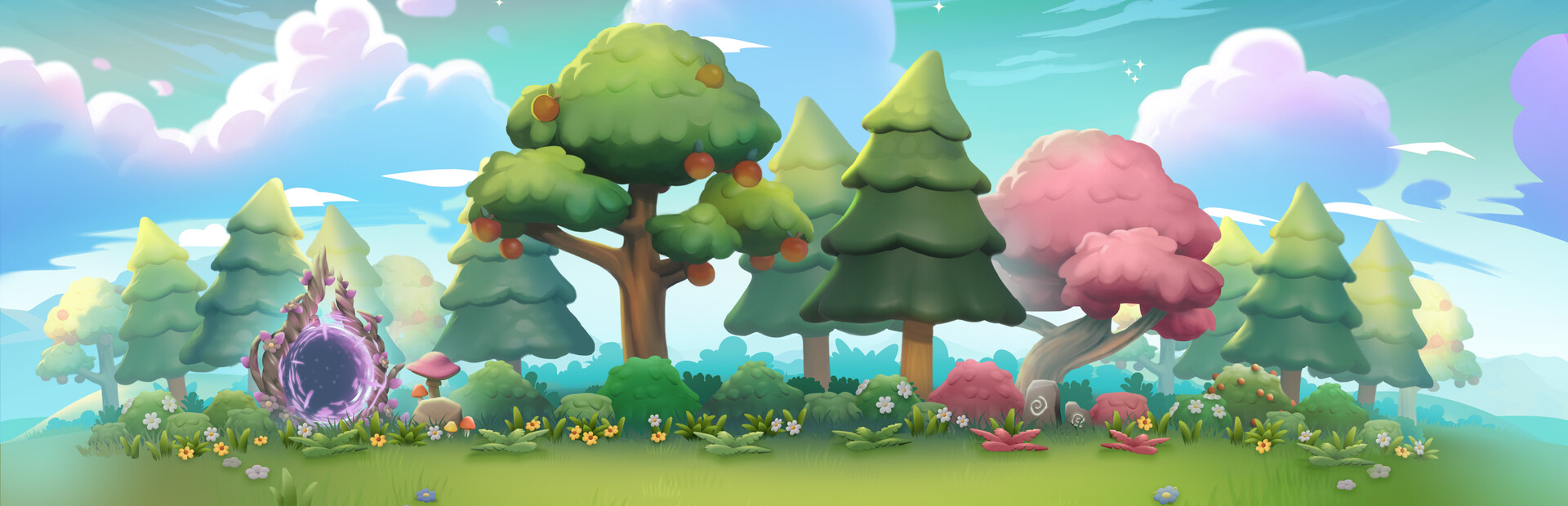
Welcome to your Critter Café! Rescue and bond with adorable, fantasy critters in need of your help and build a new home together. Design and run your own café, care for your critters, uncover the secrets of mysterious portals, and create a wholesome café for all to enjoy!


Build your own cozy café, creating a welcoming space for townsfolk to meet and spend time with adorable critters who have joined your café!


Perfect latte art, deliver cakes, and serve coffee as your keen customers flock to spend time with critters at your café. Host critter-themed parties – movie nights, birthdays, and more!


As you explore the magical world of the Otherlands, discover and save 35 adorable critters! Discover Mogbert, Glowli and many more of the super cute creatures waiting to meet you!


Actively nurture your critters with love and care – you’re able to play with them, feed them a variety of treats, wash and brush them. Critters will bond with you as they join you in your café activities, developing new traits and unlocking cute new looks!


You have been receiving mysterious letters informing you of magical portals appearing around Gold Leaf Isle.
Explore several exciting locations and vibrant worlds. Traverse through portals to the Otherlands, navigate puzzles and find new critters which you will nurture and care for!
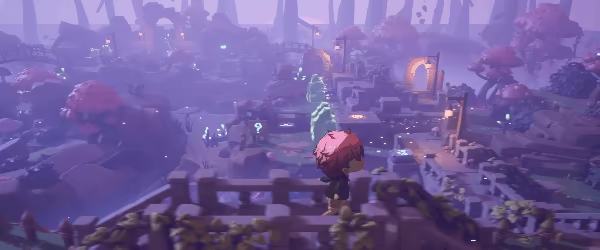

Express yourself! Customize your character with a wide range of looks, which you can change at any time.
Spend hours designing your café in detail with tables, chairs, sofas, wallpapers, flooring, wall decorations and much more.
After rescuing your critters, customize their habitat so they will thrive in their new home.

From the store page, unedited. May contain spoilers.
This release
Reviews and playtime
Mostly Positive
71% of 277
The game
Genres and features


How to install Critter Café
Pre-installed, so there is no setup wizard. Follow these in order.
- 01
Create a games folder
Make a folder like C:\Games\ and keep every game in it. Avoid Program Files, Downloads and the Desktop.
- 02
Exclude it from Windows Defender
Defender often deletes cracked files by mistake while they extract. Add C:\Games\ as an excluded folder:
Windows Security -> Virus & threat protection -> Manage settings -> Exclusions -> Add an exclusion -> Folder
- 03
Download into C:\Games\
Save the archive straight into that folder. This release is one 1.8GB file.
- 04
Extract it there
Use 7-Zip or WinRAR. Keep about 4.0 GB free while it unpacks.
- One file
- Right-click it -> Extract here.
- Several parts
- Extract only part1 (or .001). The other parts are read automatically.
- 05
Open README.html
It is inside the extracted folder and explains how to start the game.
Still stuck? Read the install help
Download
Set up your games folder and the Defender exclusion before you extract. The Install tab has the steps.
FilesYard
The whole game in one file
VikingFile
The whole game in one file
We don't accept fix requests when only one host is down. Please use another mirror above. Links broken? Let us know.
We never password-protect files or hide installers. If a page asks for a password or payment, that is the host's ad, not us. See our safety guide.
System requirements
- Min
- Intel Core i3-12100 CPU @ 3.3 GHz / AMD Ryzen 3 4100
- Rec
- Intel Core i5-8400 CPU @ 2.8 GHz / AMD Ryzen 5 1400
- Min
- NVIDIA GEFORCE GTX 960 / AMD Radeon R9 380
- Rec
- NVIDIA GEFORCE RTX 1070 / AMD Radeon RX Vega 56
Windows 10 / 11
8 GB RAM
Version 12
10 GB available space
These are the developer's listed requirements and may not be 100% accurate. If your specs fall below the minimum, try the game anyway; many games run fine below the listed requirements. When in doubt, check YouTube for performance benchmarks.