MindThunk2022Simulation, Puzzle
17.7GBBuild 26543854Updated 1 hour ago
About Ctrl Alt Ego
Innovative genre mashup (first-person immersive sim puzzler FPS RPG) with emphasis on problem-solving and creativity. Unique vibes and original mechanics that you won't have experienced before. One of the best games of 2022 according to various credible sources!
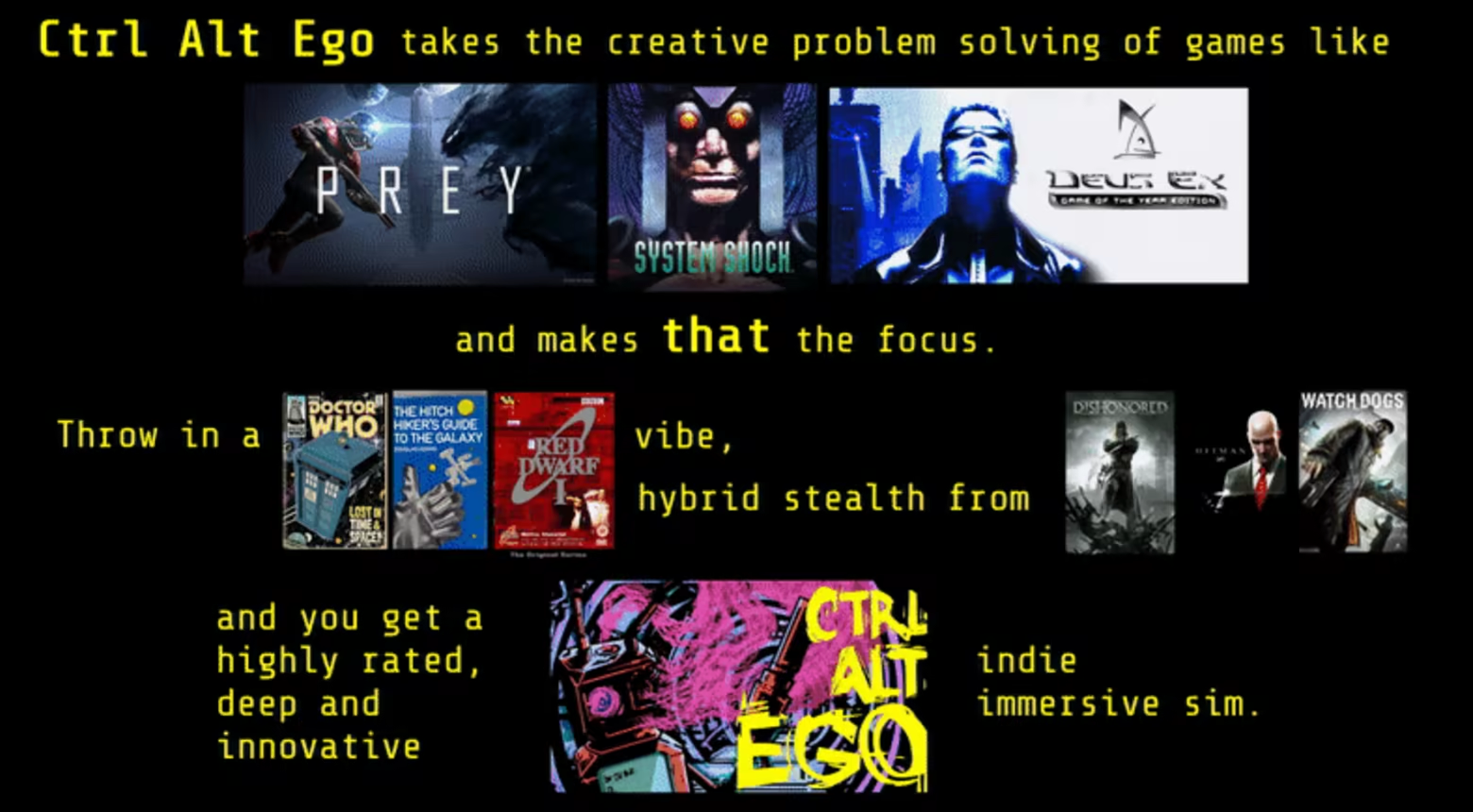
Warning: This game will mess with your mind.
Put aside your gaming preconceptions and embrace the unique experience that is Ctrl Alt Ego.
Play the role of yourself, minus your body.
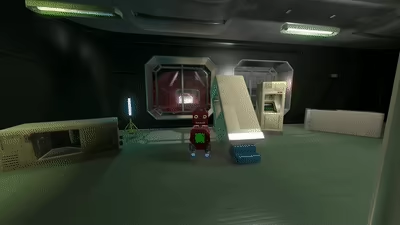
Transmit yourself between bots and devices and exploit the innovative mechanics to solve problems your way.
Explore a deep, nonlinear, interconnected world, evocative of 70s/80s era low-budget British sci-fi television.
Shoot, sneak or get creative, be pacifist or executor.
Enjoy a darkly farcical story about the future of human consciousness.
If you enjoy immersive sims, there's every chance you'll enjoy this.
If you don't know what an immersive sim is, but you enjoy thinking for yourself and solving puzzles with no preordained solution, this game is for you.
If you're an experienced gamer looking for a fresh, engrossing experience, you just found it!
Distinct Features
There's no inventory... the environment itself is your always-available on-demand diegetic inventory.
There is no 'player death' in Ctrl Alt Ego. Your invincible, disembodied ego always lives on. If your current host is toast, pick another and carry on:

(There is a traditional save/load facility too, in case you refuse to accept who you are)
Once you've ctrl'd a robot, it is yours to keep. Amass an army and bring it with you:
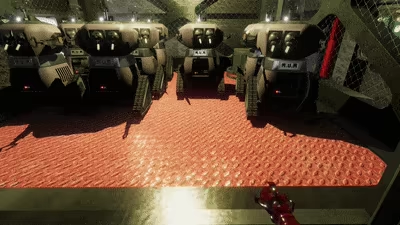
Use robots to get around the old fashioned way, or 'hop' from one side of an area to another in a near-instant:

Key art and logo by @ROLLINKUNZ
From the store page, unedited. May contain spoilers.
This release
Includes1 DLC
- Ctrl Alt Ego Soundtrack
Reviews and playtime
Very Positive
92% of 749
The game
Genres and features
How to install Ctrl Alt Ego
Pre-installed, so there is no setup wizard. Follow these in order.
- 01
Create a games folder
Make a folder like C:\Games\ and keep every game in it. Avoid Program Files, Downloads and the Desktop.
- 02
Exclude it from Windows Defender
Defender often deletes cracked files by mistake while they extract. Add C:\Games\ as an excluded folder:
Windows Security -> Virus & threat protection -> Manage settings -> Exclusions -> Add an exclusion -> Folder
- 03
Download into C:\Games\
Save the archive straight into that folder. This release is one 17.7GB file.
- 04
Extract it there
Use 7-Zip or WinRAR. Keep about 38.9 GB free while it unpacks.
- One file
- Right-click it -> Extract here.
- Several parts
- Extract only part1 (or .001). The other parts are read automatically.
- 05
Open README.html
It is inside the extracted folder and explains how to start the game.
Still stuck? Read the install help
Download
Set up your games folder and the Defender exclusion before you extract. The Install tab has the steps.
FilesYard
The whole game in one file
VikingFile
The whole game in one file
We don't accept fix requests when only one host is down. Please use another mirror above. Links broken? Let us know.
We never password-protect files or hide installers. If a page asks for a password or payment, that is the host's ad, not us. See our safety guide.
System requirements
- Min
- Windows 7+
- Rec
- Windows 10+
- Min
- 2 GB RAM
- Rec
- 8 GB RAM
- Min
- 2016+
- Rec
- Nvidia GTX 1070+
- Min
- Version 10
- Rec
- Version 11
x86, x64
18 GB available space
These are the developer's listed requirements and may not be 100% accurate. If your specs fall below the minimum, try the game anyway; many games run fine below the listed requirements. When in doubt, check YouTube for performance benchmarks.