CLYDE games2026Roguelike, Souls-like
139.1MBBuild 25736923Updated 51 days ago
About Cursemark
Hack, slash, and cast your way through a haunted kingdom brimming with secrets where no two builds are ever the same. As a cursed mage-knight you will unlock devastating spells, equip ability transforming runes, and reforge your curse on the path to victory or death in this fantasy action roguelite.
Roadmap

About the Game

Intense melee and spellcasting combat, near limitless build diversity, and dark mysteries to solve. Forge your path as you explore the Unknown Lands in Cursemark, a fantasy action roguelite.

Define your build and playstyle with runes that change how every ability works by integrating them into your attacks, spells, wards, and ultimates. Add chain lightning to your sword and burst enemies into poison clouds. Multiply your fireball spell and erupt ice pillars from the ground when you cast it. Blind enemies and heal yourself when they strike your ward. The possibilities feel endless.

The Unknown Lands are vast, full of secret passages, hidden relics, and strange sights. The world unravels more and more with each run as you make new discoveries and solve riddles to unlock power and shortcuts. No map-markers, no hand-holding.
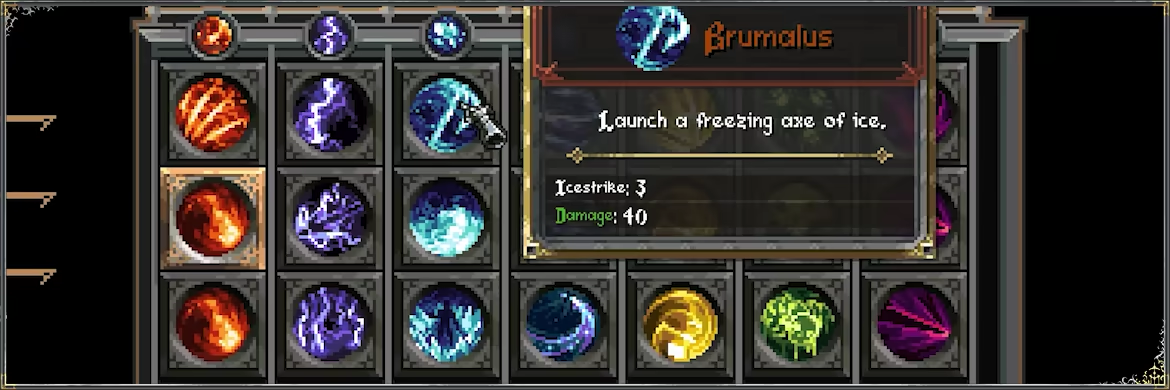
Pathfinding is a part of your build as well. Discover permanent shrines and forges that expand your power and rune slots. Upgrade them for future runs and target the blessings best suited to your build as you grow in skill and knowledge.
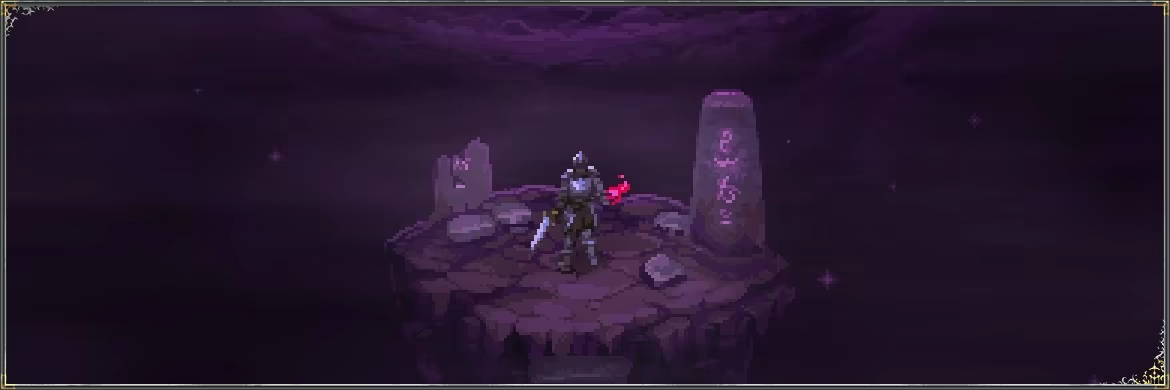
From the store page, unedited. May contain spoilers.
This release
Reviews and playtime
Very Positive
86% of 642
The game
Genres and features
How to install Cursemark
Pre-installed, so there is no setup wizard. Follow these in order.
- 01
Create a games folder
Make a folder like C:\Games\ and keep every game in it. Avoid Program Files, Downloads and the Desktop.
- 02
Exclude it from Windows Defender
Defender often deletes cracked files by mistake while they extract. Add C:\Games\ as an excluded folder:
Windows Security -> Virus & threat protection -> Manage settings -> Exclusions -> Add an exclusion -> Folder
- 03
Download into C:\Games\
Save the archive straight into that folder. This release is one 139.1MB file.
- 04
Extract it there
Use 7-Zip or WinRAR. Keep about 306.0 MB free while it unpacks.
- One file
- Right-click it -> Extract here.
- Several parts
- Extract only part1 (or .001). The other parts are read automatically.
- 05
Open README.html
It is inside the extracted folder and explains how to start the game.
Still stuck? Read the install help
Download
Set up your games folder and the Defender exclusion before you extract. The Install tab has the steps.
FileDitch
The whole game in one file
VikingFile
The whole game in one file
Gofile (legacy)
The whole game in one file
We don't accept fix requests when only one host is down. Please use another mirror above. Links broken? Let us know.
We never password-protect files or hide installers. If a page asks for a password or payment, that is the host's ad, not us. See our safety guide.
System requirements
- Min
- Windows 10/11
- Rec
- -
- Min
- 1.7+ GHz or better
- Rec
- -
- Min
- 512 MB RAM
- Rec
- -
These are the developer's listed requirements and may not be 100% accurate. If your specs fall below the minimum, try the game anyway; many games run fine below the listed requirements. When in doubt, check YouTube for performance benchmarks.