Dark Scrolls
doinksoft2026Action, Adventure
287.0 MBBuild 23720000Updated 159 days ago
About Dark Scrolls
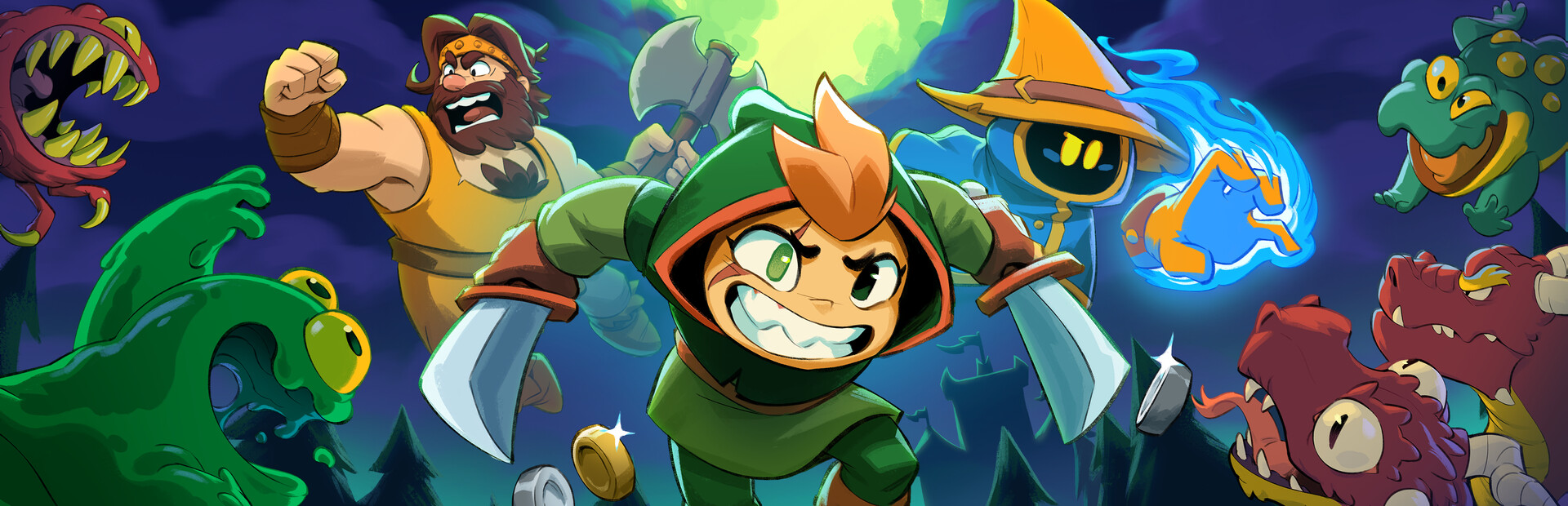
Dark Scrolls is a fantasy-themed action platformer that fuses shmup-style chaos with roguelite progression and is packed with charm, challenge, and secrets.

Sharp reflexes and split-second decisions are crucial to survival as the intensity ratchets up as each run delivers new surprises, branching paths, and unrelenting bosses to conquer. Gobble up coins to spend at Bruce & Goose's Shoppe as you take a breath from the action to gain new perks, devastating attacks and summoned allies. Stack them right, and you'll unleash screen-filling destruction of arcade legend.
Keep an eye out for secrets among the chaos as this land holds many mysteries with new paths and locations, new heroes to rescue and add to your roster, and more…

Double Trouble
Charge forth alone or bring a co-op buddy to tackle dungeons together, combine powerful attacks and revive one another if you fall in battle.Choose Your Own Adventure
Each run offers hand-crafted screens, unique bosses, and evolving routes shaped by player choices and quests.
Rogue's Gallery
Unlock nine distinctive heroes with unique skills, side objectives, and customizable trinkets that alter gameplay.Arcade Alchemy
Chain perks and elemental powers through combat performance for explosive, high-reward playstyles.From the store page, unedited. May contain spoilers.
This release
Reviews and playtime
Mixed
56% of 138
The game
Genres and features


How to install Dark Scrolls
Pre-installed, so there is no setup wizard. Follow these in order.
- 01
Create a games folder
Make a folder like C:\Games\ and keep every game in it. Avoid Program Files, Downloads and the Desktop.
- 02
Exclude it from Windows Defender
Defender often deletes cracked files by mistake while they extract. Add C:\Games\ as an excluded folder:
Windows Security -> Virus & threat protection -> Manage settings -> Exclusions -> Add an exclusion -> Folder
- 03
Download into C:\Games\
Save the archive straight into that folder. This release is one 287.0 MB file.
- 04
Extract it there
Use 7-Zip or WinRAR. Keep about 631.5 MB free while it unpacks.
- One file
- Right-click it -> Extract here.
- Several parts
- Extract only part1 (or .001). The other parts are read automatically.
- 05
Open README.html
It is inside the extracted folder and explains how to start the game.
Still stuck? Read the install help
Download
Set up your games folder and the Defender exclusion before you extract. The Install tab has the steps.
FileDitch
The whole game in one file
FileQ
The whole game in one file
Gofile (legacy)
The whole game in one file
We don't accept fix requests when only one host is down. Please use another mirror above. Links broken? Let us know.
We never password-protect files or hide installers. If a page asks for a password or payment, that is the host's ad, not us. See our safety guide.
System requirements
- Min
- Windows 10 x64 Bit
- Rec
- Windows 11 x64 Bit
- Min
- Intel Core i3-6300 / AMD FX-8320
- Rec
- Intel Core i5-8600K / AMD Ryzen 5 1600
- Min
- GeForce GTX 760 / Radeon R9 270X / Iris Xe Graphics
- Rec
- GeForce GTX 1080 / Radeon RX Vega 56 / Arc A580
- Min
- Version 11
- Rec
- Version 12
- Min
- Standard Quality setting, in 1080p, producing 60 FPS
- Rec
- High Quality setting, in 1080p, producing 60 FPS
8 GB RAM
500 MB available space
These are the developer's listed requirements and may not be 100% accurate. If your specs fall below the minimum, try the game anyway; many games run fine below the listed requirements. When in doubt, check YouTube for performance benchmarks.