DEEMO -Reborn-
Rayark International Limited2020Rhythm, Adventure
5.0GBBuild 6292471Updated 17 days ago
About DEEMO -Reborn-
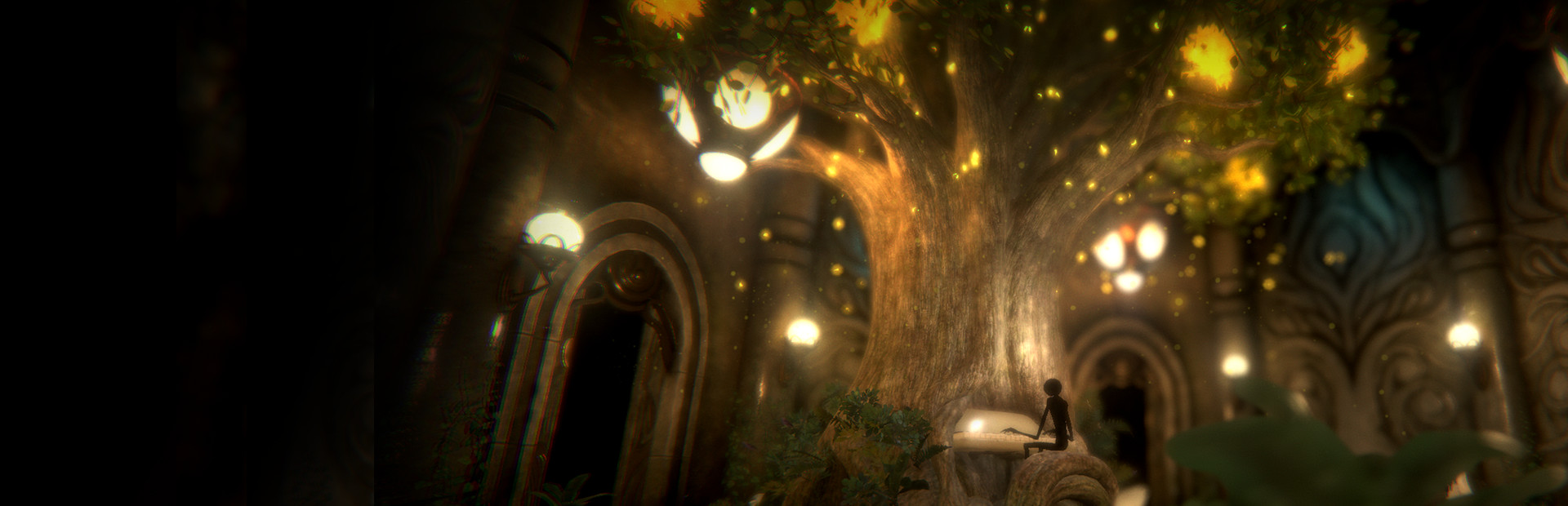
DEEMO -Reborn- is Rayark's classic game DEEMO, reborn in a whole new way on Steam. The fully 3D immersive journey will intoxicate you with the elegant sounds produced by you on the piano, as well as with the adventures you discover in this fairytale world.
A girl who fell from the skies and lost her past; Deemo who plays the piano all alone in the world of the treehouse; an accidental encounter between the two.

The music flows as the fingers hit the piano keys.
The start of a fairytale journey has begun...
"Never Left Without Saying Goodbye──"
Features:
- A Classic Reborn: Centered around an ancient castle and a mysterious tree that grows when melody is in the air, control the little girl who has fallen from the sky and help her find her way home.

- Investigation Reborn: Unravel riddles and mysteries hidden in the castle. Find sheet music that falls from the heavens, unlock new places, and discover the truth.

- Rhythm Reborn: Play your heart out on the piano and make the mysterious tree grow. Unveil new parts of the story and look forward to the day that the girl can return to her heart-warming home.
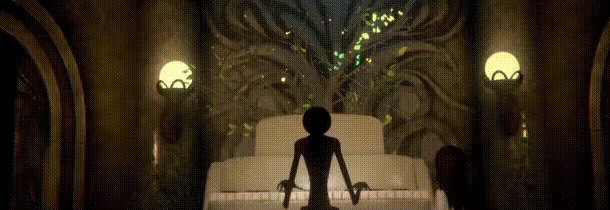
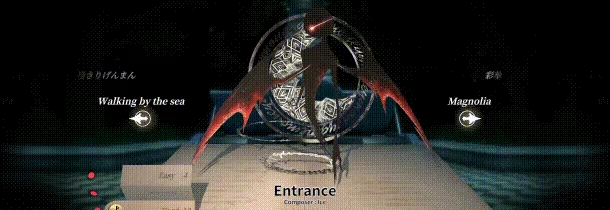
- Melodies Reborn: Over 60+ classic songs that are loved by all. New pieces of music await you to take on their challenge.
From the store page, unedited. May contain spoilers.
This release
Reviews and playtime
Very Positive
87% of 3,199
The game
Genres and features
How to install DEEMO -Reborn-
Pre-installed, so there is no setup wizard. Follow these in order.
- 01
Create a games folder
Make a folder like C:\Games\ and keep every game in it. Avoid Program Files, Downloads and the Desktop.
- 02
Exclude it from Windows Defender
Defender often deletes cracked files by mistake while they extract. Add C:\Games\ as an excluded folder:
Windows Security -> Virus & threat protection -> Manage settings -> Exclusions -> Add an exclusion -> Folder
- 03
Download into C:\Games\
Save the archive straight into that folder. This release is one 5.0GB file.
- 04
Extract it there
Use 7-Zip or WinRAR. Keep about 11.0 GB free while it unpacks.
- One file
- Right-click it -> Extract here.
- Several parts
- Extract only part1 (or .001). The other parts are read automatically.
- 05
Open README.html
It is inside the extracted folder and explains how to start the game.
Still stuck? Read the install help
Download
Set up your games folder and the Defender exclusion before you extract. The Install tab has the steps.
FilesYard
The whole game in one file
FileDitch
The whole game in one file
VikingFile
The whole game in one file
We don't accept fix requests when only one host is down. Please use another mirror above. Links broken? Let us know.
We never password-protect files or hide installers. If a page asks for a password or payment, that is the host's ad, not us. See our safety guide.
System requirements
- Min
- Windows 7 SP1, Windows 8.1 64-bits, Windows 10 64-bits
- Rec
- Windows 10
- Min
- NVIDIA GeForce GTX 750 Ti / AMD Radeon HD 6950
- Rec
- NVIDIA GTX 1060/AMD Radeon RX 480 or higher specification
- Min
- -
- Rec
- VR Mode recommended in particular
Intel Core i5-2400 3.1GHz / AMD Radeon FX-8120 3.1GHz
8 GB RAM
Version 11
10 GB available space
These are the developer's listed requirements and may not be 100% accurate. If your specs fall below the minimum, try the game anyway; many games run fine below the listed requirements. When in doubt, check YouTube for performance benchmarks.