
Departure Interactive2024Life Sim, RPG
4.4GBBuild 25842913Updated 49 days ago
About Denizen
Make a living for yourself in a city full of opportunity while you meet a variety of locals, explore unique locations, and work your way to the top in this open-world life simulator.
Welcome to Cedar Shores
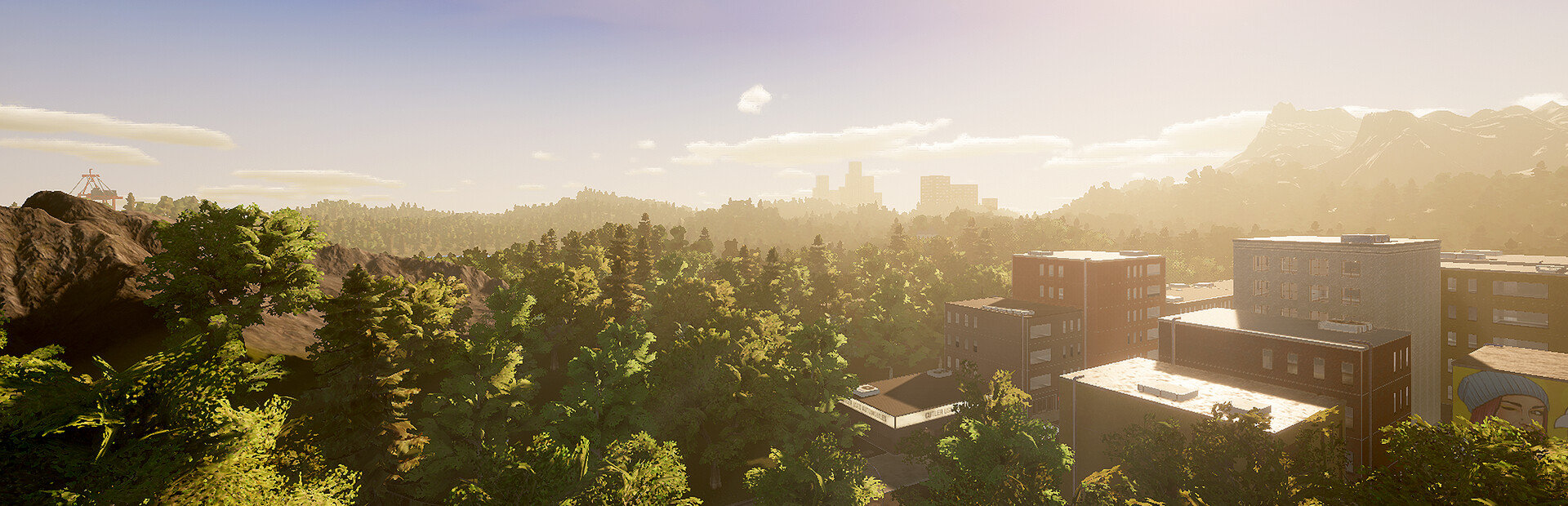
Enter the bustling city of Cedar Shores and build your future! Apply for a job at a local business, open your own shop, and uncover new opportunities around every corner.

Make Yourself at Home
Choose from a variety of residences to make your own, from suburban houses to city apartments, and personalize every detail with your selection of furniture and finishes.

Climb to the Top
Take on new challenges, make connections, and shape your journey in a world where your ambitions set the pace.

Unwind in Style
Pick out a new ride at a local car dealership, refresh your wardrobe, connect with friends, and relax after work at the casino, club, or in the comfort of your own home.

Step Into the Action
Explore diverse activities from cooking and high-speed racing to DJing, fishing, and underground ventures. Pursue your passions and uncover new adventures!

From the store page, unedited. May contain spoilers.
This release
Reviews and playtime
Mostly Positive
71% of 911
The game
Genres and features
Life SimRPGSandboxAdventureSimulationSurvival
How to install Denizen
Pre-installed, so there is no setup wizard. Follow these in order.
- 01
Create a games folder
Make a folder like C:\Games\ and keep every game in it. Avoid Program Files, Downloads and the Desktop.
- 02
Exclude it from Windows Defender
Defender often deletes cracked files by mistake while they extract. Add C:\Games\ as an excluded folder:
Windows Security -> Virus & threat protection -> Manage settings -> Exclusions -> Add an exclusion -> Folder
- 03
Download into C:\Games\
Save the archive straight into that folder. This release is one 4.4GB file.
- 04
Extract it there
Use 7-Zip or WinRAR. Keep about 9.7 GB free while it unpacks.
- One file
- Right-click it -> Extract here.
- Several parts
- Extract only part1 (or .001). The other parts are read automatically.
- 05
Open README.html
It is inside the extracted folder and explains how to start the game.
Still stuck? Read the install help
Download
Set up your games folder and the Defender exclusion before you extract. The Install tab has the steps.
FileDitch
The whole game in one file
VikingFile
The whole game in one file
Gofile (legacy)
The whole game in one file
We don't accept fix requests when only one host is down. Please use another mirror above. Links broken? Let us know.
We never password-protect files or hide installers. If a page asks for a password or payment, that is the host's ad, not us. See our safety guide.
System requirements
- Min
- i5 4690 / Ryzen 5 2500X
- Rec
- i5 7600 / Ryzen 5 2600X
- Min
- 12 GB RAM
- Rec
- 16 GB RAM
- Min
- GTX 1050 / R9 270X
- Rec
- GTX 1060 / RX 480
Windows 10
Version 11
20 GB available space
These are the developer's listed requirements and may not be 100% accurate. If your specs fall below the minimum, try the game anyway; many games run fine below the listed requirements. When in doubt, check YouTube for performance benchmarks.