Undercoders2026Arcade, Platformer
7.1GBBuild 25930253Updated 43 days ago
About Denshattack!
Flip, trick and grind your train in a fast-paced, off-the-rails ride through a colourful Japanese dystopia. Outmatch rival gangs, wreck a shady megacorp, and take back the tracks with nothing but skill, speed, and style.
Hop aboard your custom gravity-defying train and embark on a hectic quest to defeat the sinister Miraidō corporation, alongside a vibrant pack of outcasts.
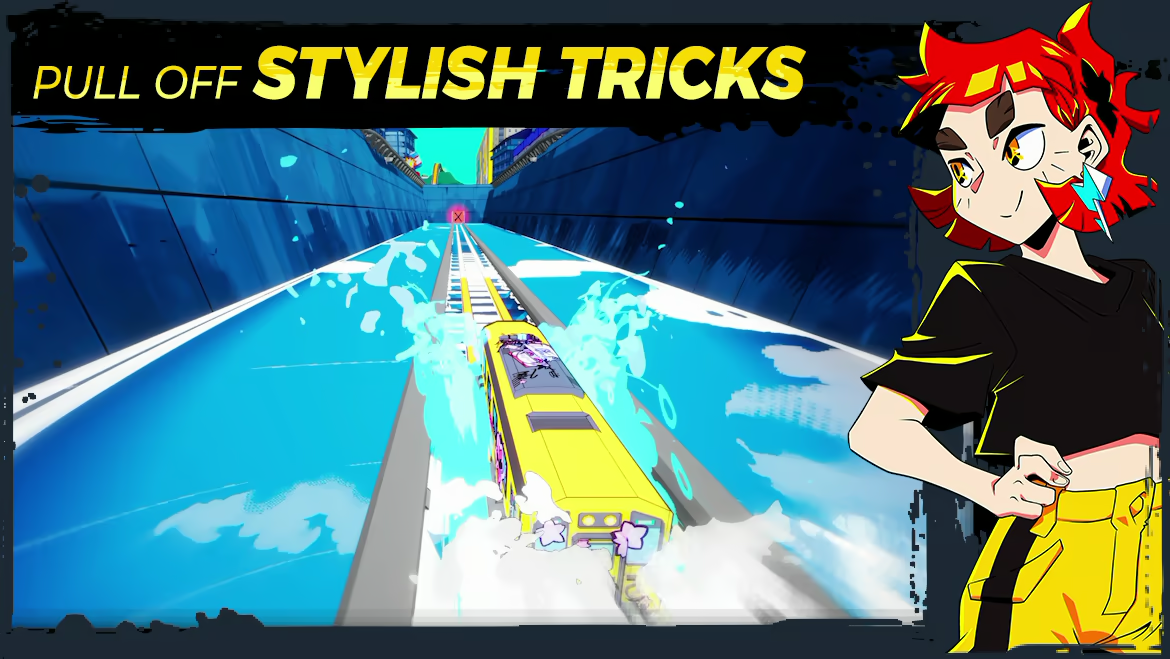
Ollie, kickflip, and grind your way through Japan's biggest cities, as well as a world of meadows, volcanoes and oceans. Rack up points and chase that sweet high score as you flip, trick and stick the landing in your customisable ride.

Face off against a lineup of reimagined Japanese trains, gain the respect of an underground network of gangs and rebels, and turn rivals to allies as you master your skills. Journey from naive beginner to seasoned pro as you strive to race the fastest train in existence and become a legendary Denshattacker!

From mecha magical girls to moving castles, and mechanical worms to a Denshattacker army -- face a flurry of madcap bosses that get wilder and wilder the further you get. Use what you’ve learned to stop them in their tracks.
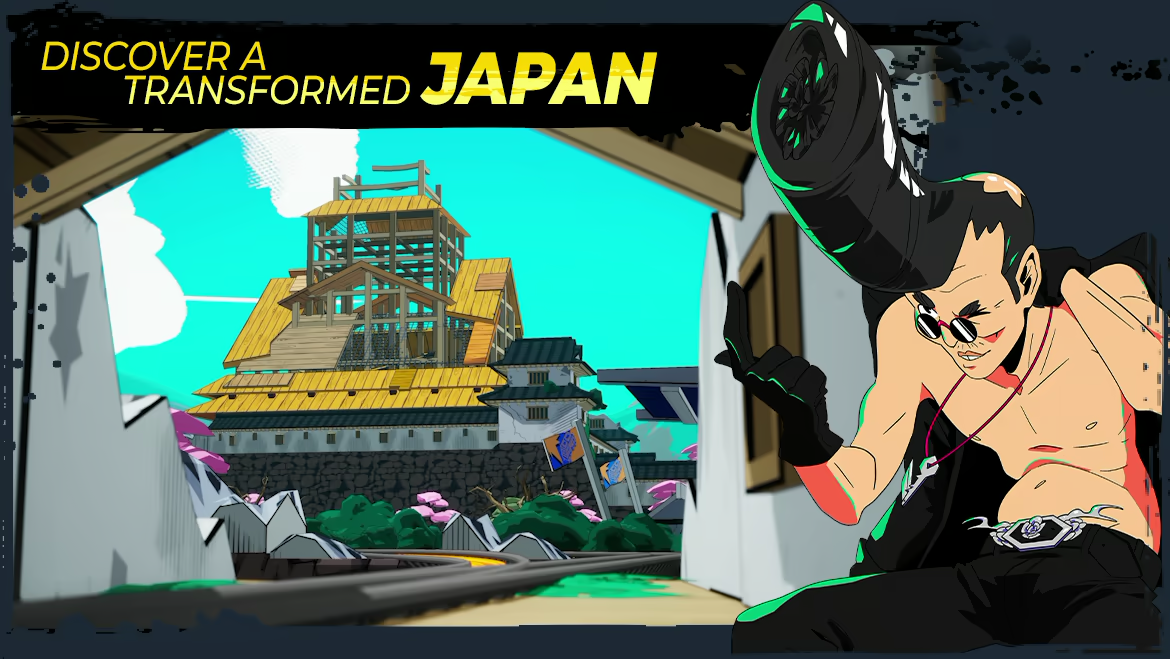
Travel from the countryside of Kyushu through the metropolises of Osaka, Tokyo and more, now sealed under domes by Miraidō. Venture across Japan to the snowfields of Hokkaido... and beyond! Each new region holds fresh challenges to beat and rules to break.
From the store page, unedited. May contain spoilers.
This release
Reviews and playtime
Overwhelmingly Positive
98% of 3,828
The game
Genres and features
How to install Denshattack!
Pre-installed, so there is no setup wizard. Follow these in order.
- 01
Create a games folder
Make a folder like C:\Games\ and keep every game in it. Avoid Program Files, Downloads and the Desktop.
- 02
Exclude it from Windows Defender
Defender often deletes cracked files by mistake while they extract. Add C:\Games\ as an excluded folder:
Windows Security -> Virus & threat protection -> Manage settings -> Exclusions -> Add an exclusion -> Folder
- 03
Download into C:\Games\
Save the archive straight into that folder. This release is one 7.1GB file.
- 04
Extract it there
Use 7-Zip or WinRAR. Keep about 15.6 GB free while it unpacks.
- One file
- Right-click it -> Extract here.
- Several parts
- Extract only part1 (or .001). The other parts are read automatically.
- 05
Open README.html
It is inside the extracted folder and explains how to start the game.
Still stuck? Read the install help
Download
Set up your games folder and the Defender exclusion before you extract. The Install tab has the steps.
FileDitch
The whole game in one file
VikingFile
The whole game in one file
0807
The whole game in one file
Gofile (legacy)
The whole game in one file
We don't accept fix requests when only one host is down. Please use another mirror above. Links broken? Let us know.
We never password-protect files or hide installers. If a page asks for a password or payment, that is the host's ad, not us. See our safety guide.
System requirements
- Min
- Windows 10
- Rec
- Windows 11
- Min
- Intel Core i5-6600K (4 * 3500) or AMD Ryzen 3 2200G (4 * 3500)
- Rec
- Intel Core i5-9600K (6 * 3700) or AMD Ryzen 5 1600 (6 * 3200)
- Min
- 12 GB RAM
- Rec
- 16 GB RAM
- Min
- NVIDIA GeForce GTX 1050 Ti (4096 MB) or AMD Radeon RX 570 (4096 MB)
- Rec
- NVIDIA GeForce GTX 1060 (6144 MB) or AMD Radeon RX 580 (8192 MB)
Version 12
8 GB available space
These are the developer's listed requirements and may not be 100% accurate. If your specs fall below the minimum, try the game anyway; many games run fine below the listed requirements. When in doubt, check YouTube for performance benchmarks.