Nippon Ichi Software, Inc.2016Tactics, RPG
1012.4 MBBuild 1375097Updated 108 days ago
About Disgaea PC
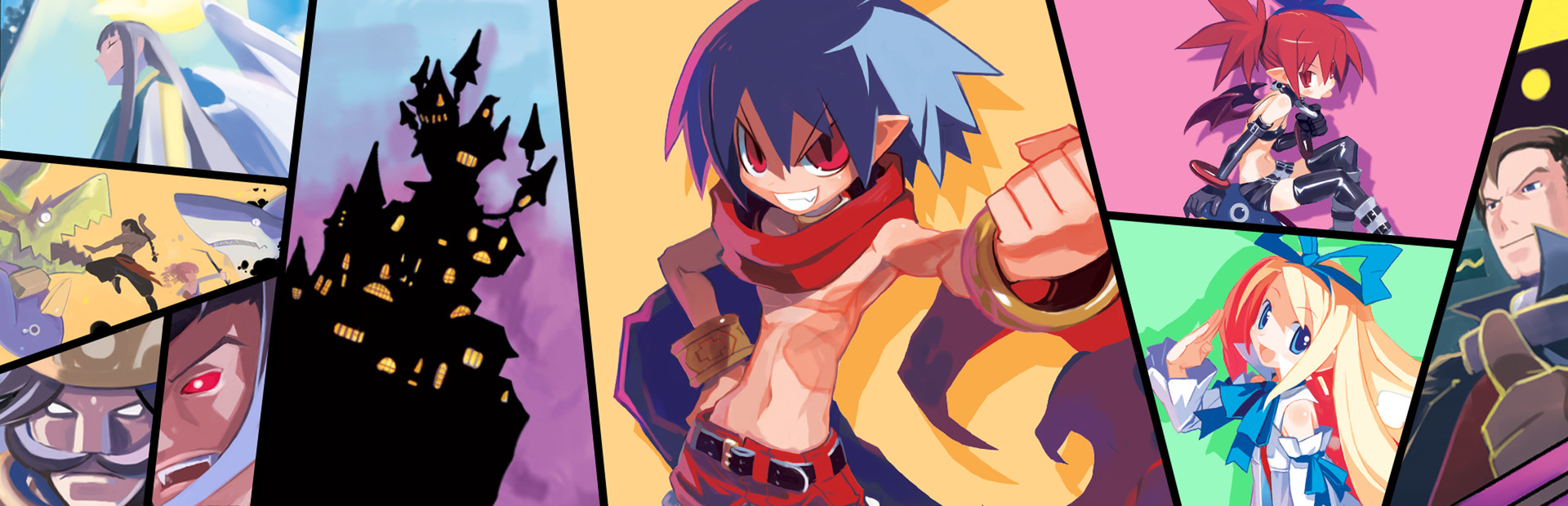
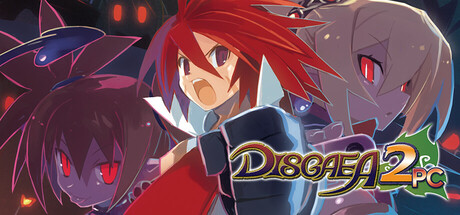
The hotheaded Laharl seeks to be the next big Overlord in the Netherworld...and will destroy anyone that gets in his way! With his devious vassal Etna and the angel trainee Flonne as his unlikely allies, he must battle his way to supremacy and retake the throne in this over-the-top RPG adventure!
Two years after the death of his father, Overlord Krichevskoy, the demon prince Laharl awakens to discover that the Netherworld is in turmoil. With unlikely allies, his devious vassal Etna and the angel trainee Flonne, he must battle his way to supremacy to retake the throne and become the next Overlord. Experience the SRPG classic, now on PC!
Key Features:
- An SRPG from the most prolific SRPG creators in the world, Nippon Ichi Software
- Choose from over 40 unique character types
- Even with a max level of 9999, use Transmigration to start all over again, but your characters will be even stronger per level!
- Delve into the Item World, a randomly generated dungeon world, to level up your items!
- With max level characters and leveled-up items, dish out millions of points of damage!
- Over-the-top battle animations
- Geo Panels - A puzzle game within a Strategy RPG
- Lift & Throw - Throw your allies up ledges to reach enemies in hard-to-reach spots, or toss your enemies around instead!
- A zany story set in the Netherworld, where the notions of good and evil are reversed
New to Disgaea PC (It's not just a port!):- Updated UI and textures
- Keyboard/Mouse and controller support
- Includes all content from Disgaea: Afternoon of Darkness
- New Steam features, such as Achievements, Cloud Saves, Badges, and trading cards
- Updated UI and textures
From the store page, unedited. May contain spoilers.
This release
Reviews and playtime
Very Positive
87% of 4,315
The game
Genres and features


How to install Disgaea PC
Pre-installed, so there is no setup wizard. Follow these in order.
- 01
Create a games folder
Make a folder like C:\Games\ and keep every game in it. Avoid Program Files, Downloads and the Desktop.
- 02
Exclude it from Windows Defender
Defender often deletes cracked files by mistake while they extract. Add C:\Games\ as an excluded folder:
Windows Security -> Virus & threat protection -> Manage settings -> Exclusions -> Add an exclusion -> Folder
- 03
Download into C:\Games\
Save the archive straight into that folder. This release is one 1012.4 MB file.
- 04
Extract it there
Use 7-Zip or WinRAR. Keep about 2.2 GB free while it unpacks.
- One file
- Right-click it -> Extract here.
- Several parts
- Extract only part1 (or .001). The other parts are read automatically.
- 05
Open README.html
It is inside the extracted folder and explains how to start the game.
Still stuck? Read the install help
Download
Set up your games folder and the Defender exclusion before you extract. The Install tab has the steps.
FileDitch
The whole game in one file
FileQ
The whole game in one file
Gofile (legacy)
The whole game in one file
We don't accept fix requests when only one host is down. Please use another mirror above. Links broken? Let us know.
We never password-protect files or hide installers. If a page asks for a password or payment, that is the host's ad, not us. See our safety guide.
System requirements
- Min
- Intel Core2 Duo 2.60 GHz
- Rec
- Intel Core i5-2500 3.30 GHz
- Min
- 1 GB RAM
- Rec
- 2 GB RAM
- Min
- nVidia GeForce 9500 GT, ATI/AMD Radeon HD 5450 (OpenGL 3.0)
- Rec
- nVidia GeForce GTS 450, ATI/AMD Radeon HD 5750
Windows 10/8/7
2 GB available space
Onboard
These are the developer's listed requirements and may not be 100% accurate. If your specs fall below the minimum, try the game anyway; many games run fine below the listed requirements. When in doubt, check YouTube for performance benchmarks.