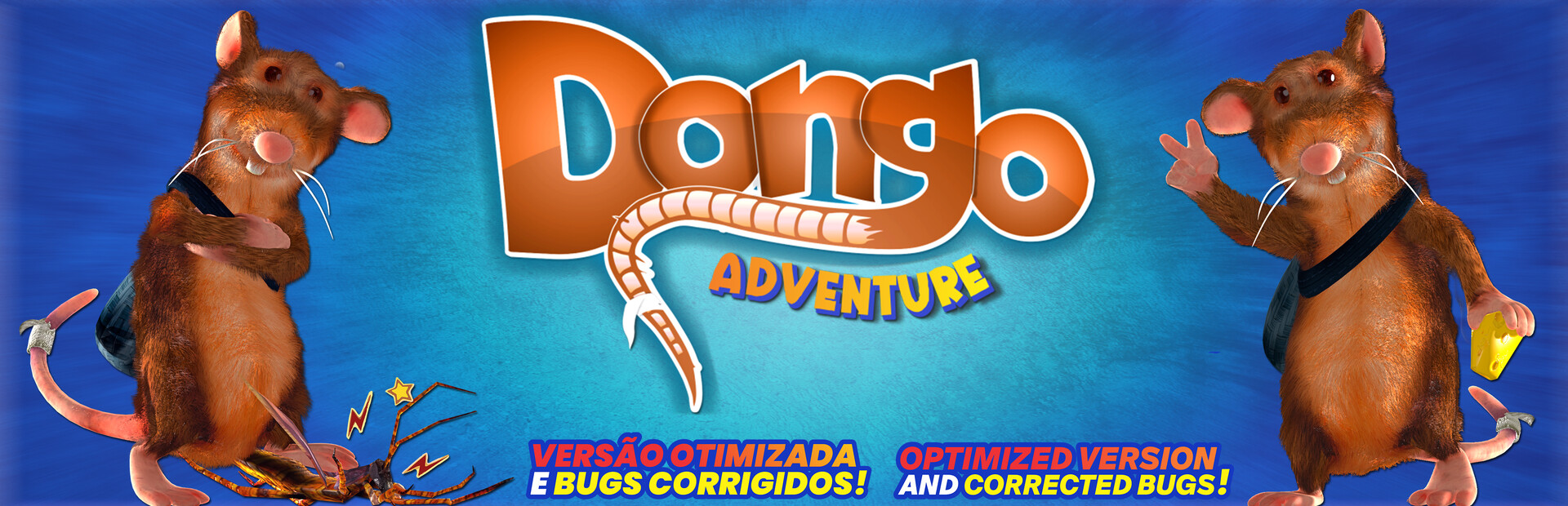
Dongo Adventure
DA GameDev2018Indie, Adventure
209.2MBBuild 10035364Updated 77 days ago
About Dongo Adventure
NOW IN OPTIMIZED VERSION AND BUGS FIXED! Embark on a great adventure and help Dongo escape from dangerous enemies and challenging scenarios!



Dongo Adventure is a 3D platform style game, where the main character (Dongo) a mouse who ventures in (sewer, house, factory, lake, etc) and faces several enemies along the way (cockroaches, mosquitoes, frogs, spiders, toxic gases, electric wires, etc). He carries a backpack with cheeses that he uses to throw and defend himself from enemies, as well as being able to push objects that helps him to overcome obstacles and solve puzzles. The ultimate goal will be a surprise!
The game follows the style of classic platform games (Inspired mainly by Donkey Kong Country 2) in 3D version, bringing many fun, surprises and challenges. Being agile and being attentive to the whole scenario is critical to success in the game!

From the store page, unedited. May contain spoilers.
This release
Reviews and playtime
Mixed
61% of 18
The game
Genres and features
How to install Dongo Adventure
Pre-installed, so there is no setup wizard. Follow these in order.
- 01
Create a games folder
Make a folder like C:\Games\ and keep every game in it. Avoid Program Files, Downloads and the Desktop.
- 02
Exclude it from Windows Defender
Defender often deletes cracked files by mistake while they extract. Add C:\Games\ as an excluded folder:
Windows Security -> Virus & threat protection -> Manage settings -> Exclusions -> Add an exclusion -> Folder
- 03
Download into C:\Games\
Save the archive straight into that folder. This release is one 209.2MB file.
- 04
Extract it there
Use 7-Zip or WinRAR. Keep about 460.2 MB free while it unpacks.
- One file
- Right-click it -> Extract here.
- Several parts
- Extract only part1 (or .001). The other parts are read automatically.
- 05
Open README.html
It is inside the extracted folder and explains how to start the game.
Still stuck? Read the install help
Download
Set up your games folder and the Defender exclusion before you extract. The Install tab has the steps.
FileDitch
The whole game in one file
FileQ
The whole game in one file
Pixeldrain
The whole game in one file
Pixeldrain slows free downloads to a few MB/s. The Copy fast link button gives you a bypass link with no speed limit. Paste it into your download manager, or into your browser's address bar.
Gofile (legacy)
The whole game in one file
We don't accept fix requests when only one host is down. Please use another mirror above. Links broken? Let us know.
We never password-protect files or hide installers. If a page asks for a password or payment, that is the host's ad, not us. See our safety guide.
System requirements
- Min
- Core 2 Duo
- Rec
- 2.4 GHz Quad Core 2.0 (or higher)
- Min
- 1 GB RAM
- Rec
- 2 GB RAM
- Min
- Yes
- Rec
- Intel HD Graphics 4000 and higher, ATI Radeon HD-Series 4650 and higher, Nvidia GeForce 2xx-Series and up
- Min
- Version 9.0
- Rec
- Version 9.0c
- Min
- No
- Rec
- Yes
- Min
- You can play with a controller or keyboard
- Rec
- Playing with control is most recommended
Windows XP / Vista / 7 / 8 / 10
620 MB available space
These are the developer's listed requirements and may not be 100% accurate. If your specs fall below the minimum, try the game anyway; many games run fine below the listed requirements. When in doubt, check YouTube for performance benchmarks.