E9uations
9npotato2026Puzzle, Indie
297.5MBBuild 24398340Updated 88 days ago
About E9uations
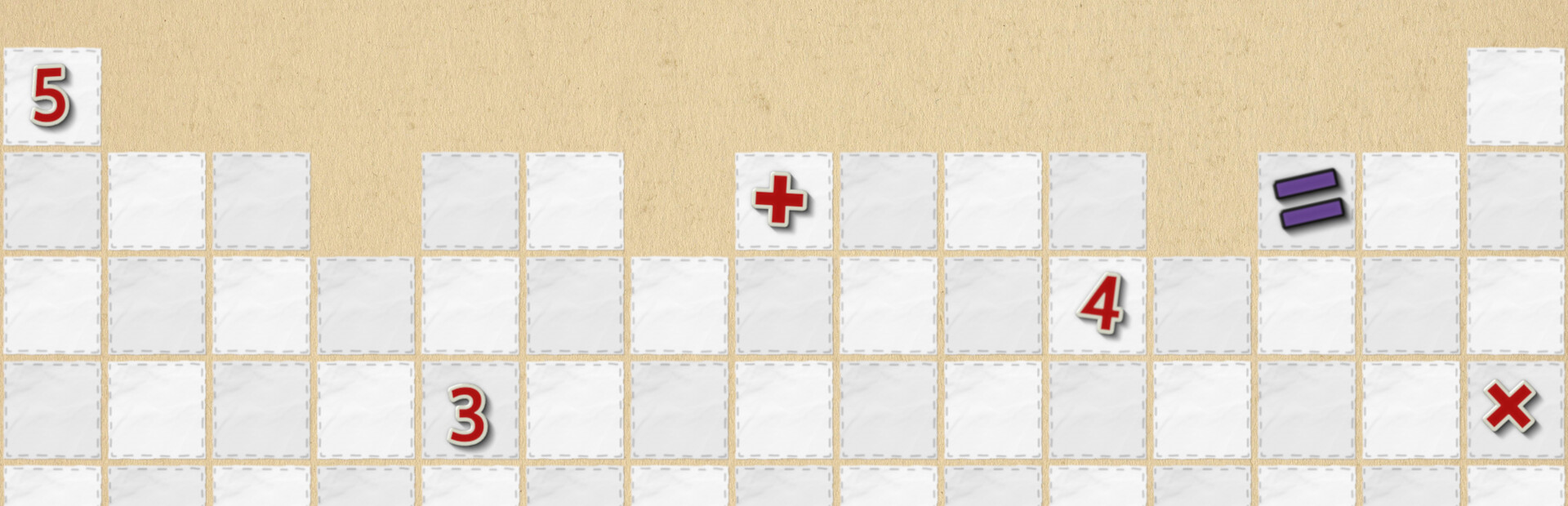
You are the equal sign(=). Rearrange the numbers and operators to form equation and solve the puzzle.
E9uations is a single-player game based on Sokoban that adds the rule of arithmetic operations.
You Are the Equals Sign

The character you control is the equals sign itself.
Move the equals sign to position numbers and operators, and complete the equation.
Once connected to an equation, the calculation runs automatically and the result appears on the other side.
Create the Value You Need

When you connect a number to an octagon-shaped target of the same value, both disappear.
Your goal is to clear all the targets.
Only the four basic arithmetic operations are used, and no complex mental math is required to solve the puzzles.
each puzzle demands its own unique insight.
Puzzle Structure
The game features multiple chapters, each with a different theme.
Within each chapter, easier and harder puzzles are separated, allowing for non-linear progression.
Hints are available for most puzzles.
Hints are simpler versions of the main puzzles that share the same core idea.
Other Features
Unlimited Undo.
160+ handcrafted puzzles
Controller support
From the store page, unedited. May contain spoilers.
This release
Reviews and playtime
Positive
100% of 34
The game
Genres and features
How to install E9uations
Pre-installed, so there is no setup wizard. Follow these in order.
- 01
Create a games folder
Make a folder like C:\Games\ and keep every game in it. Avoid Program Files, Downloads and the Desktop.
- 02
Exclude it from Windows Defender
Defender often deletes cracked files by mistake while they extract. Add C:\Games\ as an excluded folder:
Windows Security -> Virus & threat protection -> Manage settings -> Exclusions -> Add an exclusion -> Folder
- 03
Download into C:\Games\
Save the archive straight into that folder. This release is one 297.5MB file.
- 04
Extract it there
Use 7-Zip or WinRAR. Keep about 654.5 MB free while it unpacks.
- One file
- Right-click it -> Extract here.
- Several parts
- Extract only part1 (or .001). The other parts are read automatically.
- 05
Open README.html
It is inside the extracted folder and explains how to start the game.
Still stuck? Read the install help
Download
Set up your games folder and the Defender exclusion before you extract. The Install tab has the steps.
FileDitch
The whole game in one file
FileQ
The whole game in one file
We don't accept fix requests when only one host is down. Please use another mirror above. Links broken? Let us know.
We never password-protect files or hide installers. If a page asks for a password or payment, that is the host's ad, not us. See our safety guide.
System requirements
- Min
- Windows 10
- Min
- 2.0 GHz+, 32-bit
- Min
- 1 GB RAM
- Min
- 200 MB available space
These are the developer's listed requirements and may not be 100% accurate. If your specs fall below the minimum, try the game anyway; many games run fine below the listed requirements. When in doubt, check YouTube for performance benchmarks.