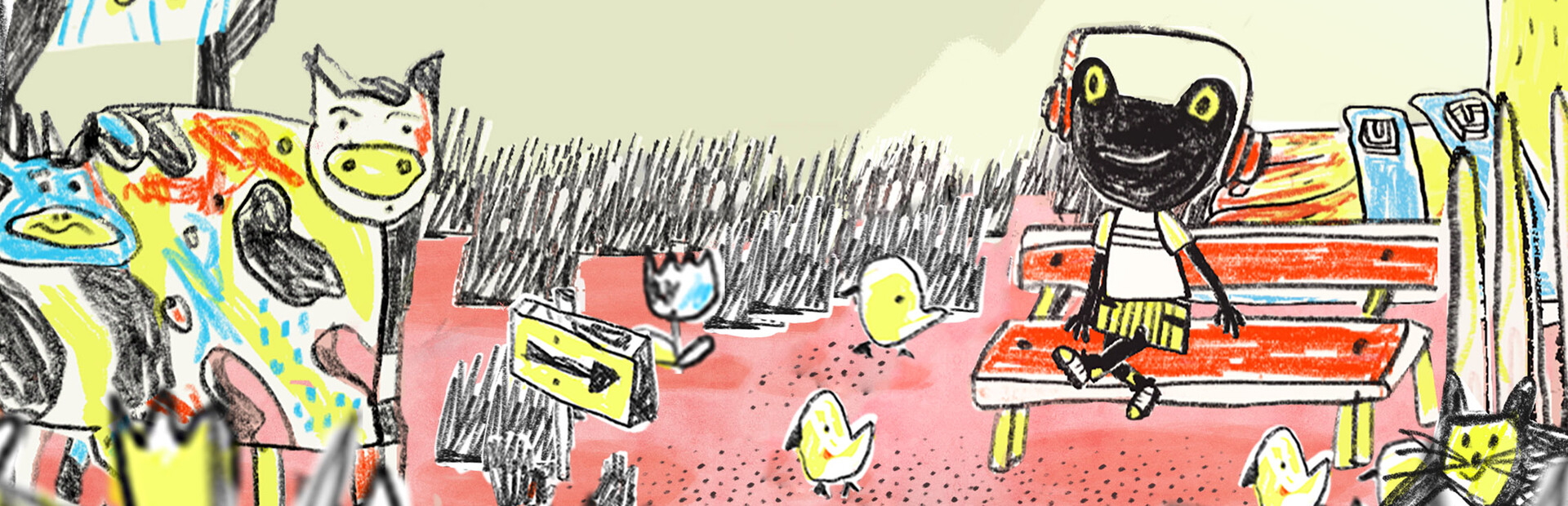
EbiTapes
Geese & Goose2026Adventure, Casual
444.9MBBuild 25646744Updated 49 days ago
About EbiTapes
Set off on a musical journey with Ebi, navigating through challenges to save the Annual City Festival from the threats of the Shushinator. Meet friends, collect sounds, and hold your own live concerts & remixes!

Set off on a cozy-grunge jam journey in EbiTapes, a quirky adventure game where you take on the mission of saving the Annual City Festival. Traverse through intriguing little places, each brimming with mellow vibes and fresh discoveries. Alongside your snarky cat companion, Zongy, dive into the depths of the city, getting to know its people and unraveling its secrets.
Record the sounds you encounter along the tranquil trail to solve puzzles and weave joyful mixtapes. Dance with cows, search for lost slippers, and mend friendships one beat at a time. EbiTapes offers a laid-back experience in a beautifully crafted world for all ages.


Get lost in a completely handcrafted world brought to life by an award winning illustrator!


Meet a friendly cast of characters on your journey! Some might need your help, while others just want to tag along for a while. It's nice to have new friends for your jam sessions!


Your tool to help you on your journey is a sound recorder.
Use it to record interesting sounds in the world and play them back at the right place - you can also make music with it!
The world is filled with amazing sounds! Keep your ears peeled and a sound recorder at hand, you might discover some cool noises that can help in your troubles!

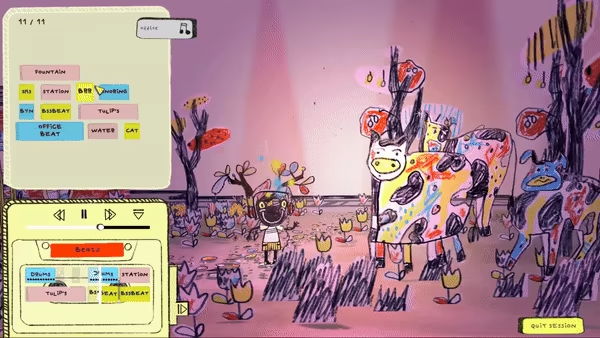
Play little concerts for the locals and make sure that everyone is having a good time when listening to your tapes.
There are no mistakes, just happy little loops. No musical knowledge is required!
From the store page, unedited. May contain spoilers.
This release
Reviews and playtime
Positive
100% of 23
The game
Genres and features
How to install EbiTapes
Pre-installed, so there is no setup wizard. Follow these in order.
- 01
Create a games folder
Make a folder like C:\Games\ and keep every game in it. Avoid Program Files, Downloads and the Desktop.
- 02
Exclude it from Windows Defender
Defender often deletes cracked files by mistake while they extract. Add C:\Games\ as an excluded folder:
Windows Security -> Virus & threat protection -> Manage settings -> Exclusions -> Add an exclusion -> Folder
- 03
Download into C:\Games\
Save the archive straight into that folder. This release is one 444.9MB file.
- 04
Extract it there
Use 7-Zip or WinRAR. Keep about 978.8 MB free while it unpacks.
- One file
- Right-click it -> Extract here.
- Several parts
- Extract only part1 (or .001). The other parts are read automatically.
- 05
Open README.html
It is inside the extracted folder and explains how to start the game.
Still stuck? Read the install help
Download
Set up your games folder and the Defender exclusion before you extract. The Install tab has the steps.
FileDitch
The whole game in one file
VikingFile
The whole game in one file
Gofile (legacy)
The whole game in one file
We don't accept fix requests when only one host is down. Please use another mirror above. Links broken? Let us know.
We never password-protect files or hide installers. If a page asks for a password or payment, that is the host's ad, not us. See our safety guide.
System requirements
- Min
- Windows 10, Windows 11
- Min
- Intel Core i3 - 1115G4 3 GHz
- Min
- 8192 MB RAM
- Min
- Intel UHD Graphics Family 4 GB
- Min
- 1 GB available space
These are the developer's listed requirements and may not be 100% accurate. If your specs fall below the minimum, try the game anyway; many games run fine below the listed requirements. When in doubt, check YouTube for performance benchmarks.