Egging On
Egobounds2025Horror, Action
1.9 GBBuild 23393728Updated 174 days ago
About Egging On
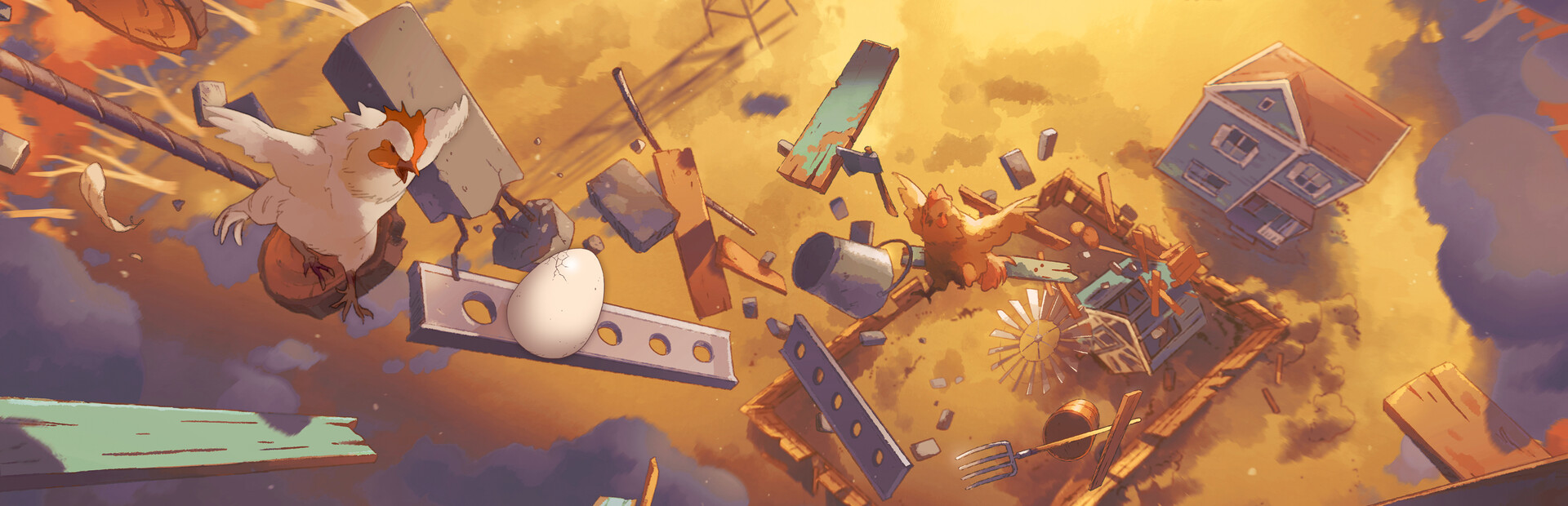
This game is hard-boiled. Face the challenge of being a real, fragile egg. Escape the hen-house and jump, roll and climb your way through a farm shop, factory and other perilous environments. With some determination, you might just reach your freedom.
Yolkfolk community

About the Game
Cascade into insanity in this brutally challenging journey into the sky. Armed with nothing but a fragile shell and a slimy yolk, can you take a lone egg to new heights?


You’re an egg – and you’ll feel every wobble, roll, and crack. Master the art of egg physics as you navigate challenging climbing environments with a twist. Synchronize your jump with your roll-cycle, and when you’re at the tip, leap for maximum height! Miss a jump, and you could be back at the bottom, dripping yolk.


Explore a variety of egg themed environments and carefully crafted levels. Each area is packed with interactive elements, delivering fresh challenges and unique atmospheres - think chainsaws and angry roosters! Bear in mind, not everything wants you to reach the top...

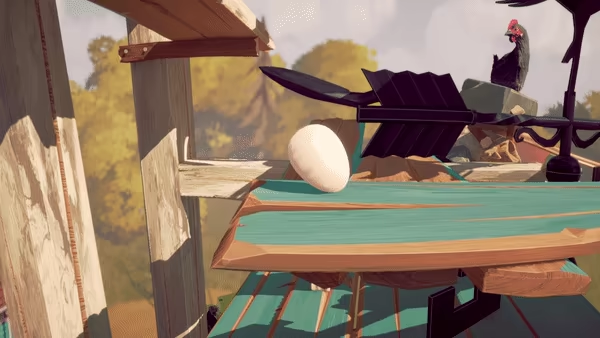
Why settle for plain? Unlock decorative shells and roll through the world in style. Every jump might reveal a hidden secret, and gathering stamps on your journey to the top will earn you rewards—just don’t fall and lose it all! Customize your egg, flaunt your flair, and become the fanciest egg on the farm!
From the store page, unedited. May contain spoilers.
This release
Includes1 DLC
- Egging On Soundtrack
Reviews and playtime
Mostly Positive
75% of 798
The game
Genres and features
How to install Egging On
Pre-installed, so there is no setup wizard. Follow these in order.
- 01
Create a games folder
Make a folder like C:\Games\ and keep every game in it. Avoid Program Files, Downloads and the Desktop.
- 02
Exclude it from Windows Defender
Defender often deletes cracked files by mistake while they extract. Add C:\Games\ as an excluded folder:
Windows Security -> Virus & threat protection -> Manage settings -> Exclusions -> Add an exclusion -> Folder
- 03
Download into C:\Games\
Save the archive straight into that folder. This release is one 1.9 GB file.
- 04
Extract it there
Use 7-Zip or WinRAR. Keep about 4.2 GB free while it unpacks.
- One file
- Right-click it -> Extract here.
- Several parts
- Extract only part1 (or .001). The other parts are read automatically.
- 05
Open README.html
It is inside the extracted folder and explains how to start the game.
Still stuck? Read the install help
Download
Set up your games folder and the Defender exclusion before you extract. The Install tab has the steps.
FileDitch
The whole game in one file
FileQ
The whole game in one file
Gofile (legacy)
The whole game in one file
We don't accept fix requests when only one host is down. Please use another mirror above. Links broken? Let us know.
We never password-protect files or hide installers. If a page asks for a password or payment, that is the host's ad, not us. See our safety guide.
System requirements
- Min
- AMD Ryzen 5 or Intel Core i5
- Rec
- AMD Ryzen 7 or Intel Core i7
- Min
- 12 GB RAM
- Rec
- 16 GB RAM
- Min
- AMD R9 280 or GTX 1050-Ti
- Rec
- RX 7900-XT or RTX 4070
- Min
- Low settings, 30 FPS, Full HD, SSD recommended
- Rec
- High settings, 60 FPS, Full HD, SSD recommended
Windows 10 (x64)+
Version 11
3 GB available space
These are the developer's listed requirements and may not be 100% accurate. If your specs fall below the minimum, try the game anyway; many games run fine below the listed requirements. When in doubt, check YouTube for performance benchmarks.