EMPTY SHELL
CC ARTS2023Roguelike, Shooter
313 MBBuild 20639619Updated 249 days ago
About EMPTY SHELL
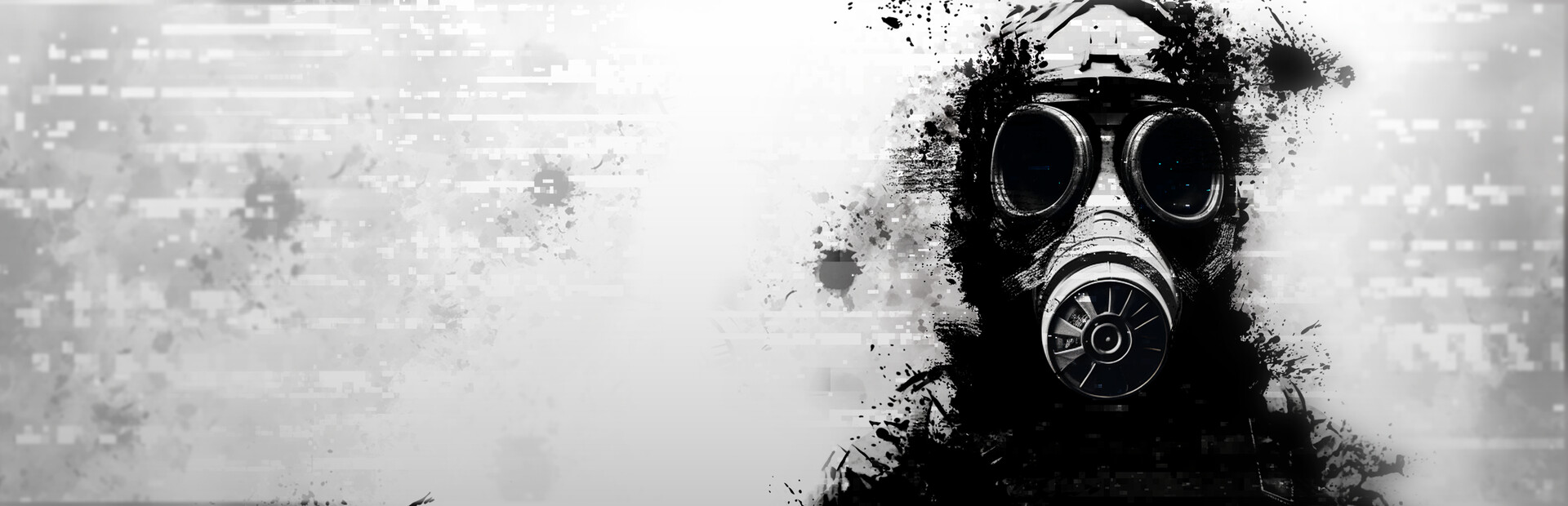
EMPTY SHELL will throw you in a dark industrial environment, a secret facility on a Japanese island. Each volunteer has signed a contract for a "recovery operation" without being privy to too many details. A tense roguelite survival horror with a top down perspective.

They said the facility had been abandoned for decades, but once in place it was immediately apparent that something was wrong.
Discover the dark secrets of the facility's years of operation, up until the accident that led to the extreme consequences you are involved in.
Every time you die, you will control a new volunteer sent to the place. Your starting equipment will be randomized and each level will be generated with a new layout.

Dark corridors and cold rooms. Abominable creatures and bloody fights. Puzzles to solve, equipment, logs and documents to recover await you in this roguelite survival horror.
- Random generated maps every time you enter a new level or you die
- A top down perspective surrounded by darkness
- Scavenge weapons, ammo and gadgets to raise your chance to survive
- Manage your inventory to make room for what you deem vital
- Different types of enemies will hunt you down each room of the facility
- Buy upgrades and devices to help you during fights
- Find logs and documents from the 1950s to unveil the stories of the people who worked there
From the store page, unedited. May contain spoilers.
This release
Reviews and playtime
Very Positive
88% of 728
The game
Genres and features
How to install EMPTY SHELL
Pre-installed, so there is no setup wizard. Follow these in order.
- 01
Create a games folder
Make a folder like C:\Games\ and keep every game in it. Avoid Program Files, Downloads and the Desktop.
- 02
Exclude it from Windows Defender
Defender often deletes cracked files by mistake while they extract. Add C:\Games\ as an excluded folder:
Windows Security -> Virus & threat protection -> Manage settings -> Exclusions -> Add an exclusion -> Folder
- 03
Download into C:\Games\
Save the archive straight into that folder. This release is one 313 MB file.
- 04
Extract it there
Use 7-Zip or WinRAR. Keep about 688.6 MB free while it unpacks.
- One file
- Right-click it -> Extract here.
- Several parts
- Extract only part1 (or .001). The other parts are read automatically.
- 05
Open README.html
It is inside the extracted folder and explains how to start the game.
Still stuck? Read the install help
Download
Set up your games folder and the Defender exclusion before you extract. The Install tab has the steps.
VikingFile
The whole game in one file
FileQ
The whole game in one file
Pixeldrain
The whole game in one file
Pixeldrain slows free downloads to a few MB/s. The Copy fast link button gives you a bypass link with no speed limit. Paste it into your download manager, or into your browser's address bar.
Gofile (legacy)
The whole game in one file
We don't accept fix requests when only one host is down. Please use another mirror above. Links broken? Let us know.
We never password-protect files or hide installers. If a page asks for a password or payment, that is the host's ad, not us. See our safety guide.
System requirements
- Min
- Intel Core 2 Duo or AMD equivalent
- Rec
- Intel Core i5 or AMD equivalent
- Min
- 4 GB RAM
- Rec
- 8 GB RAM
- Min
- Intel Graphics HD 2GB or equivalent
- Rec
- Nvidia GTX 1050 or higher
Windows 10 or higher
Version 11
290 MB available space
Onboard audio is enough
These are the developer's listed requirements and may not be 100% accurate. If your specs fall below the minimum, try the game anyway; many games run fine below the listed requirements. When in doubt, check YouTube for performance benchmarks.