Studio Monoblok2026Casual, Roguelike
348.3MBBuild 25507034Updated 59 days ago
About Endless Rails
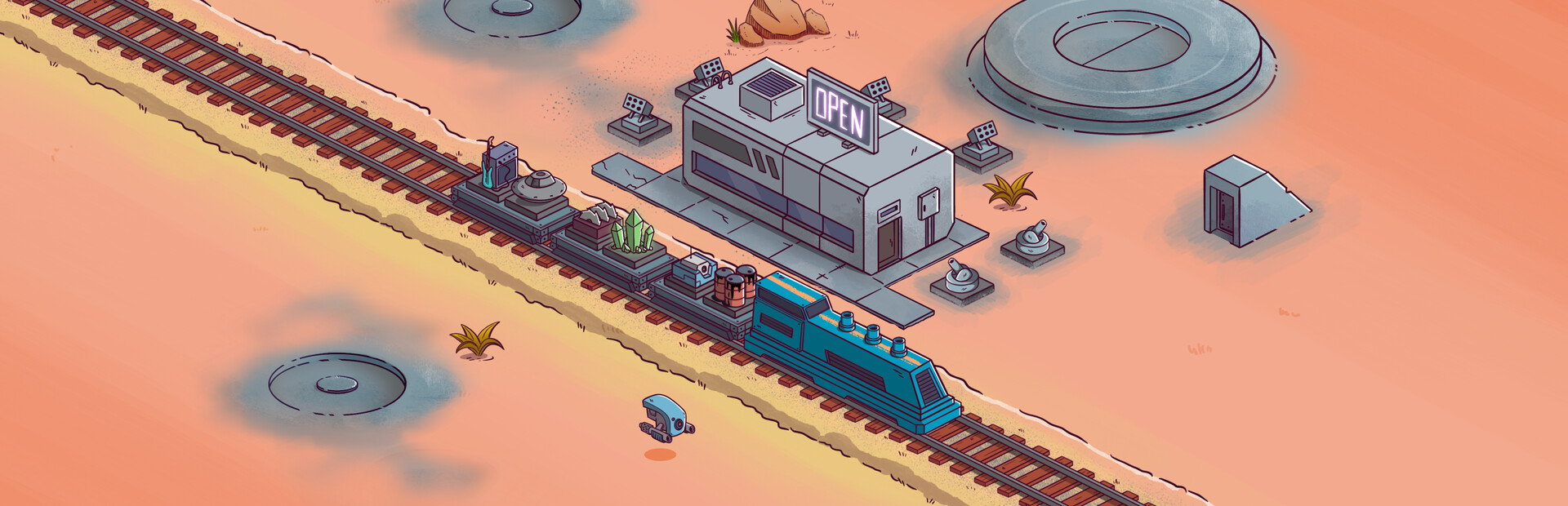
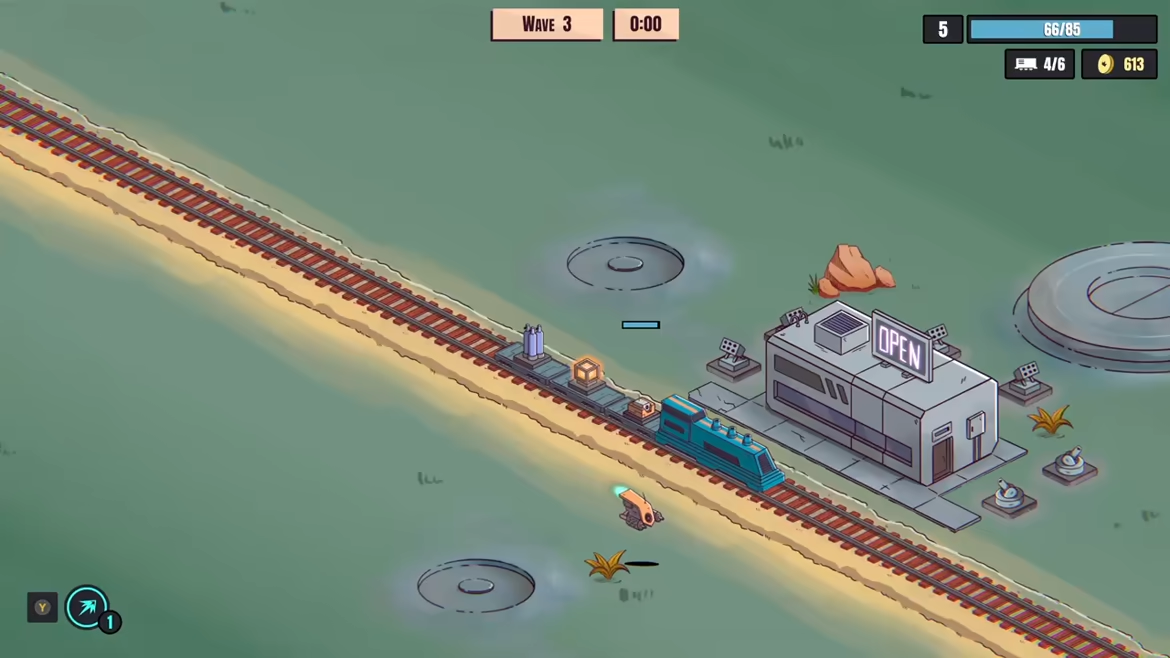
Protect your train with your drones as it rolls through a monster-infested wasteland. Reach new stations to buy new weapons, wagons, and upgrades. Keep rolling until you or the game crashes. Isometric bullet heaven roguelite.
The wasteland is swarming with monsters so it's time to take on an impossible mission: get out. Command your drones, bolt weapons onto your cars, and keep the rails clear. The further you go, the harder the wasteland pushes back.
Juicy Bullet Heaven
Bloodthirsty hordes of enemies will do their best to stop your train, and it's your job to blow them into pieces. It's so satisfying, man.

Build Your Train
At every station, spend your coins on new cars, weapons, drone slots, and buffs. Reorder or merge cars together to make them stronger and unlock more module slots. The best train is the one you build on the fly.
Upgrade
Between runs, spend what you've earned on a permanent upgrade tree so every attempt starts a little stronger than the last.

Survive
…as long as you can. You're already doing well if you make it to Station 20. But the rails won't stop there. It's called Endless Rails for a reason. Keep going until you or the game crashes.
Features
Auto-firing drones that do the shooting
Short but action-heavy rides between stations (20-30 seconds)
New train cars, weapons, drone types, and buffs to mix and match
Merge train cars to make them stronger and unlock more module slots
A permanent upgrade tree
Juicy, satisfying combat built for short sessions and "just one more run" energy
From the store page, unedited. May contain spoilers.
This release
Reviews and playtime
Mixed
68% of 191
The game
Genres and features
How to install Endless Rails
Pre-installed, so there is no setup wizard. Follow these in order.
- 01
Create a games folder
Make a folder like C:\Games\ and keep every game in it. Avoid Program Files, Downloads and the Desktop.
- 02
Exclude it from Windows Defender
Defender often deletes cracked files by mistake while they extract. Add C:\Games\ as an excluded folder:
Windows Security -> Virus & threat protection -> Manage settings -> Exclusions -> Add an exclusion -> Folder
- 03
Download into C:\Games\
Save the archive straight into that folder. This release is one 348.3MB file.
- 04
Extract it there
Use 7-Zip or WinRAR. Keep about 766.3 MB free while it unpacks.
- One file
- Right-click it -> Extract here.
- Several parts
- Extract only part1 (or .001). The other parts are read automatically.
- 05
Open README.html
It is inside the extracted folder and explains how to start the game.
Still stuck? Read the install help
Download
Set up your games folder and the Defender exclusion before you extract. The Install tab has the steps.
FileDitch
The whole game in one file
VikingFile
The whole game in one file
0807
The whole game in one file
Gofile (legacy)
The whole game in one file
We don't accept fix requests when only one host is down. Please use another mirror above. Links broken? Let us know.
We never password-protect files or hide installers. If a page asks for a password or payment, that is the host's ad, not us. See our safety guide.
System requirements
- Min
- Windows 10 or later
- Min
- Intel® Core™ i5-9600/AMD Ryzen 5 2600X
- Min
- 4 GB RAM
- Min
- Nvidia GeForce GTX970/AMD Radeon R9 390
- Min
- 1 GB available space
These are the developer's listed requirements and may not be 100% accurate. If your specs fall below the minimum, try the game anyway; many games run fine below the listed requirements. When in doubt, check YouTube for performance benchmarks.