
Opal2026RPG, Life Sim
75.9MBBuild 24738522Updated 56 days ago
About Everglen
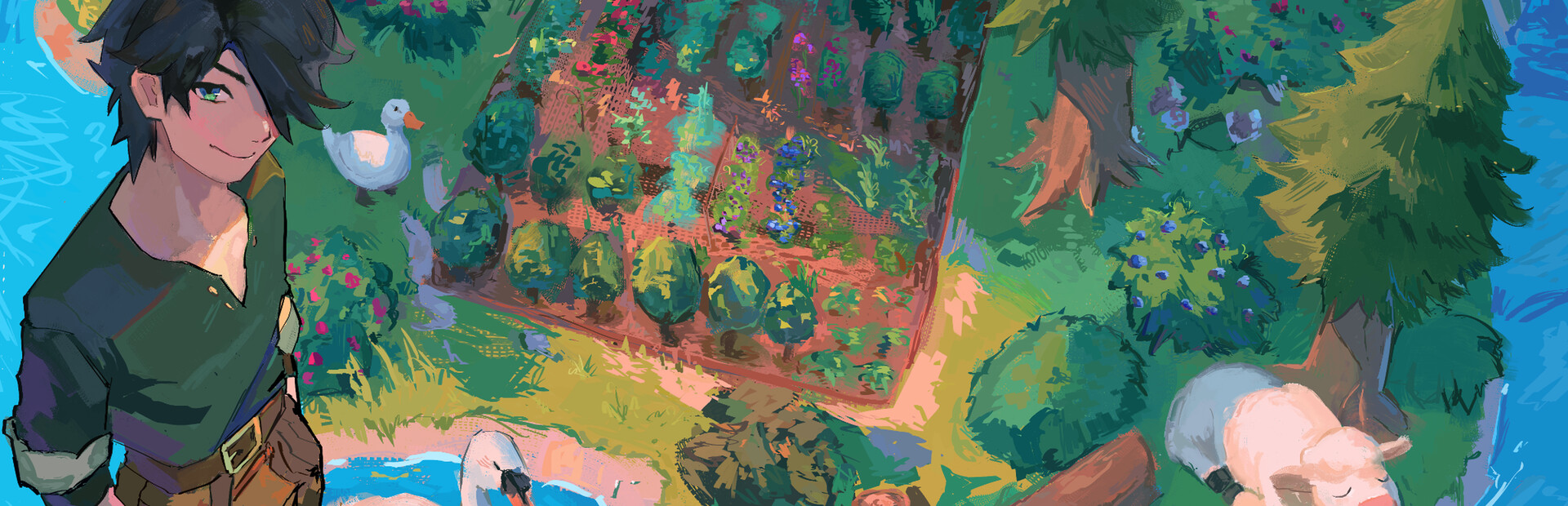
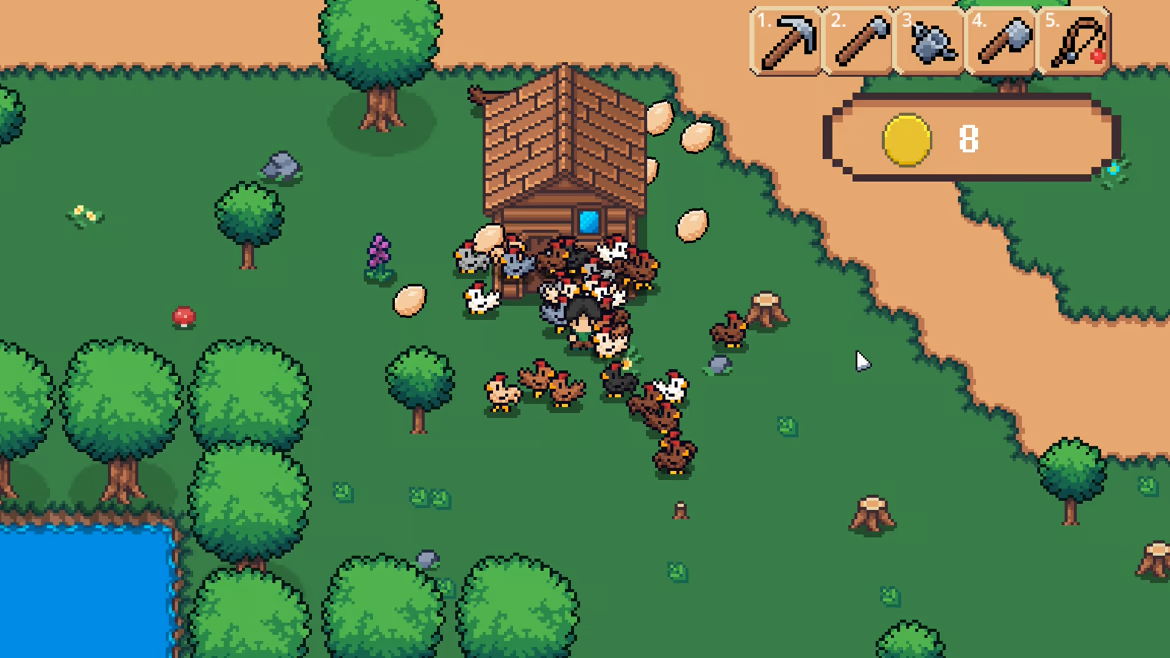
Build your dream farm in a cozy pixel RPG. Grow crops, fish, mine, and explore a charming island full of secrets. Meet unique NPCs, hunt for 37 achievements, enjoy an original soundtrack, and uncover magical surprises at your own pace. Relax, explore, and create your story in this farming adventure.
Escape to a cozy pixel world where you can farm, fish, and explore a charming island full of secrets. Grow over 20 different crops, chop trees, and mine for resources. Get to know several unique NPCs, each with their own backstory, quests, and mysteries to uncover.

The game is designed to be enjoyed at your own pace. Whether you want to min-max your earnings and climb the gold-earned leaderboard, or simply enjoy the soundtrack and search for easter-eggs hidden around the island. Build your farm, meet unique NPCs, and shape your own adventure at your own speed.
The game was solo developed by me, including the soundtrack!
Highlighted Features:
Grow and harvest over a dozen unique crops
Unlock 37 achievements
Relax with fishing, mining, woodcutting, questing
Figure out the best ways to earn gold and compete on the gold leaderboard
Interact with NPCs to uncover their hidden interactions and story of the island... and maybe find a way off it
Compatible with Windows. Keyboard & Mouse | Controller | Playable on Steamdeck, not tested though.
Note: If anyone is having financial troubles and wants to play, please contact me directly: [email protected]
From the store page, unedited. May contain spoilers.
This release
Reviews and playtime
Positive
88% of 17
The game
Genres and features
How to install Everglen
Pre-installed, so there is no setup wizard. Follow these in order.
- 01
Create a games folder
Make a folder like C:\Games\ and keep every game in it. Avoid Program Files, Downloads and the Desktop.
- 02
Exclude it from Windows Defender
Defender often deletes cracked files by mistake while they extract. Add C:\Games\ as an excluded folder:
Windows Security -> Virus & threat protection -> Manage settings -> Exclusions -> Add an exclusion -> Folder
- 03
Download into C:\Games\
Save the archive straight into that folder. This release is one 75.9MB file.
- 04
Extract it there
Use 7-Zip or WinRAR. Keep about 167.0 MB free while it unpacks.
- One file
- Right-click it -> Extract here.
- Several parts
- Extract only part1 (or .001). The other parts are read automatically.
- 05
Open README.html
It is inside the extracted folder and explains how to start the game.
Still stuck? Read the install help
Download
Set up your games folder and the Defender exclusion before you extract. The Install tab has the steps.
FileDitch
The whole game in one file
Gofile (legacy)
The whole game in one file
We don't accept fix requests when only one host is down. Please use another mirror above. Links broken? Let us know.
We never password-protect files or hide installers. If a page asks for a password or payment, that is the host's ad, not us. See our safety guide.
System requirements
- Min
- Windows Vista or greater
- Min
- 2 Ghz
- Min
- 2 GB RAM
- Min
- 256 mb video memory, shader model 3.0+
- Min
- Version 10
- Min
- 160 MB available space
These are the developer's listed requirements and may not be 100% accurate. If your specs fall below the minimum, try the game anyway; many games run fine below the listed requirements. When in doubt, check YouTube for performance benchmarks.