Florian Alushaj2026Sandbox, Management
367.8MBBuild 26331383Updated 28 days ago
About Fantasy World Manager
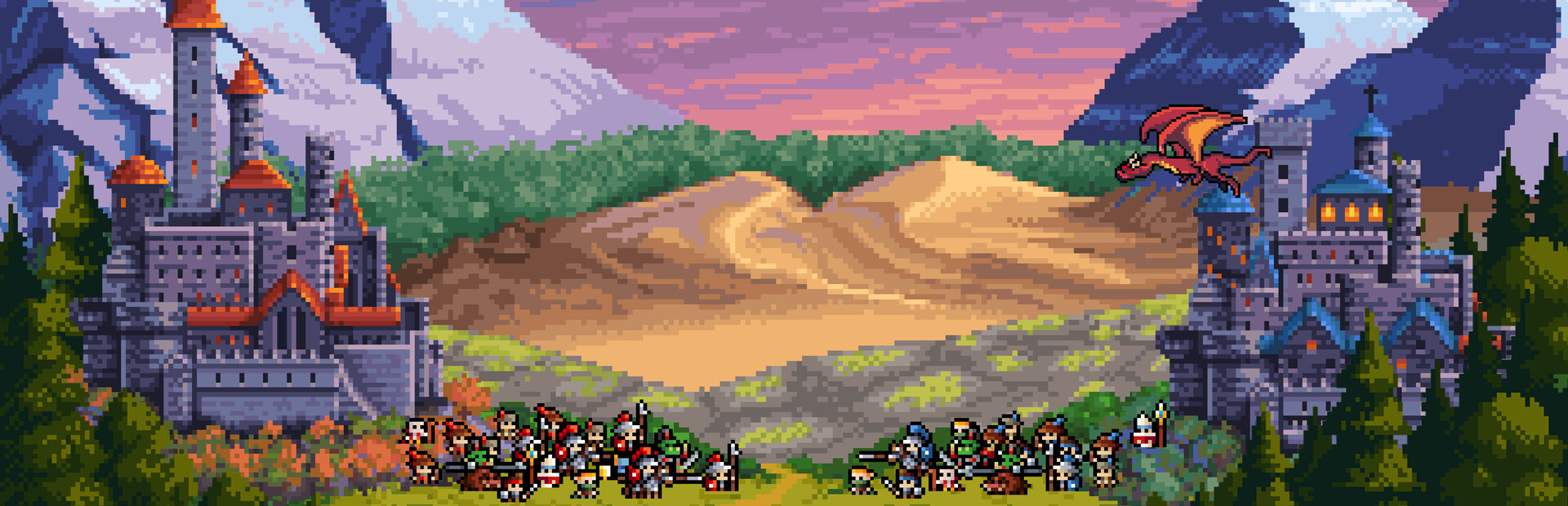
Create a vast, living fantasy world: heroes, creatures, quests and events; cultures, religions and factions; overworlds, interiors and dungeons-filled with stories, wars and choices.
1.0 Roadmap

What is "Box" Mode and is it Included?
“Box” mode is a game mode where the world automatically builds itself over time. We’re planning to add it in Q1 2027, but it’s not available yet. Currently, in Fantasy World Manager, you build everything yourself, and your civilisations develop around what you create.
About the Game
Fantasy World Manager is the ultimate, gamified tool for creating, simulating, and observing living fantasy worlds.
Build a fantasy world on a massive scale
 ...and watch it come to life!
 Create unique places!
 ...where heroes go on adventures!
 ...and fight epic battles!
 ..to seize control!
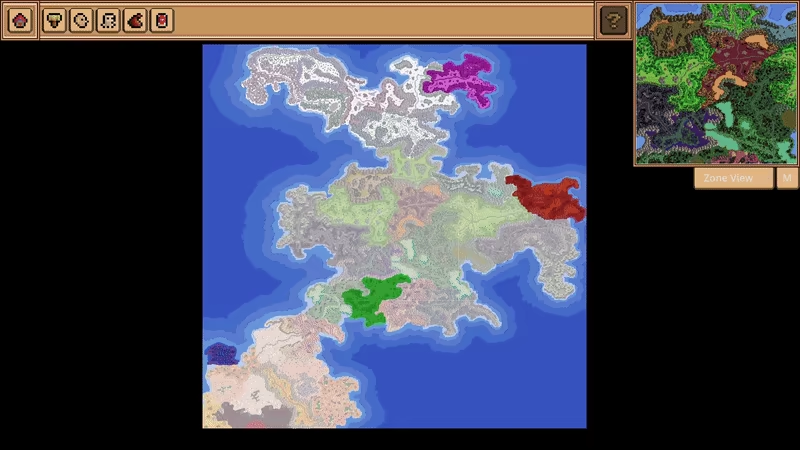 Use a variety of editors to shape the world according to your rules!

 ...and much more!
From the store page, unedited. May contain spoilers.
This release
Reviews and playtime
Mostly Positive
73% of 149
The game
Genres and features
How to install Fantasy World Manager
Pre-installed, so there is no setup wizard. Follow these in order.
- 01
Create a games folder
Make a folder like C:\Games\ and keep every game in it. Avoid Program Files, Downloads and the Desktop.
- 02
Exclude it from Windows Defender
Defender often deletes cracked files by mistake while they extract. Add C:\Games\ as an excluded folder:
Windows Security -> Virus & threat protection -> Manage settings -> Exclusions -> Add an exclusion -> Folder
- 03
Download into C:\Games\
Save the archive straight into that folder. This release is one 367.8MB file.
- 04
Extract it there
Use 7-Zip or WinRAR. Keep about 809.2 MB free while it unpacks.
- One file
- Right-click it -> Extract here.
- Several parts
- Extract only part1 (or .001). The other parts are read automatically.
- 05
Open README.html
It is inside the extracted folder and explains how to start the game.
Still stuck? Read the install help
Download
Set up your games folder and the Defender exclusion before you extract. The Install tab has the steps.
FilesYard
The whole game in one file
FileDitch
The whole game in one file
VikingFile
The whole game in one file
We don't accept fix requests when only one host is down. Please use another mirror above. Links broken? Let us know.
We never password-protect files or hide installers. If a page asks for a password or payment, that is the host's ad, not us. See our safety guide.
System requirements
- Min
- Requires a 64-bit processor and operating system
- Rec
- -
- Min
- Intel Core i3-6100 or equivalent
- Rec
- -
- Min
- 4 GB RAM
- Rec
- -
- Min
- Intel HD Graphics 530 or equivalent, with a Vulkan 1.0-compatible driver
- Rec
- -
- Min
- 4000 MB available space
- Rec
- -
Version 9.0
These are the developer's listed requirements and may not be 100% accurate. If your specs fall below the minimum, try the game anyway; many games run fine below the listed requirements. When in doubt, check YouTube for performance benchmarks.