Finding Polka
lidlocks2026Adventure, Casual
359.7MBBuild 25005848Updated 82 days ago
About Finding Polka
Set off on a playful search to track down the wandering pup Polka in this game of exploration and serendipity. Meet charming characters, lend them a hand to make new friends, and explore a cozy world sketched in ballpoint pen. You don't need words on this adventure, just smiles and high-fives!
I have friends I want to see
I have family I want to see
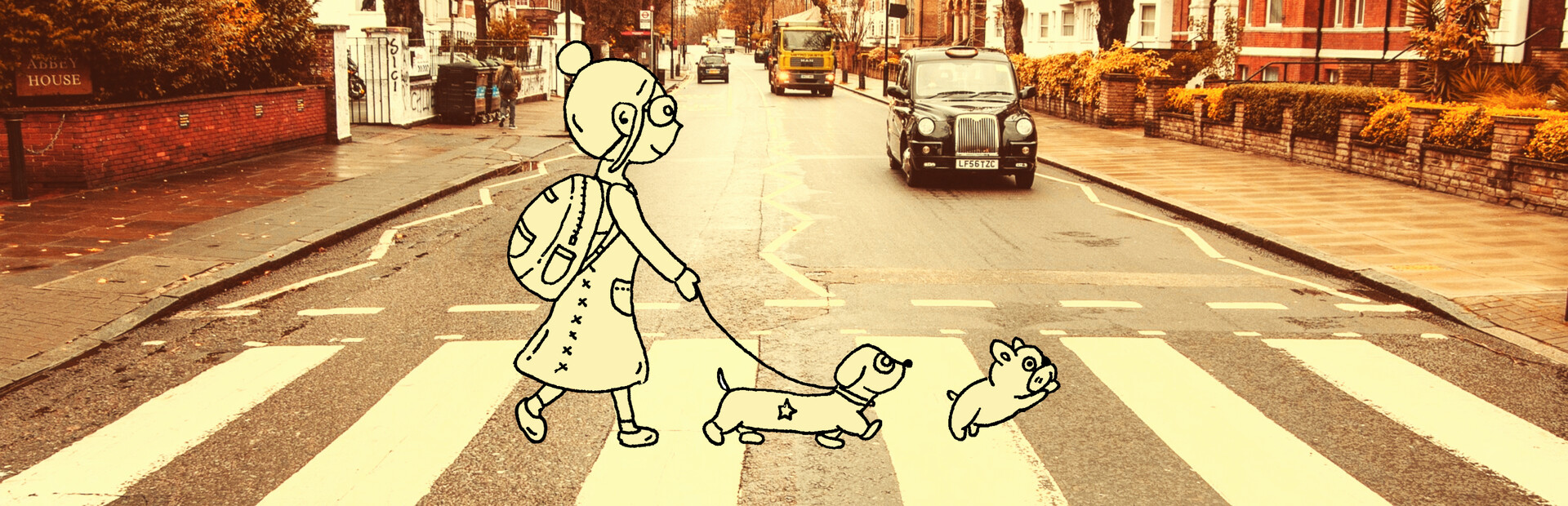
Frendy lives a peaceful life with her beloved dog Jazz.
One day, in front of a flower shop, she spots a dog that looks just like Polka,
the dog Frendy had in her childhood.
Before she knew it, Frendy and Jazz were chasing after it ー

A cozy interactive adventure where you find Polka somewhere on the map.
A simple world drawn in ballpoint pen welcomes you with playful humor.

Unique characters await you at the end of your adventure!
You can high-five them and become friends.
Friends are reliable allies who will help and cheer you on when you face trouble.

No dialogue, no spoken words. The characters convey their feelings through expressions, subtle gestures, and sound effects.
Even without words, they laugh, they get surprised, and they become friends ー

Various mini games are available throughout the area, including putt-putt golf, whac-a-mole, soccer shootout, boat racing, watermelon splitting, and volleyball. These are not required for story progression and are optional side activities you can enjoy freely.




From the store page, unedited. May contain spoilers.
This release
Reviews and playtime
Very Positive
98% of 110
The game
Genres and features
How to install Finding Polka
Pre-installed, so there is no setup wizard. Follow these in order.
- 01
Create a games folder
Make a folder like C:\Games\ and keep every game in it. Avoid Program Files, Downloads and the Desktop.
- 02
Exclude it from Windows Defender
Defender often deletes cracked files by mistake while they extract. Add C:\Games\ as an excluded folder:
Windows Security -> Virus & threat protection -> Manage settings -> Exclusions -> Add an exclusion -> Folder
- 03
Download into C:\Games\
Save the archive straight into that folder. This release is one 359.7MB file.
- 04
Extract it there
Use 7-Zip or WinRAR. Keep about 791.3 MB free while it unpacks.
- One file
- Right-click it -> Extract here.
- Several parts
- Extract only part1 (or .001). The other parts are read automatically.
- 05
Open README.html
It is inside the extracted folder and explains how to start the game.
Still stuck? Read the install help
Download
Set up your games folder and the Defender exclusion before you extract. The Install tab has the steps.
FileDitch
The whole game in one file
FileQ
The whole game in one file
Pixeldrain
The whole game in one file
Pixeldrain slows free downloads to a few MB/s. The Copy fast link button gives you a bypass link with no speed limit. Paste it into your download manager, or into your browser's address bar.
Gofile (legacy)
The whole game in one file
We don't accept fix requests when only one host is down. Please use another mirror above. Links broken? Let us know.
We never password-protect files or hide installers. If a page asks for a password or payment, that is the host's ad, not us. See our safety guide.
System requirements
- Min
- Windows 10 (64-bit)
- Rec
- -
- Min
- Core i3-6100
- Rec
- -
- Min
- 4 GB RAM
- Rec
- -
- Min
- Intel HD 530
- Rec
- -
- Min
- 1070 MB available space
- Rec
- -
These are the developer's listed requirements and may not be 100% accurate. If your specs fall below the minimum, try the game anyway; many games run fine below the listed requirements. When in doubt, check YouTube for performance benchmarks.