Flash Doll
Game Star2025Roguelike, Idle
1.7 GBBuild 20136582Updated 117 days ago
About Flash Doll
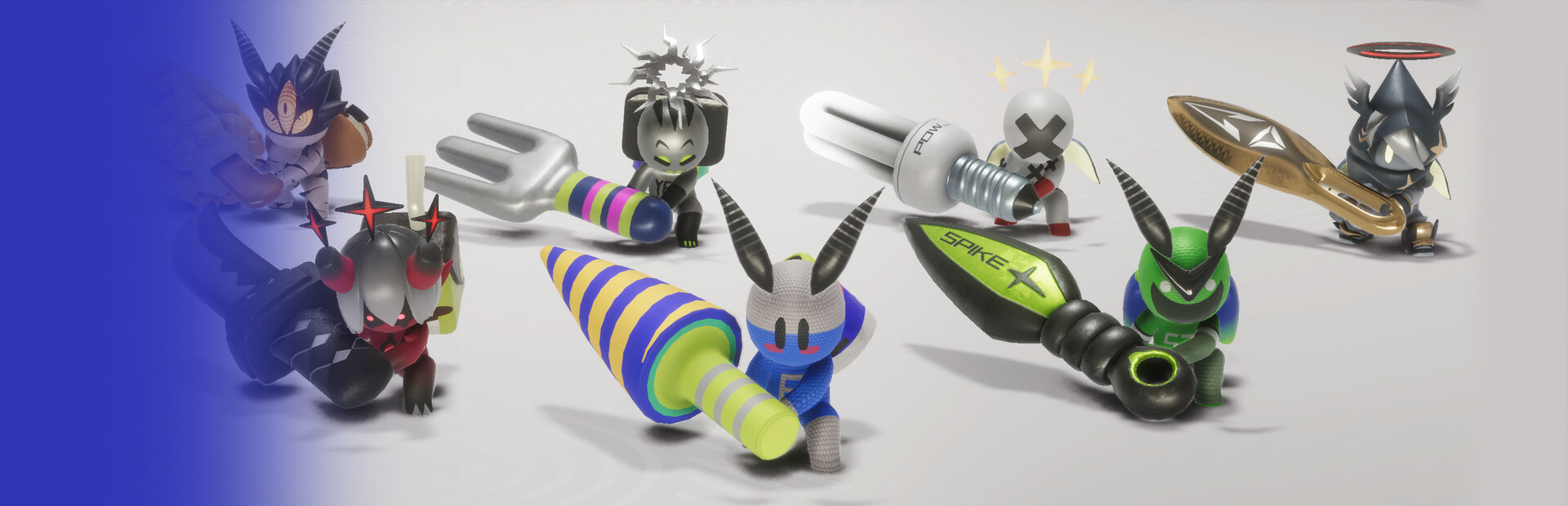
Physics engine-powered trendy toy figures, automatic battles, customizable moves, bring your friends and fight crickets together online!
Blending DIY, doll customization, trendy outfits, and intense combat elements!
Not only can you design personalized dolls, but you can also experience realistic physical collision effects in battle, sending your enemies flying.
Customize the move sets for each doll and become the champion of the arena.
Each meticulously prepared random box is a surprise!
Physics engine-powered trendy toy figures, automatic battles, customizable moves, bring your friends and fight crickets together online!
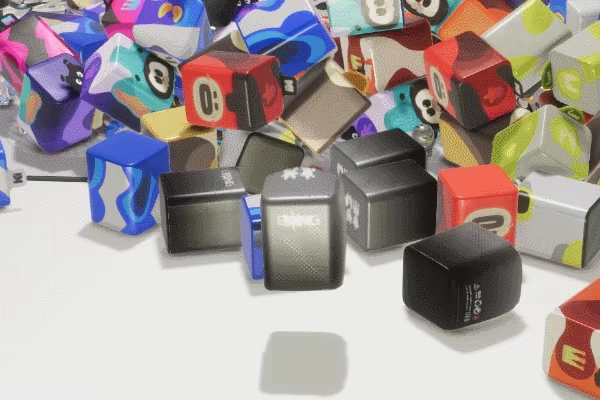
Surprise Blind Boxes
After earning a certain amount of points, you can open blind boxes to receive characters, weapons, and outfits, with a chance to get hidden variants.

Custom Outfits
Customize your favorite figures with different weapons, back accessories, and headpieces. Come and try it out!

Skill Chip Setup
Customize the order of moves with different types of skill chips. You can unleash amazing combos, control effects, and even pull off a comeback to finish off your opponent!


Rank Up
Earn points and battle points through combat. Once you reach a certain score, you can rank up, with the highest level being TOP.

Random Attribute Refresh
Characters and outfits with different rarity levels have a chance to refresh their attributes, with a probability of unlocking the strongest attributes!

POSE Machine
Choose a cool or cute pose for your favorite figure!

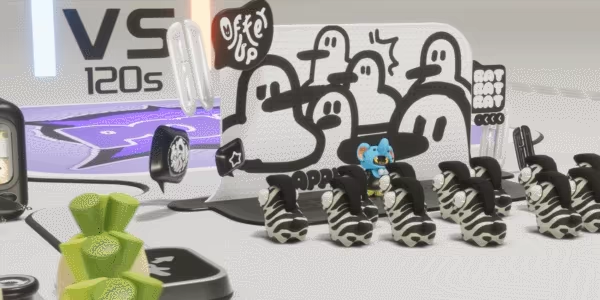
Figure Showcase
The game provides various display stands. You can place your customized or posed figures on them and create your own little figure world in the game.

From the store page, unedited. May contain spoilers.
This release
Reviews and playtime
Very Positive
80% of 865
The game
Genres and features
How to install Flash Doll
Pre-installed, so there is no setup wizard. Follow these in order.
- 01
Create a games folder
Make a folder like C:\Games\ and keep every game in it. Avoid Program Files, Downloads and the Desktop.
- 02
Exclude it from Windows Defender
Defender often deletes cracked files by mistake while they extract. Add C:\Games\ as an excluded folder:
Windows Security -> Virus & threat protection -> Manage settings -> Exclusions -> Add an exclusion -> Folder
- 03
Download into C:\Games\
Save the archive straight into that folder. This release is one 1.7 GB file.
- 04
Extract it there
Use 7-Zip or WinRAR. Keep about 3.7 GB free while it unpacks.
- One file
- Right-click it -> Extract here.
- Several parts
- Extract only part1 (or .001). The other parts are read automatically.
- 05
Open README.html
It is inside the extracted folder and explains how to start the game.
Still stuck? Read the install help
Download
Set up your games folder and the Defender exclusion before you extract. The Install tab has the steps.
FileDitch
The whole game in one file
FileQ
The whole game in one file
Pixeldrain
The whole game in one file
Pixeldrain slows free downloads to a few MB/s. The Copy fast link button gives you a bypass link with no speed limit. Paste it into your download manager, or into your browser's address bar.
We don't accept fix requests when only one host is down. Please use another mirror above. Links broken? Let us know.
We never password-protect files or hide installers. If a page asks for a password or payment, that is the host's ad, not us. See our safety guide.