
Gatekeeper
Gravity Lagoon2025Roguelike, Shoot 'em up
2.3 GBBuild 23057178Updated 202 days ago
About Gatekeeper
Gatekeeper is a fast-paced rogue-like. Go on a quest to chase down Chaos and reclaim the stolen Heart of Time, fighting your way through relentless enemy forces. Play solo or in 4-player co-op and become the next Gatekeeper!
Follow Our Socials

About the Game
The Heart of Time has been stolen by Chaos’s most powerful minions.
You must follow its trail, reach the Throne Room, and face Chaos in battle. But the path won’t be easy: before the final showdown, you’ll have to defeat Chaos’s elite Sirens and the endless legions under their command. Experience sharp, unexpected thrills in this action rogue-lite!
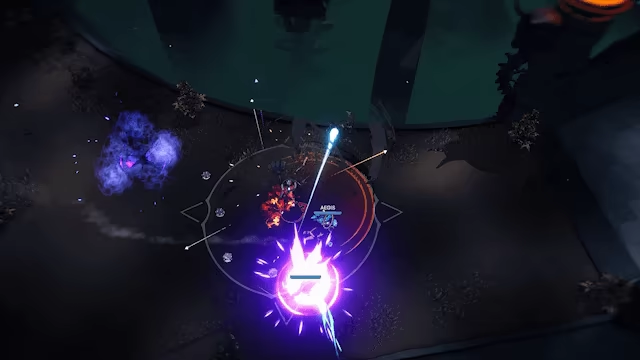
Choose Your Gatekeeper
9 playable characters, each with unique skills to match your playstyle.

Team Up with Friends
Invite your friends to join you on this epic power-fantasy adventure!
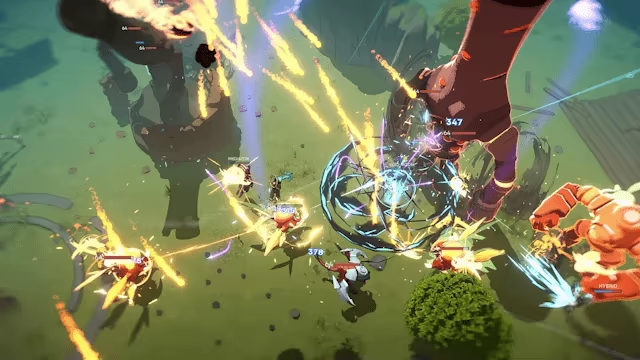
Endless Combinations
Gain experience to fully unlock each Gatekeeper’s potential and combine their abilities with powerful artifact effects. 
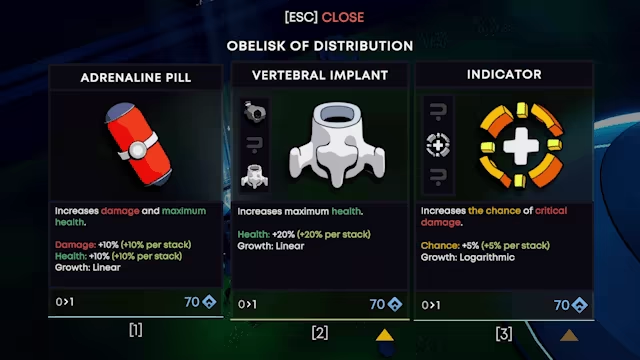
Find and Collect 100+ Power-Ups
Over a hundred unique artifacts with game-changing effects. Combine them into Triads and endlessly grow your combat power.
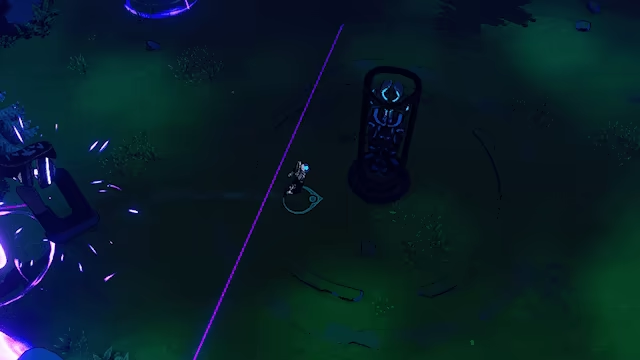
Unique Objectives
Each location features one of four mission types — complete it to summon a Siren for an epic battle.
Unique Biomes
5 distinct planets, each packed with diverse enemies and powerful bosses to defeat!
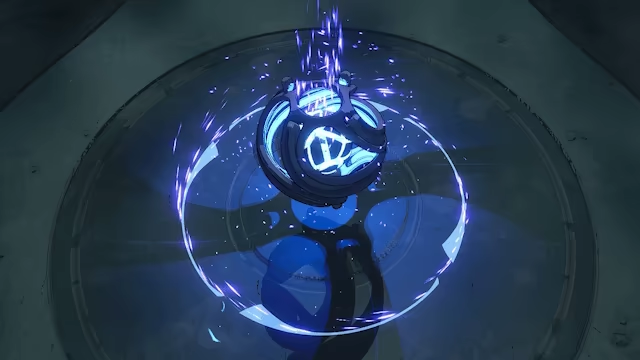
From the store page, unedited. May contain spoilers.
This release
Reviews and playtime
Very Positive
82% of 2,747
The game
Genres and features
RoguelikeShoot 'em upIndieAdventureAction
How to install Gatekeeper
Pre-installed, so there is no setup wizard. Follow these in order.
- 01
Create a games folder
Make a folder like C:\Games\ and keep every game in it. Avoid Program Files, Downloads and the Desktop.
- 02
Exclude it from Windows Defender
Defender often deletes cracked files by mistake while they extract. Add C:\Games\ as an excluded folder:
Windows Security -> Virus & threat protection -> Manage settings -> Exclusions -> Add an exclusion -> Folder
- 03
Download into C:\Games\
Save the archive straight into that folder. This release is one 2.3 GB file.
- 04
Extract it there
Use 7-Zip or WinRAR. Keep about 5.0 GB free while it unpacks.
- One file
- Right-click it -> Extract here.
- Several parts
- Extract only part1 (or .001). The other parts are read automatically.
- 05
Open README.html
It is inside the extracted folder and explains how to start the game.
Still stuck? Read the install help
Download
Set up your games folder and the Defender exclusion before you extract. The Install tab has the steps.
VikingFile
The whole game in one file
FileQ
The whole game in one file
Pixeldrain
The whole game in one file
Pixeldrain slows free downloads to a few MB/s. The Copy fast link button gives you a bypass link with no speed limit. Paste it into your download manager, or into your browser's address bar.
Gofile (legacy)
The whole game in one file
We don't accept fix requests when only one host is down. Please use another mirror above. Links broken? Let us know.
We never password-protect files or hide installers. If a page asks for a password or payment, that is the host's ad, not us. See our safety guide.
System requirements
- Min
- Intel Core i3-6100
- Rec
- Intel Core i5-9100
- Min
- 4 GB RAM
- Rec
- 8 GB RAM
- Min
- Geforce GTX 750
- Rec
- Geforce GTX 1060
Windows 7 or above
Version 11
2 GB available space
These are the developer's listed requirements and may not be 100% accurate. If your specs fall below the minimum, try the game anyway; many games run fine below the listed requirements. When in doubt, check YouTube for performance benchmarks.