Gearbits
Quackpond Games2023Action, Shooter
516.7 MBBuild 20019809Updated 115 days ago
About Gearbits
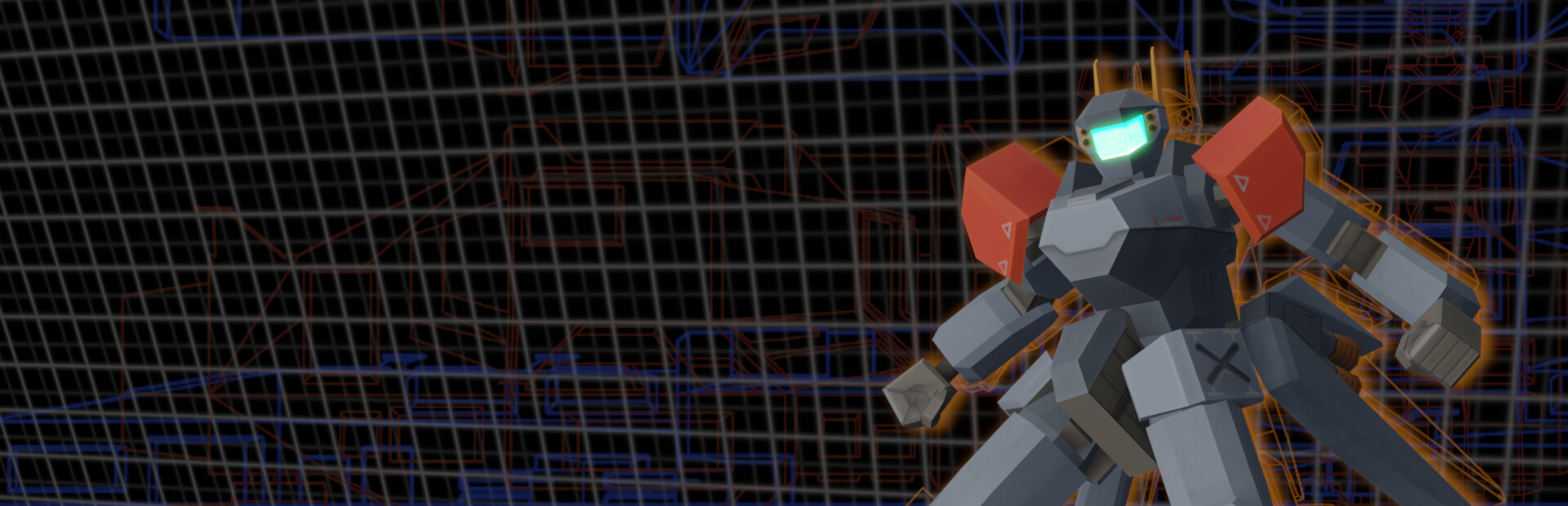
Fast-paced mecha themed third person shooter.
Fast-paced single player experience.
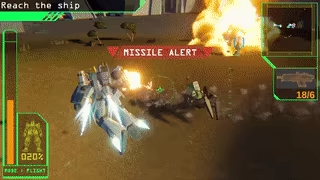
Your robot has rocket thrusters that allow you to fly across the battlefield and rain fire on the enemy. But watch that you don’t overheat! You’ll be an easy target on the ground.
20 Mission story campaign.
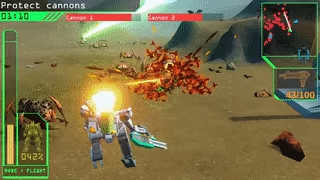
The story campaign places you into the far future, on a distant colony world. Enemy pilots and swarms of giant insects stand in your way, as you try to complete the various objectives along the story campaign that spans 20 missions.
10 Unique giant robots to unlock and play as.

The game contains 10 units, each with their own strengths and weaknesses. Select a machine with outstanding firepower or run circles around the enemy with your superior manoeuvrability.
Large weapon selection.

Over 30 unique weapons to choose from. Equip a missile launcher, a rail gun or a massive beam cannon. You can build a game breaking winning combo, or set up a gimmicky loadout for a challenge run.
Wave survival mode.

In wave survival mode, you can face off against escalating hordes of enemies. Earn credits by defeating enemies and then spend them to gain weapons and equipment to help you survive the next wave.
From the store page, unedited. May contain spoilers.
This release
Reviews and playtime
Very Positive
96% of 449
The game
Genres and features
How to install Gearbits
Pre-installed, so there is no setup wizard. Follow these in order.
- 01
Create a games folder
Make a folder like C:\Games\ and keep every game in it. Avoid Program Files, Downloads and the Desktop.
- 02
Exclude it from Windows Defender
Defender often deletes cracked files by mistake while they extract. Add C:\Games\ as an excluded folder:
Windows Security -> Virus & threat protection -> Manage settings -> Exclusions -> Add an exclusion -> Folder
- 03
Download into C:\Games\
Save the archive straight into that folder. This release is one 516.7 MB file.
- 04
Extract it there
Use 7-Zip or WinRAR. Keep about 1.1 GB free while it unpacks.
- One file
- Right-click it -> Extract here.
- Several parts
- Extract only part1 (or .001). The other parts are read automatically.
- 05
Open README.html
It is inside the extracted folder and explains how to start the game.
Still stuck? Read the install help
Download
Set up your games folder and the Defender exclusion before you extract. The Install tab has the steps.
FileDitch
The whole game in one file
FileQ
The whole game in one file
Pixeldrain
The whole game in one file
Pixeldrain slows free downloads to a few MB/s. The Copy fast link button gives you a bypass link with no speed limit. Paste it into your download manager, or into your browser's address bar.
We don't accept fix requests when only one host is down. Please use another mirror above. Links broken? Let us know.
We never password-protect files or hide installers. If a page asks for a password or payment, that is the host's ad, not us. See our safety guide.
System requirements
1600 MB available space
These are the developer's listed requirements and may not be 100% accurate. If your specs fall below the minimum, try the game anyway; many games run fine below the listed requirements. When in doubt, check YouTube for performance benchmarks.