Geist Heist
Out of Orbit2026Casual, Puzzle
1.2GBBuild 23147496Updated 11 days ago
About Geist Heist
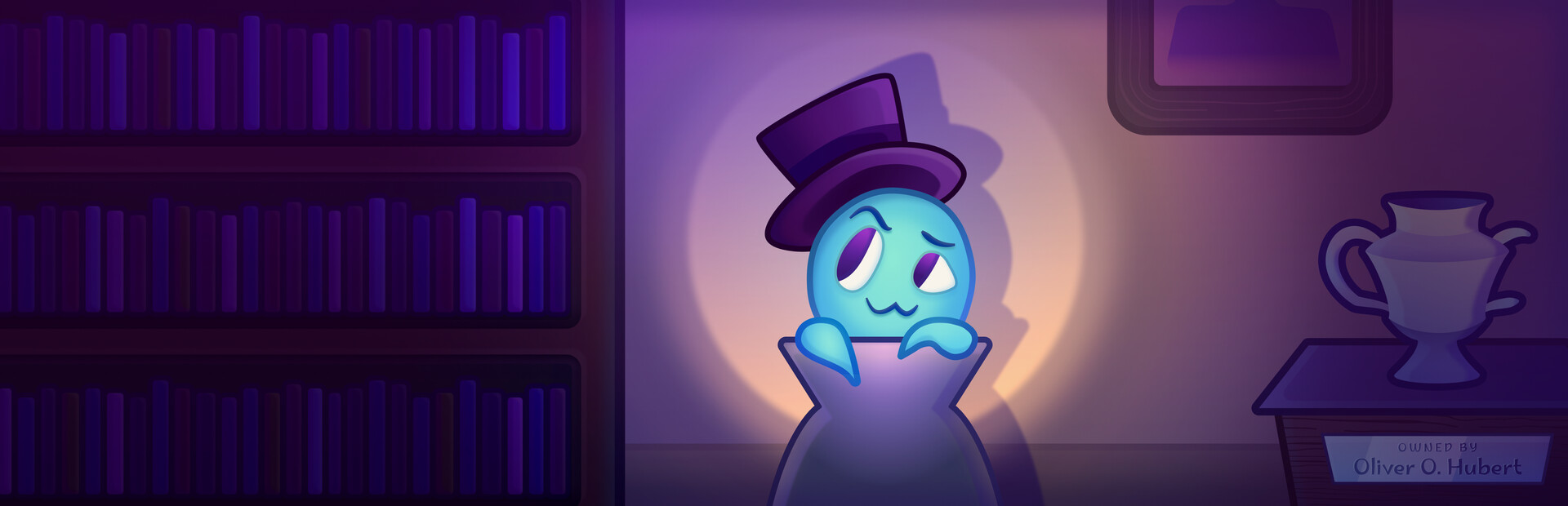
Geist Heist is a single-player, stealth, puzzle game in which the player must use their wits, creativity, and ghostly powers to enter museum exhibits, sneak past security guards, and reclaim their tethers.
After the eccentric collector Oliver O. Hubert met his unexpected end, all he could ask for in his afterlife was to rest peacefully with his esteemed collection of wares... Yet a new museum is opening in his old mansion, featuring all of his things! There's no way Ollie will let such insolence continue. It's time to take back what's rightfully his! Let the Geist Heist begin!
Master your Ghostly Powers:
Possess various objects around the museum
Utilize the objects to sneak past guards
Remain unseen by the security staff
Use your wits and creativity to evade their grasps
Carefully time puzzles and interactions to avoid being caught
Enter the Museum:
Explore the newly renovated museum that you once called home
Make your way through the wings of the museum
Discover the library, kitchen, and bedroom exhibits
Listen to the Intercom and Oliver O. Hubert's colorful commentary
Once a Collector, Always a Collector:
Obtain your most prized possessions at the end of each wing
Hide your treasures inside a massive globe
Find wearable hats throughout the wings
Complete additional challenges to obtain more stylish options
Escape the museum with everything you've collected
Using your powers of possession, travel through the wings of the museum one by one, collecting a special belonging at the end of each one. And remember: don't get caught!
From the store page, unedited. May contain spoilers.
This release
Reviews and playtime
Positive
95% of 20
The game
Genres and features
How to install Geist Heist
Pre-installed, so there is no setup wizard. Follow these in order.
- 01
Create a games folder
Make a folder like C:\Games\ and keep every game in it. Avoid Program Files, Downloads and the Desktop.
- 02
Exclude it from Windows Defender
Defender often deletes cracked files by mistake while they extract. Add C:\Games\ as an excluded folder:
Windows Security -> Virus & threat protection -> Manage settings -> Exclusions -> Add an exclusion -> Folder
- 03
Download into C:\Games\
Save the archive straight into that folder. This release is one 1.2GB file.
- 04
Extract it there
Use 7-Zip or WinRAR. Keep about 2.6 GB free while it unpacks.
- One file
- Right-click it -> Extract here.
- Several parts
- Extract only part1 (or .001). The other parts are read automatically.
- 05
Open README.html
It is inside the extracted folder and explains how to start the game.
Still stuck? Read the install help
Download
Set up your games folder and the Defender exclusion before you extract. The Install tab has the steps.
FilesYard
The whole game in one file
FileDitch
The whole game in one file
VikingFile
The whole game in one file
We don't accept fix requests when only one host is down. Please use another mirror above. Links broken? Let us know.
We never password-protect files or hide installers. If a page asks for a password or payment, that is the host's ad, not us. See our safety guide.
System requirements
Windows 11
AMD Ryzen 3 3100
8 GB RAM
These are the developer's listed requirements and may not be 100% accurate. If your specs fall below the minimum, try the game anyway; many games run fine below the listed requirements. When in doubt, check YouTube for performance benchmarks.