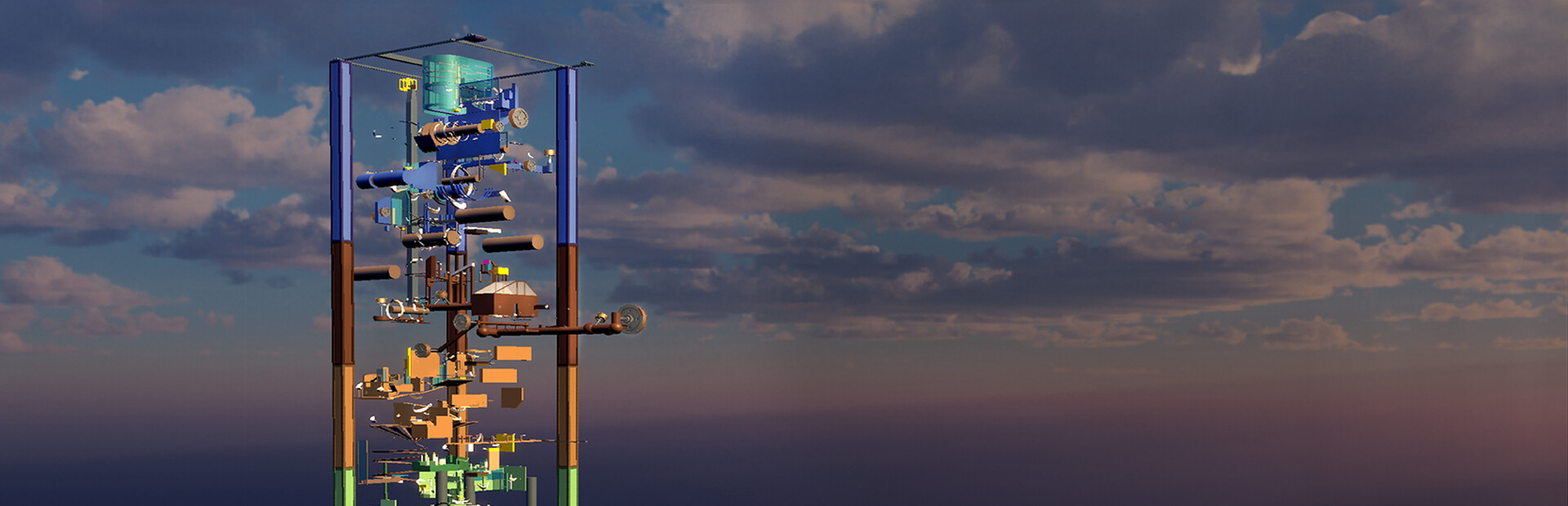
Get To Work
Isto Inc.2024Adventure, Platformer
1.9 GBBuild 21610838Updated 174 days ago
About Get To Work
You are poor and bald. Get to Work.
This story is a metaphor for climbing the corporate ladder.
Get To Work is a punishing, yet satisfying experience about a young man on a mission to conquer the corporate world... on rollerblades. Maneuver a slippery character with rollerblades on both his arms and feet that only knows how to move fast.
With your narrator, Connor 'CDawgVA' Colquhoun, to encourage you on your climb to the top, navigate through massive gaps, ramps, jumps, and other devious obstacles trying to bring you down.

And you may be thinking that the rollerblades are a little goofy, but at least we have....
Comedy at its... saddest? A fully narrated, satirical story about trying to survive in today's economy.
Shmooovement: A challenging, but deeply satisfying movement system that rewards you for going fast.
Podcast Pickups: Grab collectible audio clips from "The Grindset", a self help podcast voiced by all of your favorite streamers - Atrioc, Ludwig, DougDoug, PointCrow and more!
Speedrun Support: A built in speedrun timer so you don't have to manually track your splits.
A "Give Up" Button: Unlike your real 9-5 job, you get a "give up" button that you can press at anytime!
Just remember that everyone struggles to climb the corporate ladder, so try not to get too discouraged.

Good luck!
From the store page, unedited. May contain spoilers.
This release
Reviews and playtime
Very Positive
88% of 3,581
The game
Genres and features
How to install Get To Work
Pre-installed, so there is no setup wizard. Follow these in order.
- 01
Create a games folder
Make a folder like C:\Games\ and keep every game in it. Avoid Program Files, Downloads and the Desktop.
- 02
Exclude it from Windows Defender
Defender often deletes cracked files by mistake while they extract. Add C:\Games\ as an excluded folder:
Windows Security -> Virus & threat protection -> Manage settings -> Exclusions -> Add an exclusion -> Folder
- 03
Download into C:\Games\
Save the archive straight into that folder. This release is one 1.9 GB file.
- 04
Extract it there
Use 7-Zip or WinRAR. Keep about 4.3 GB free while it unpacks.
- One file
- Right-click it -> Extract here.
- Several parts
- Extract only part1 (or .001). The other parts are read automatically.
- 05
Open README.html
It is inside the extracted folder and explains how to start the game.
Still stuck? Read the install help
Download
Set up your games folder and the Defender exclusion before you extract. The Install tab has the steps.
FileDitch
The whole game in one file
FileQ
The whole game in one file
Gofile (legacy)
The whole game in one file
We don't accept fix requests when only one host is down. Please use another mirror above. Links broken? Let us know.
We never password-protect files or hide installers. If a page asks for a password or payment, that is the host's ad, not us. See our safety guide.
System requirements
- Min
- Intel Core i5-8250u
- Rec
- Intel Core i5 10400 3.1 GHz or AMD Ryzen 5 2600x 3.1 GHz
- Min
- 8 GB RAM
- Rec
- 16 GB RAM
- Min
- NVIDIA GeForce GTX 1650 or equivalent
- Rec
- NVIDIA GeForce RTX 2080 or equivalent
Windows 10/11
5 GB available space
These are the developer's listed requirements and may not be 100% accurate. If your specs fall below the minimum, try the game anyway; many games run fine below the listed requirements. When in doubt, check YouTube for performance benchmarks.