Golf It!
Perfuse Entertainment2023Sports, Casual
6.3GBBuild 25605305Updated 59 days ago
About Golf It!
Embark on an exciting journey with Golf It! Seize your putter, rally your friends, and immerse yourself in an epic minigolf adventure. Conquer countless courses, create lasting memories, and refine your skills to emerge as the ultimate minigolf champion. Your thrilling golfing odyssey begins here!

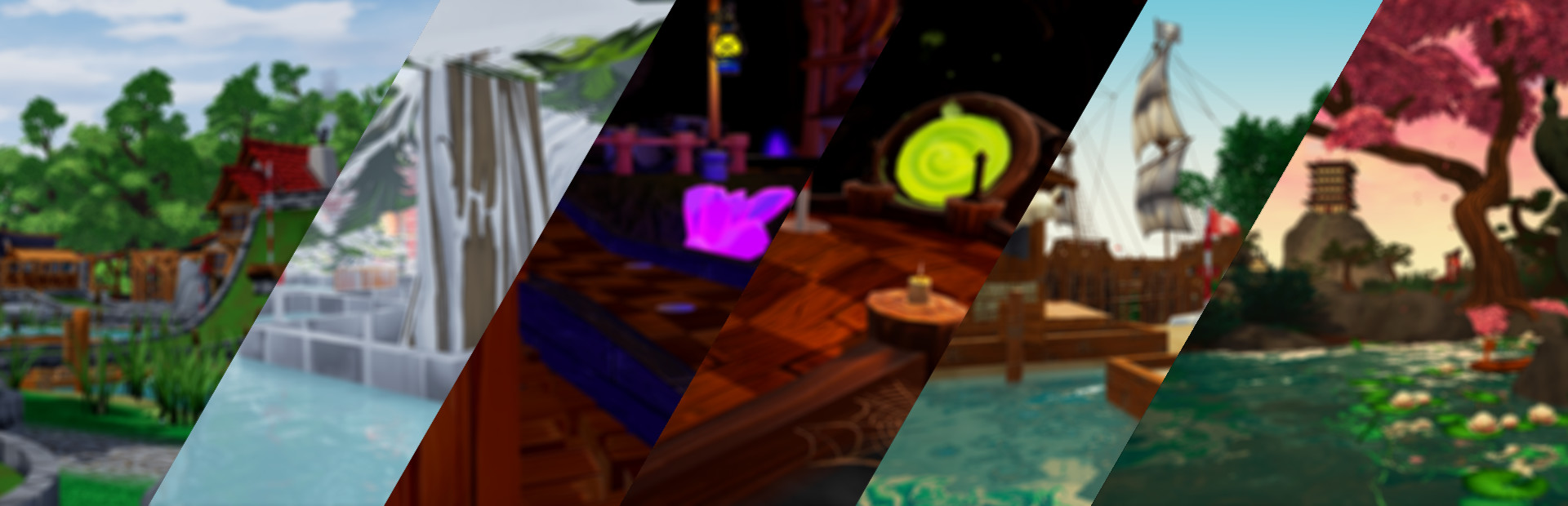
Explore eight official courses, each one designed with a unique theme, challenging holes, and all-new mechanics. Want to take your game to the next level? Thousands of community-made courses, created with incredible creativity, are available in our workshop.

A detailed level editor gives you everything you need to express and share your creativity. With thousands of unique objects, a dynamic landscape, and complex event systems, the possibilities are endless. Still missing something? Let us know. We'll be happy to implement even more features for you.

As the seasons change, so do our leaderboards - and with each reset, you'll be rewarded with exclusive gear based on your ranking. Whether you play solo, team up with friends, join a close-knit group, or immerse yourself in a 30+ player gathering, the golfing fun never stops.

From the store page, unedited. May contain spoilers.
This release
Reviews and playtime
Very Positive
90% of 24,823
The game
Genres and features
How to install Golf It!
Pre-installed, so there is no setup wizard. Follow these in order.
- 01
Create a games folder
Make a folder like C:\Games\ and keep every game in it. Avoid Program Files, Downloads and the Desktop.
- 02
Exclude it from Windows Defender
Defender often deletes cracked files by mistake while they extract. Add C:\Games\ as an excluded folder:
Windows Security -> Virus & threat protection -> Manage settings -> Exclusions -> Add an exclusion -> Folder
- 03
Download into C:\Games\
Save the archive straight into that folder. This release is one 6.3GB file.
- 04
Extract it there
Use 7-Zip or WinRAR. Keep about 13.9 GB free while it unpacks.
- One file
- Right-click it -> Extract here.
- Several parts
- Extract only part1 (or .001). The other parts are read automatically.
- 05
Open README.html
It is inside the extracted folder and explains how to start the game.
Still stuck? Read the install help
Download
Set up your games folder and the Defender exclusion before you extract. The Install tab has the steps.
FileDitch
The whole game in one file
VikingFile
The whole game in one file
0807
The whole game in one file
Gofile (legacy)
The whole game in one file
We don't accept fix requests when only one host is down. Please use another mirror above. Links broken? Let us know.
We never password-protect files or hide installers. If a page asks for a password or payment, that is the host's ad, not us. See our safety guide.
System requirements
- Min
- Windows 7 or higher (64-bit)
- Rec
- Windows 10 (64-bit)
- Min
- 2 GHz Processor or better
- Rec
- 4 GHz Processor or better
- Min
- 4 GB RAM
- Rec
- 8 GB RAM
- Min
- 1024 MB
- Rec
- Nvidia 780 GTX or better
- Min
- Version 10
- Rec
- Version 11
- Min
- -
- Rec
- Broadband Internet connection
20 GB available space
These are the developer's listed requirements and may not be 100% accurate. If your specs fall below the minimum, try the game anyway; many games run fine below the listed requirements. When in doubt, check YouTube for performance benchmarks.