
Lazy Bear Games2026Sandbox, Casual
1.9GBBuild 26734308Updated 2 hours ago
About Graveyard Keeper 2
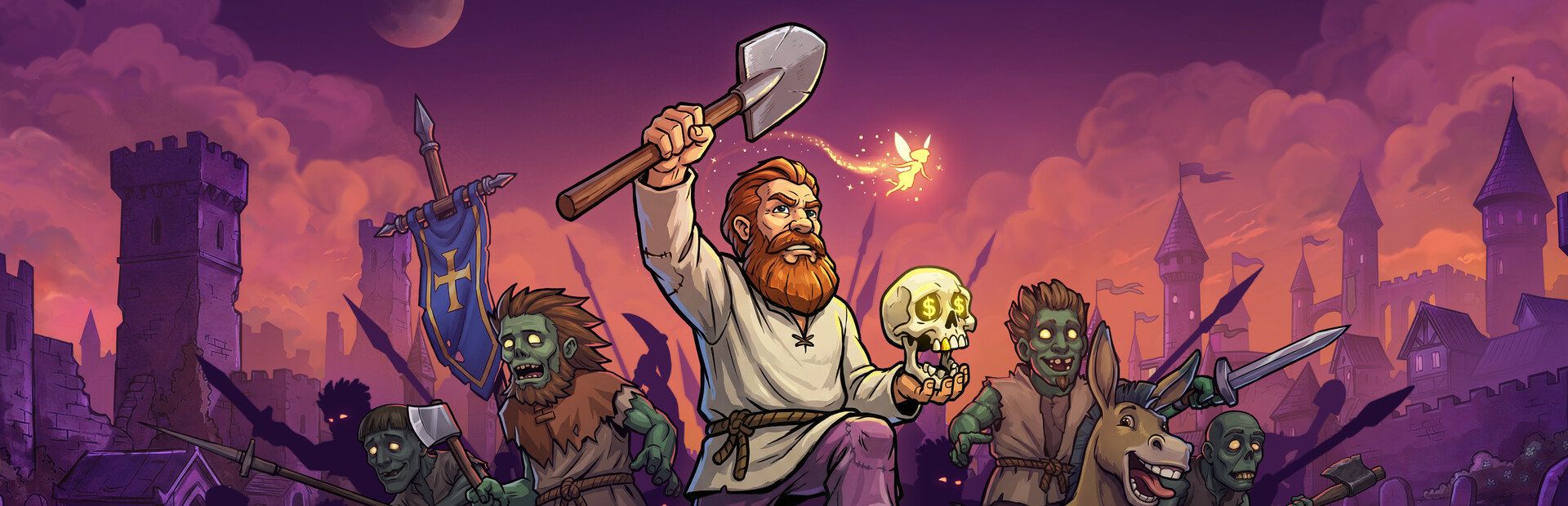
The most inaccurate medieval cemetery sim is back! Restore The Town, manage the graveyard, automate production, lead your undead army into battle and turn the zombie problem into a thriving business! Graveyard Keeper 2 is the grotesque sequel that's deeper than six feet, and more unhinged than ever!
You are the Grand Inquisitor now! Restore the Town and lead your undead army into battle to save the realm from a zombie apocalypse. Welcome to Graveyard Keeper 2 - the sequel to the original, unhinged classic!
Manage your own medieval graveyard
Automate your production like never before
Lead your zombie army into battle and fortify the Town against the undead
Rebuild The Town and milk its residents for maximum profits
A world full of unhinged humour, grotesque characters and a twisted story


Build and manage your own medieval graveyard. Harvest as much flora, fauna, and human remains as you can to build extraordinary machinery, automate production, and expand your graveyard for pure profit.

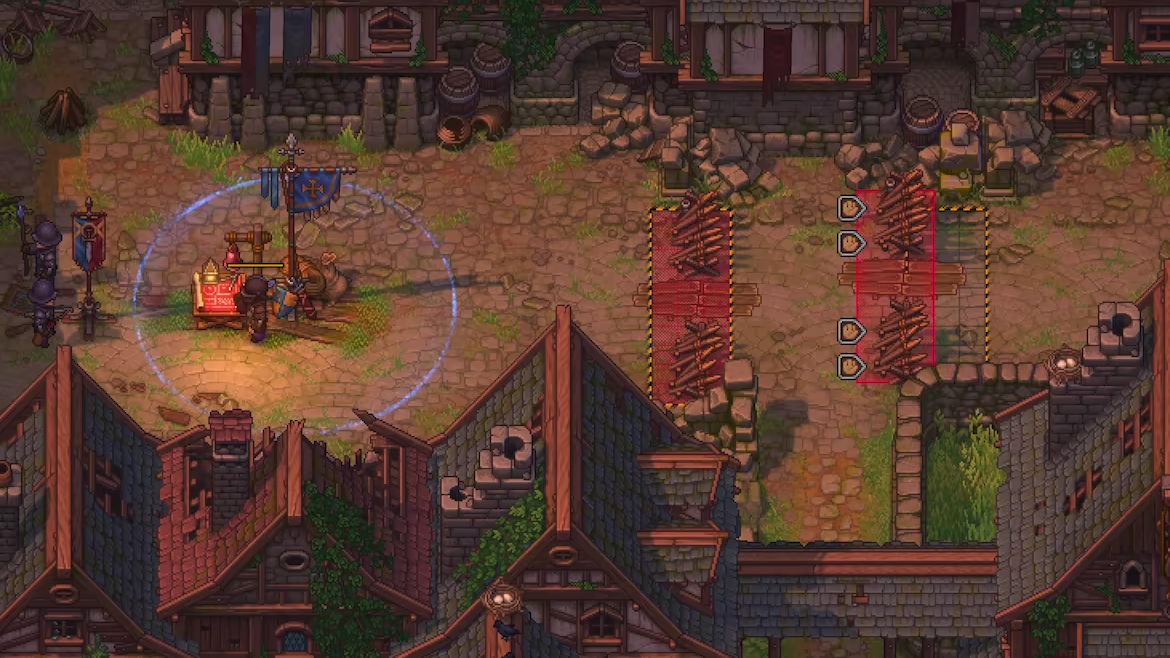
Become the Inquisitor and lead your undead army into battle to save the Kingdom from a zombie apocalypse. Build towers and fortifications, craft powerful armour and weapons, arm and train your not-so-smart troops, and slash your way to victory!


Help the townsfolk restore their homes and turn their problems into revenue. Complete quests throughout the city, as your undead workers take care of the heavy lifting behind the scenes. With zombie-based automation and structured systems, you can transform local efforts into a scalable and profitable operation.
From the store page, unedited. May contain spoilers.
This release
Reviews and playtime
Mostly Positive
79% of 12,967
The game
Genres and features
How to install Graveyard Keeper 2
Pre-installed, so there is no setup wizard. Follow these in order.
- 01
Create a games folder
Make a folder like C:\Games\ and keep every game in it. Avoid Program Files, Downloads and the Desktop.
- 02
Exclude it from Windows Defender
Defender often deletes cracked files by mistake while they extract. Add C:\Games\ as an excluded folder:
Windows Security -> Virus & threat protection -> Manage settings -> Exclusions -> Add an exclusion -> Folder
- 03
Download into C:\Games\
Save the archive straight into that folder. This release is one 1.9GB file.
- 04
Extract it there
Use 7-Zip or WinRAR. Keep about 4.2 GB free while it unpacks.
- One file
- Right-click it -> Extract here.
- Several parts
- Extract only part1 (or .001). The other parts are read automatically.
- 05
Open README.html
It is inside the extracted folder and explains how to start the game.
Still stuck? Read the install help
Download
Set up your games folder and the Defender exclusion before you extract. The Install tab has the steps.
FilesYard
The whole game in one file
VikingFile
The whole game in one file
We don't accept fix requests when only one host is down. Please use another mirror above. Links broken? Let us know.
We never password-protect files or hide installers. If a page asks for a password or payment, that is the host's ad, not us. See our safety guide.
System requirements
- Min
- Intel Core i3 (13 gen) or similar
- Rec
- Intel Core i5 (13 gen) or similar
- Min
- 6 GB RAM
- Rec
- 8 GB RAM
- Min
- GeForce GTX 1650 or similar
- Rec
- GeForce RTX 3060 or similar
Windows 10 x64 or higher
Version 12
4 GB available space
These are the developer's listed requirements and may not be 100% accurate. If your specs fall below the minimum, try the game anyway; many games run fine below the listed requirements. When in doubt, check YouTube for performance benchmarks.