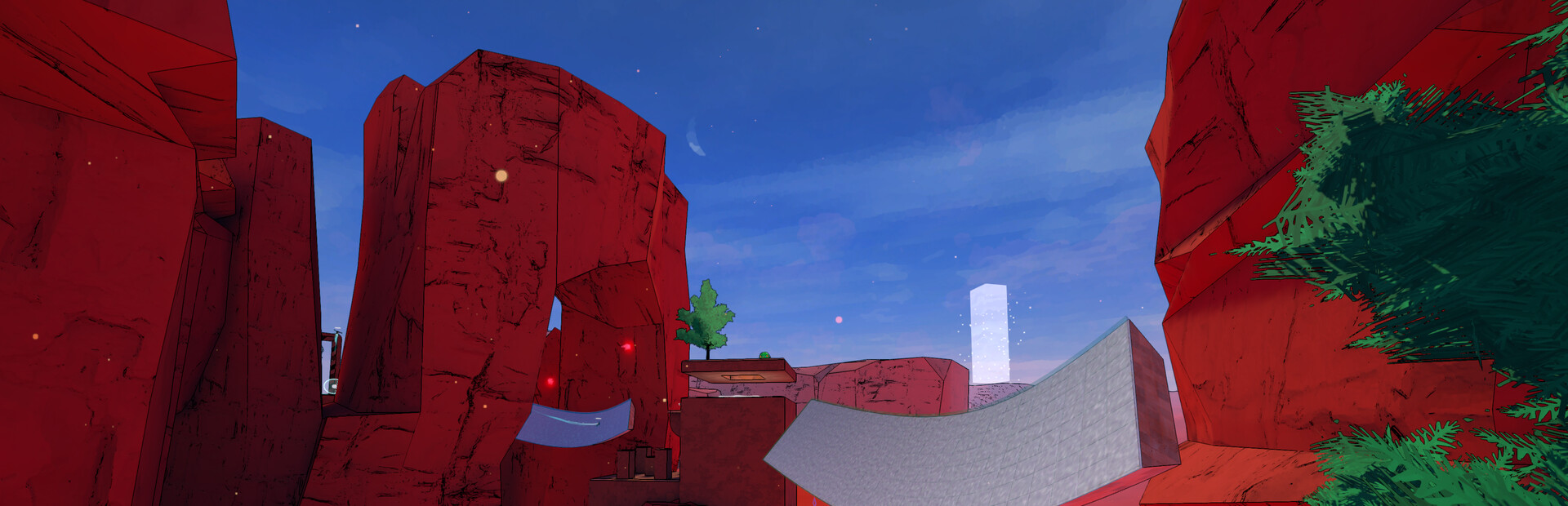
Hoverflow
Simon In Motion2026Action, Adventure
1.5 GBBuild 21985099Updated 148 days ago
About Hoverflow
You have been snatched from your world to take part in a challenging Pilgrimage that very few have completed.. Surf, jump, climb and keep your flow while finding secrets and beating time trials! Go on Pilgrim, I have faith in you.


Inspired from the famous mod from Counter Strike, surf on all kinds of ramps ! Intuitive tutorials will help you learn and master this unique mechanic and cool audio design makes it even more fun !


Jump, double jump, and even bunny hops if you have enough speed ! Use them all and chose wisely your timing to keep your flow !


Take the time to enjoy beautiful watercolor textures and a mysterious atmosphere alongside a peaceful 35 minutes long soundtrack. Don't forget to explore the world to uncover secrets... be careful though, some might try to escape ! Hidden characters might reveal a thing or two about the world you live in as well...


Beat quickly the 30+ handcrafted levels to earn medals from Bronze to Gold... or even try to beat my time if you have what it takes ! Compare your times with your friends on leaderboards as well !
I am a solo dev that have been making games with passion for years, I hope you will enjoy Hoverflow, my first big project 🖤 Join the Discord if you have any question, I usually answer pretty quickly !
Simon.
From the store page, unedited. May contain spoilers.
This release
Reviews and playtime
Very Positive
93% of 158
The game
Genres and features
How to install Hoverflow
Pre-installed, so there is no setup wizard. Follow these in order.
- 01
Create a games folder
Make a folder like C:\Games\ and keep every game in it. Avoid Program Files, Downloads and the Desktop.
- 02
Exclude it from Windows Defender
Defender often deletes cracked files by mistake while they extract. Add C:\Games\ as an excluded folder:
Windows Security -> Virus & threat protection -> Manage settings -> Exclusions -> Add an exclusion -> Folder
- 03
Download into C:\Games\
Save the archive straight into that folder. This release is one 1.5 GB file.
- 04
Extract it there
Use 7-Zip or WinRAR. Keep about 3.3 GB free while it unpacks.
- One file
- Right-click it -> Extract here.
- Several parts
- Extract only part1 (or .001). The other parts are read automatically.
- 05
Open README.html
It is inside the extracted folder and explains how to start the game.
Still stuck? Read the install help
Download
Set up your games folder and the Defender exclusion before you extract. The Install tab has the steps.
FileDitch
The whole game in one file
FileQ
The whole game in one file
Pixeldrain
The whole game in one file
Pixeldrain slows free downloads to a few MB/s. The Copy fast link button gives you a bypass link with no speed limit. Paste it into your download manager, or into your browser's address bar.
We don't accept fix requests when only one host is down. Please use another mirror above. Links broken? Let us know.
We never password-protect files or hide installers. If a page asks for a password or payment, that is the host's ad, not us. See our safety guide.
System requirements
- Min
- Windows 10
- Rec
- Windows 11
- Min
- Intel Core 2 Duo E5200
- Rec
- Intel Core i5
- Min
- 4 GB RAM
- Rec
- 8 GB RAM
- Min
- GeForce 9800GTX+ (1GB)
- Rec
- GeForce GTX 560
- Min
- Version 10
- Rec
- Version 11
4 GB available space
1080p, 16:9 recommended
These are the developer's listed requirements and may not be 100% accurate. If your specs fall below the minimum, try the game anyway; many games run fine below the listed requirements. When in doubt, check YouTube for performance benchmarks.